Spintly

Integrating Third-Party Apps with the Spintly SDK and APIs: A Developer’s Guide

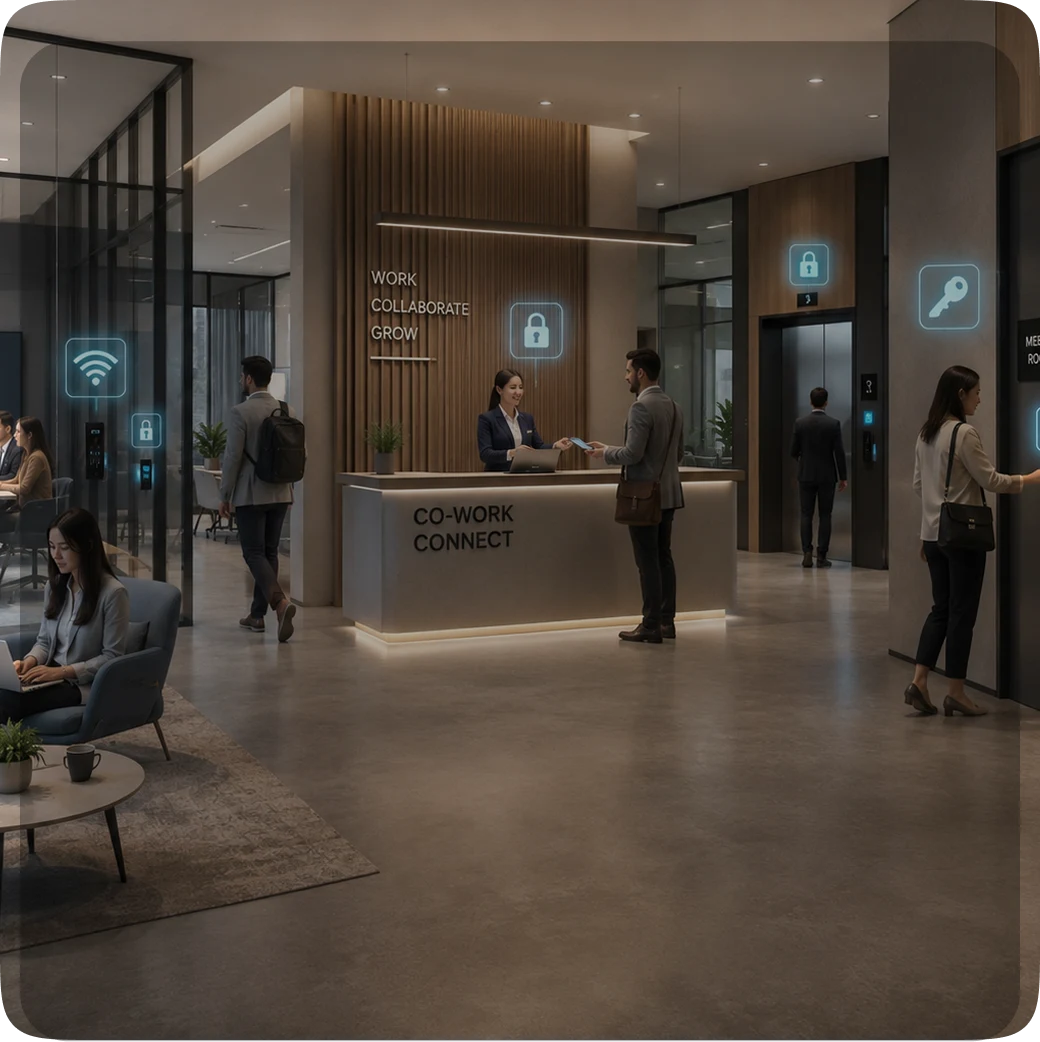
Many organizations today already use their own mobile applications such as workplace apps used by employees, co-working space apps used by members, residential community apps used by residents, hotel or hospitality apps used by guests to manage everyday services.

Now imagine if the same application could also be used to control who gets access to which doors in a building like allowing employees to unlock office entrances, residents to enter common areas, or guests to access their rooms using their phone.

However, enabling this kind of access control directly within an organization’s own application requires integration with an access control platform.

This is where Spintly comes in.

Instead of managing users separately on Spintly’s platform, organizations can integrate Spintly’s access control capabilities directly into their own applications using:

  • Spintly APIs
  • Spintly Mobile SDK

This allows them to manage users, door permissions, and access credentials from within their own software without needing to switch between multiple systems.

Spintly offers this capability through what is called Type 3 Integration. If you’d like to explore the full technical documentation, you can refer to the Type 3 Integration Guide

This blog will give you a simplified overview of how this integration works.
What is Type 3 Integration?

Type 3 Integration allows third-party applications to build their own access control workflows on top of Spintly’s Access Control as a Service (ACaaS) platform.

Instead of using Spintly’s dashboard to manage users and permissions, organizations can handle access control directly from within their own application.

With Type 3 Integration, developers can use Spintly’s APIs to:

  • Create users
  • Assign or remove door permissions
  • Manage access credentials
  • Enable mobile-based door access

This integration type focuses specifically on access control functionality and does not include additional features like visitor management or attendance tracking that are available in other integration types.

This makes Type 3 Integration suitable for organizations that want to:

  • Manage access from their own application
  • Maintain their own user database
  • Assign door permissions programmatically

How Does the Integration Work?

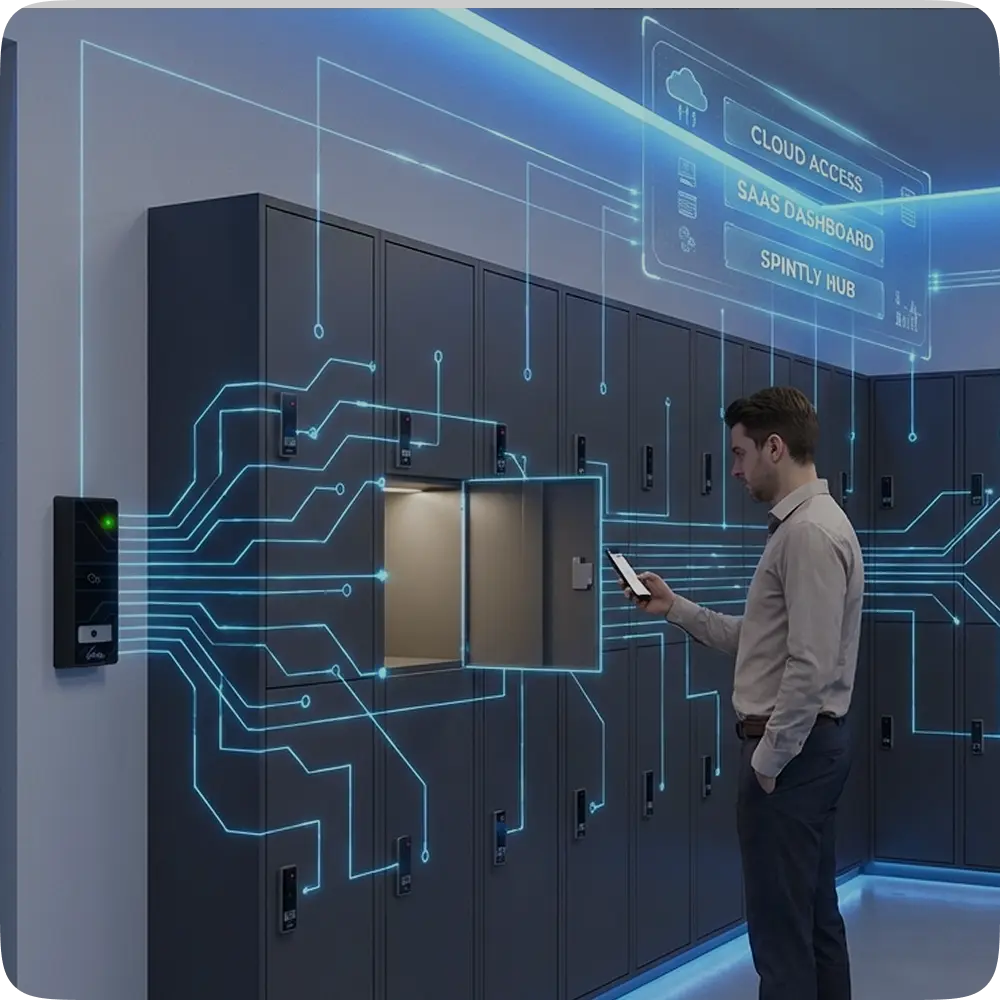
In a typical Type 3 Integration setup, a few key components work together to enable mobile-based door access through the organization’s own application.

These include:

  • Client Application: This is the mobile application used by employees, residents, or members where the Spintly SDK is integrated.
  • Client Backend (Cloud): The organization’s backend system communicates with Spintly’s cloud using APIs to manage users and assign door permissions.
  • Spintly SDK: This is integrated into the mobile app and allows users to interact with nearby Spintly readers for unlocking doors.
  • Spintly Cloud: This provides the APIs required to create users, manage credentials, and assign access permissions.
  • Spintly Readers: These are the physical devices installed at doors that allow authorized users to gain entry using their mobile app.

Once a user logs into the integrated mobile application, they can use their phone to tap on a Spintly reader or unlock the door through the app based on the access permissions assigned to them.

Why Both SDK and APIs Are Required

One common question during integration is: Can we integrate only using APIs or only using the SDK?

The answer is: both are required for the integration to work properly.

This is because the SDK and APIs handle different parts of the access control process.

  • APIs are used to manage access-related data.
    For example, they are used to create users in Spintly’s system and assign door permissions to them.
  • The Spintly SDK, on the other hand, is responsible for enabling actual door unlocking through the mobile app such as tap-to-access or click-to-access.

In simple terms:

  • APIs prepare who should have access
  • SDK enables how they use that access

So while APIs manage user and permission data in the background, the SDK allows the user to interact with Spintly readers and unlock doors using their phone.

Because of this, the SDK cannot be integrated as a standalone component, it works together with backend API integration to provide complete access control functionality.

Getting Started with Integration

Once an organization decides to integrate with Spintly:

  1. They sign up as a Spintly partner
  2. After onboarding, Spintly provides the following credentials:
    • Client ID
    • Client Secret

These credentials are used to authenticate your application (call the OAuth API) and securely communicate with Spintly’s platform.

Spintly uses the OAuth 2.0 Client Credential Flow for authorization. Using the Client ID and Client Secret, an access token is generated this token is then used to call other Spintly APIs.

Through these APIs, developers can:

  • Retrieve site information
  • Get access points (doors)
  • Create users (accessors)
  • Assign or remove door permissions
  • Assign mobile credentials
  • Delete users

Once a user is created and assigned access permissions through these APIs, the integrated mobile app (with the Spintly SDK) allows that user to unlock doors using features like tap-to-access or click-to-access.

SDK Integration in Mobile Apps

To enable mobile-based door access, the Spintly SDK needs to be integrated into the client’s mobile application.

Spintly provides two key SDK components for this:

  • OAuth SDK used to generate secure access tokens
  • Access Control SDK used to interact with Spintly readers and unlock doors

Once a user logs into the mobile application:

  1. The application receives the user’s JWT (JSON Web Token) after authentication through the client’s backend.
  2. This JWT is then passed to the Spintly OAuth SDK, which uses it to generate a Spintly-specific access token through the OAuth flow.
  3. The generated access token is passed to the Access Control SDK within the mobile app.

The Access Control SDK then uses this token to:

  • Verify the user’s access permissions
  • Discover nearby Spintly readers
  • Establish a secure Bluetooth connection
  • Enable unlocking of authorized doors

Based on the permissions assigned through backend APIs, users can unlock doors using features like:

  • Tap-to-access
  • Click-to-access

For the detailed SDK integration steps, you can refer to:
👉 Spintly Mobile SDK Documentation

What Happens After Integration?

Once both the SDK and API integration are successfully completed, organizations can manage access control directly from within their own application.

For example:

  • Users can be created through backend API calls
  • Door permissions can be assigned or updated programmatically
  • Mobile credentials can be linked to users
  • Authorized users can unlock doors using the integrated mobile app

This means access can now be managed without relying on separate dashboards or manual configurations.

Spintly also provides a sample application that helps developers understand how the SDK works within a real mobile app environment and how door unlocking functionality can be implemented after integration.

Putting It All Together

Type 3 Integration enables organizations to embed Spintly’s access control capabilities directly into their own applications without relying on separate dashboards or manual access management.

By combining:

  • Spintly APIs for managing users and permissions
  • Spintly SDK for enabling mobile-based door unlocking

developers can create a seamless access experience within their existing mobile platforms.

This allows organizations to manage user access, door permissions, and credentials from a single application, helping simplify access control across multiple users, locations, and entry points.

Secure Your Property Today.

Connect with a Spintly Expert within 24 hours.

Get in touch

Explore more blogs