

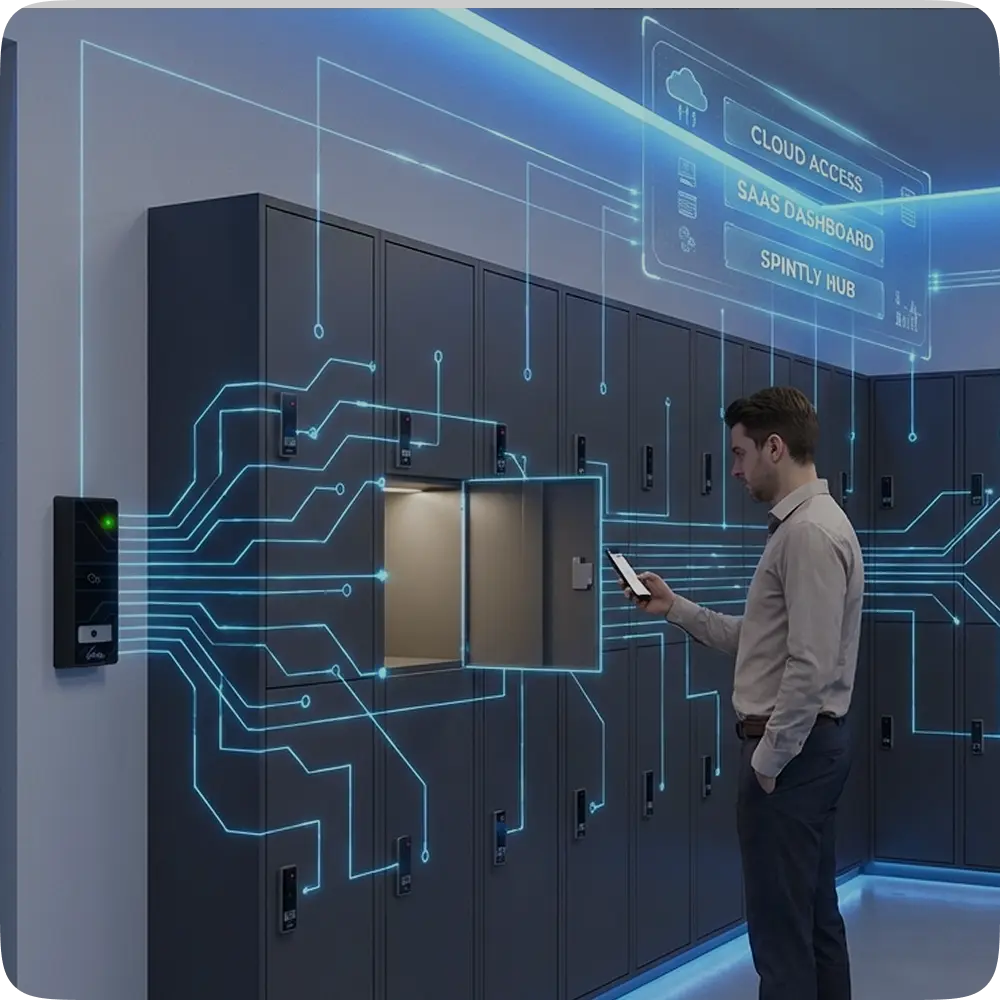
How OptiSpaces.ai Powers Smart Locker Systems with Multi-Credential Access
How OptiSpaces.ai Powers Smart Locker Systems with Multi-Credential Access 12 min reading timeUpdated on July 23,
12 min reading time
Updated on July 9, 2026
Share this article
When we talk about access control, most people think about doors, swiping a card or unlocking a gate. But entry is only the first step. Once someone is inside the building, the real question becomes: Where can they go next?
Let’s imagine a scenario where someone enters the building with valid access, then uses the elevator to reach a floor they weren’t supposed to access.
That’s the gap.
In modern buildings, elevators are not just a convenience, they act as internal gateways. If they’re not secured, your access control is only doing half the job.
That’s why OptiSpaces by Spintly extends access control beyond doors into secure, controlled movement across the entire building.
In OptiSpaces by Spintly, an elevator isn’t just treated as hardware, it’s treated exactly like a door, a fully controlled access point. But before any permissions or access rules come into play, there’s an important setup step behind the scenes.
Before admins can assign floor access, the elevator must be configured by a Partner:
This involves:
This setup connects:
This makes the elevator a fully controllable part of the access control system.
This is where the system gets a bit technical but also where the real control happens. Behind the scenes, the elevator doesn’t directly “understand” floors. Instead, it works through a mapping structure:
So in simple terms: Boards → Channels → Floors
If any of this mapping is incorrect, the system won’t behave as expected.
Now let’s look at how this works in real life, what actually happens when someone steps into an elevator.
This ensures every movement is authenticated and controlled. No tap means no access.
Currently, elevator access is card-based, but the system is designed to go beyond that. It’s built to support multiple credential types as buildings evolve, including:
What this means is, a single user identity can work seamlessly across doors, elevators, and other systems.
But here’s where it gets interesting: If User 2 taps before User 1 selects a floor
Then:
To regain access: User 1 simply needs to tap again after the system resets
This follows a simple rule: First-Access-First-Select. The system ensures:
In short, at any given moment, the elevator responds to one user’s access context.
Even though elevators rely on physical hardware, the actual control sits on the platform which means everything is centrally managed and updated in real time.
So when a user taps their credential:
Changes reflect instantly without manual intervention.
For the system to function correctly:
Currently If the devices go offline, the existing permitted users may still access the elevator and use it.
In a system like this, control alone isn’t enough, you also need complete visibility into what’s happening. That’s why every action in the system is recorded. Nothing is missed.
And most importantly: Logs are immutable, they cannot be modified or deleted
Because of this, the system is:
In simple terms, you’re maintaining a clear record of every action.
Elevators are one of those things most people don’t think twice about when it comes to security but that’s exactly where the problem starts.
Without proper control:
With OptiSpaces, this gap is closed.
Access control isn’t just about getting into a building anymore, it’s about how people move within it. What really matters is connecting everything together: who the user is, what they’re allowed to access, and how that translates into real-world movement.
That’s what OptiSpaces by Spintly does.
In a world where buildings are becoming smarter and more connected, access control needs to move beyond doors. It needs to follow the user throughout the entire space quietly, reliably, and without friction.
And that includes the elevator.
How OptiSpaces.ai Powers Smart Locker Systems with Multi-Credential Access 12 min reading timeUpdated on July 23,
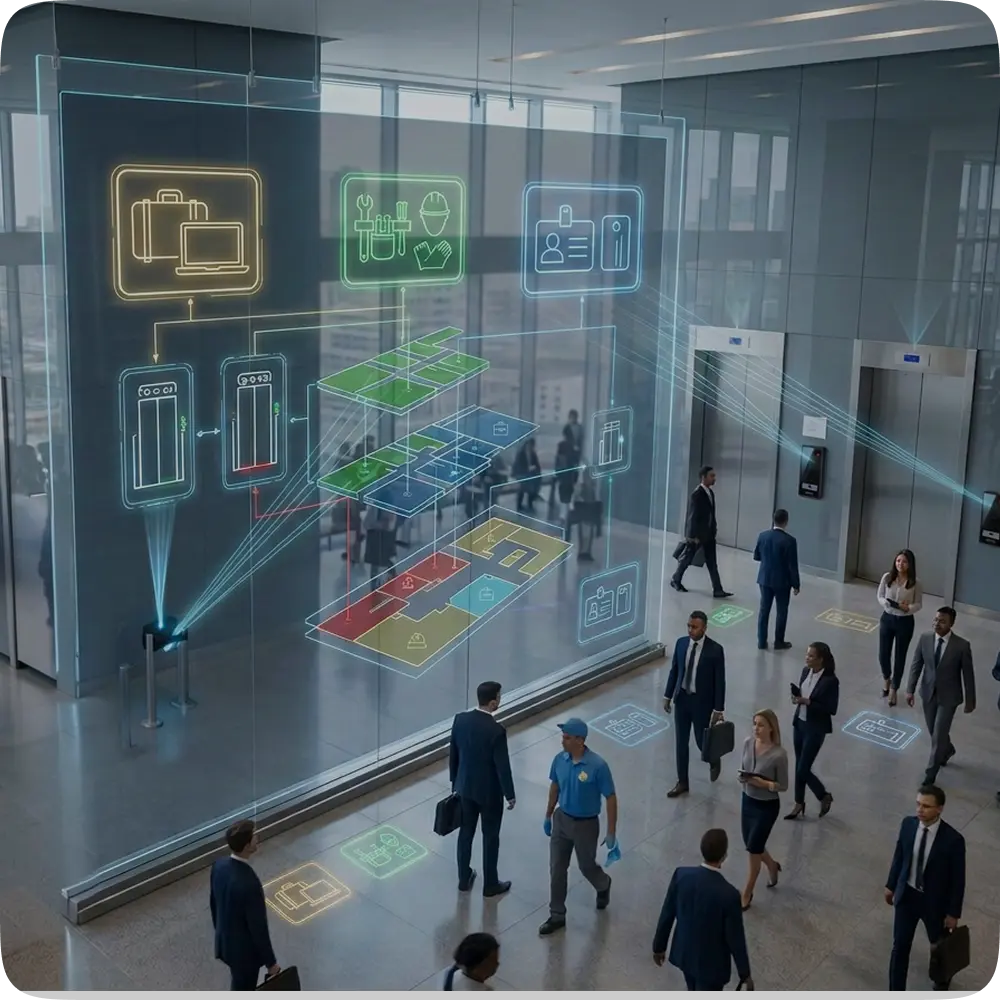
Designing Role-Based Elevator Access in Multi-Tenant Buildings with OptiSpaces.ai 12 min reading timeUpdated on July 23,
API-First Access Control: Why Openness Wins 7 min reading timeUpdated on July 9, 2026Share this article
Predictive Security: How AI Can Prevent Unauthorized Access 9 min reading timeUpdated on July 9, 2026Share
Smart Access Control in Commercial Real Estate 8 min reading timeUpdated on June 26, 2026Share this
Access Control in Manufacturing: Traceability and Compliance 10 min reading timeUpdated on June 26, 2026Share this
How Access Control Fits into the PropTech Ecosystem 8 min reading timeUpdated on June 26, 2026Share
How Co-Working Spaces Simplify Access with Wireless Systems 10 min reading timeUpdated on June 26, 2026Share
Upgrading to Wireless Access Control: A Guide for Commercial Buildings 10 min reading timeUpdated on June
Inside Spintly’s Credential Management Platform- Architecture, Flow, and Core Benefits 10 min reading timeUpdated on May