

Designing Role-Based Elevator Access in Multi-Tenant Buildings with OptiSpaces.ai
Designing Role-Based Elevator Access in Multi-Tenant Buildings with OptiSpaces.ai 12 min reading timeUpdated on July 23,
12 min reading time
Updated on July 23, 2026
Share this article
Think about the last time you used a locker.
Maybe at a gym, office, or co-working space. You probably just used a physical key or PIN and moved on without thinking much about it. How many times have you forgotten or lost your key ?
Now flip the perspective.
Imagine you’re the one managing those lockers.
This is where traditional locker systems start to fall short, especially in modern environments where users keep changing and access needs to be controlled, not assumed like earlier days.
And this is where OptiSpaces.ai steps in by turning lockers into smart, access-controlled systems that are connected, trackable, and easy to manage.
In OptiSpaces, lockers are not treated as standalone units. They’re brought into the same ecosystem as doors and elevators.
At a system level, lockers are configured as Access Points by a Partner.
They are set up using a Reader + Channel Extender configuration, where a locker reader connects to control boards and lockers are mapped through channels.
What this does is simple but powerful: It connects lockers to the same system that manages users, permissions, and access across the building.
This is where the actual control comes from. Each locker setup includes:
In simple terms, control flows from boards → channels → lockers.
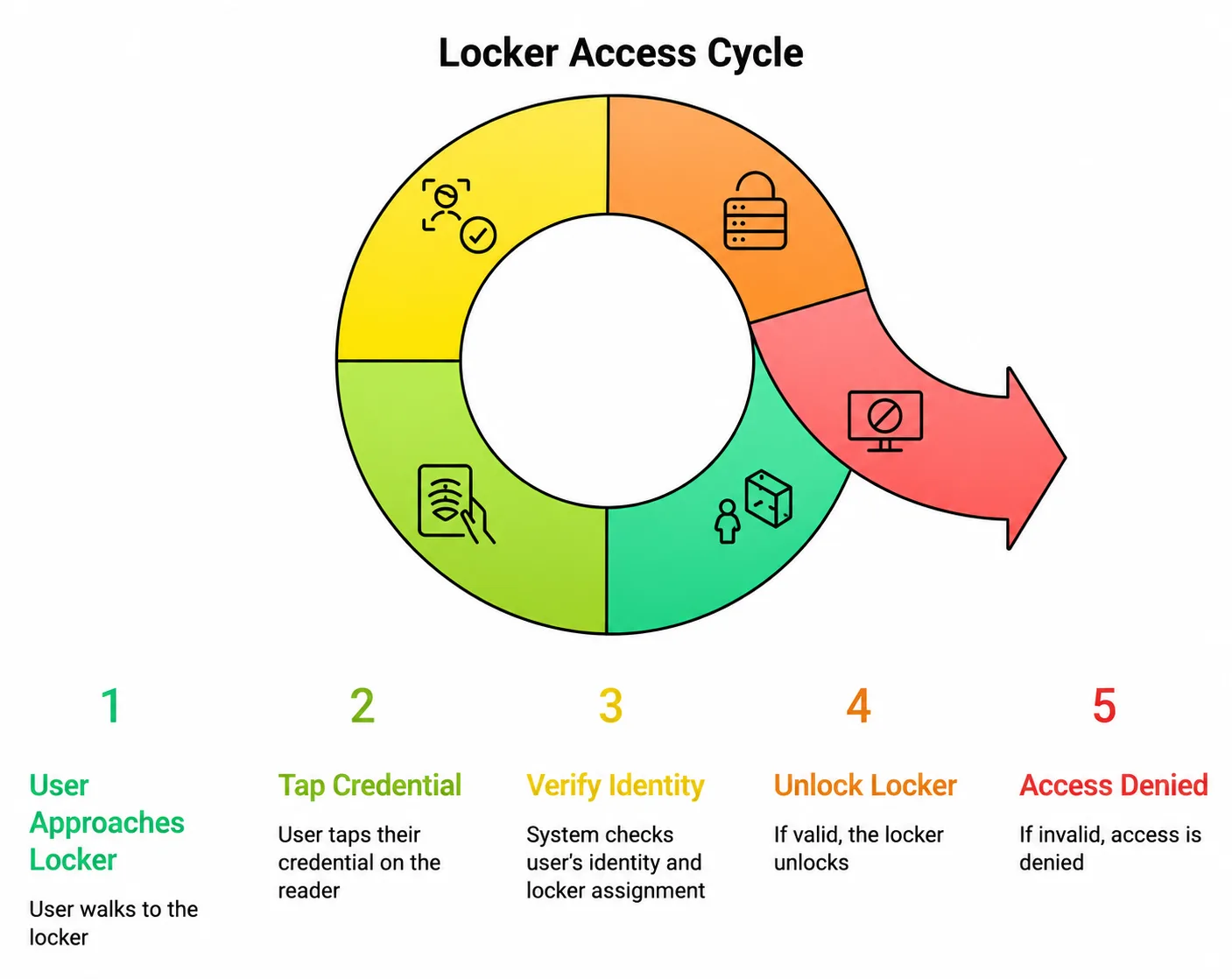
Now let’s look at what happens when a user tries to access a locker.
The flow is straightforward:
A couple of important behaviors:
This is where the system introduces some smart rules.
Each user can be assigned only one locker per locker access point.
At the same time, a locker can be assigned to multiple users. This is useful in real-world scenarios like:
And importantly:
This keeps the system structured while still allowing flexibility when needed.
Even though the system has strict rules, managing it is quite simple.
Admins can assign locker access in multiple ways:
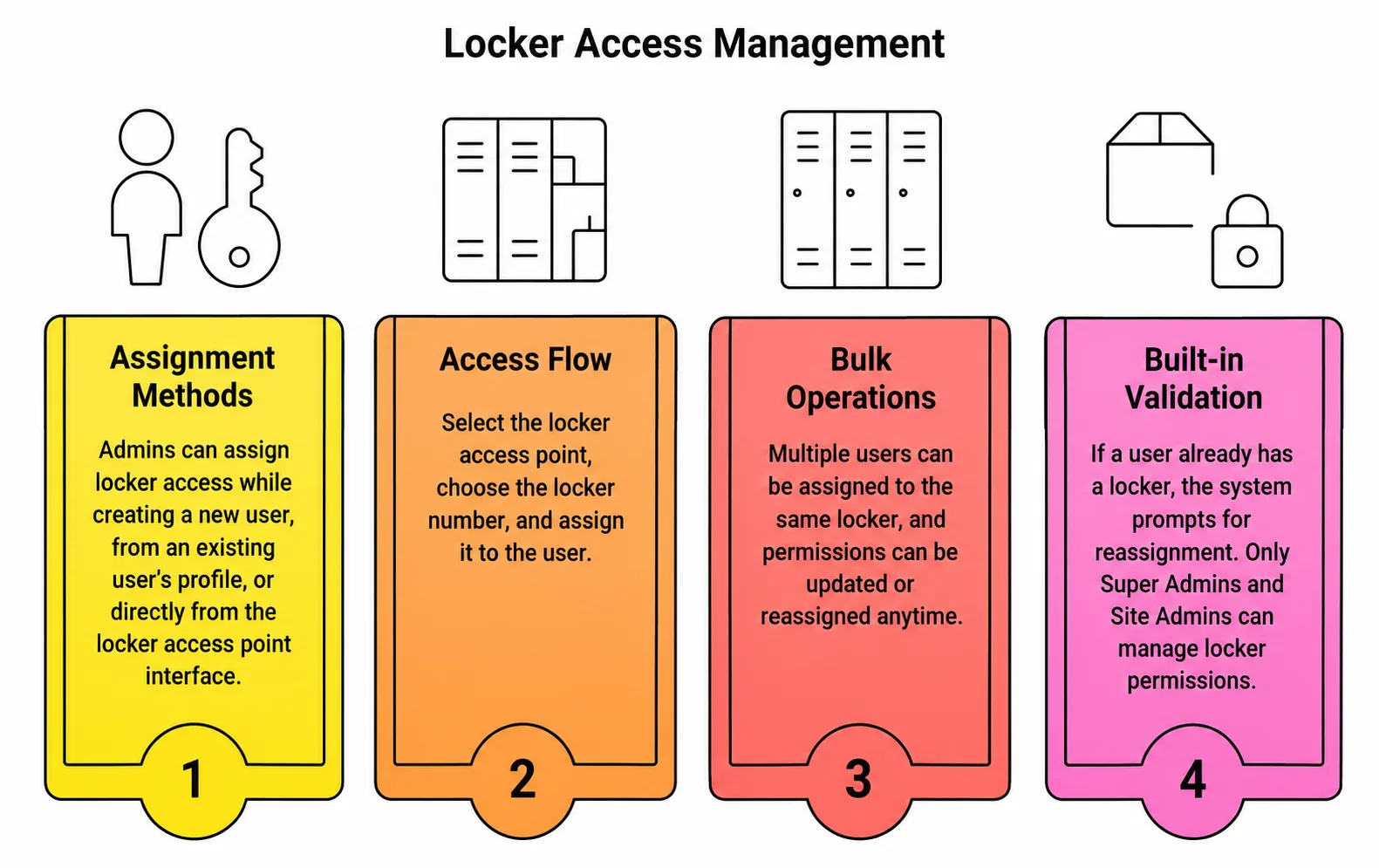
For bulk operations:
There’s also built-in validation:
Think about spaces like lobbies, parking, or common amenities, these are meant to be accessible across tenants. But at the same time, office floors or internal areas need to stay restricted to specific organizations.
OptiSpaces handles this by combining floor-level permissions with tenant-aware access control. Every floor is mapped, and access is assigned based on both the user’s identity and the tenant they belong to.
So in practice:
This ensures shared access doesn’t break tenant boundaries.
Currently, locker access is card-based, but the system is designed to support:
This allows a single identity to work across lockers, doors, and elevators.
So instead of managing separate systems, everything connects back to a single user identity.
One of the biggest advantages of this setup is how easily it adapts to change. Unlike traditional systems that rely on manual updates,
With OptiSpaces:
So whether:
Everything updates instantly without operational disruption.
Locker access isn’t just about unlocking and using it , it’s also about knowing what happened throughout the process.
With OptiSpaces, every action is tracked quietly in the background. Whether it’s someone unlocking a locker, a failed access attempt, or a permission change, everything gets recorded.
And once these logs are recorded, they can’t be changed or deleted. The logs are immutable which means data is available for audits and compliance whenever required.
For admins, this makes things a lot easier. You can quickly check who accessed which locker, filter activity based on users or time, and even export the data when needed for audits or reporting.
So it’s not just about controlling access, it provides full visibility into how lockers are being used.
Without a structured system, locker management tends to fall apart pretty quickly. Lockers get used by the wrong people, access isn’t clearly defined, and tracking who used what becomes a manual, error-prone task.
OptiSpaces changes that by:
So rather than juggling multiple tools or processes, everything works together in a single, structured setup making locker management simpler, more reliable, and much easier to control.
Locker systems may seem like a small part of building infrastructure, but they play a big role in day-to-day operations.
When done right, they:
OptiSpaces brings structure to something that was traditionally very unstructured.
By connecting lockers to identity, permissions, and real-time control, it turns them into a fully managed part of the access ecosystem.
In the end, it’s about ensuring the right user gets access to the right locker at the right time.
Designing Role-Based Elevator Access in Multi-Tenant Buildings with OptiSpaces.ai 12 min reading timeUpdated on July 23,
How Elevator Access Control Works in a Wireless, Multi-Credential Environment 12 min reading timeUpdated on July
API-First Access Control: Why Openness Wins 7 min reading timeUpdated on July 9, 2026Share this article
Predictive Security: How AI Can Prevent Unauthorized Access 9 min reading timeUpdated on July 9, 2026Share
Smart Access Control in Commercial Real Estate 8 min reading timeUpdated on June 26, 2026Share this
Access Control in Manufacturing: Traceability and Compliance 10 min reading timeUpdated on June 26, 2026Share this
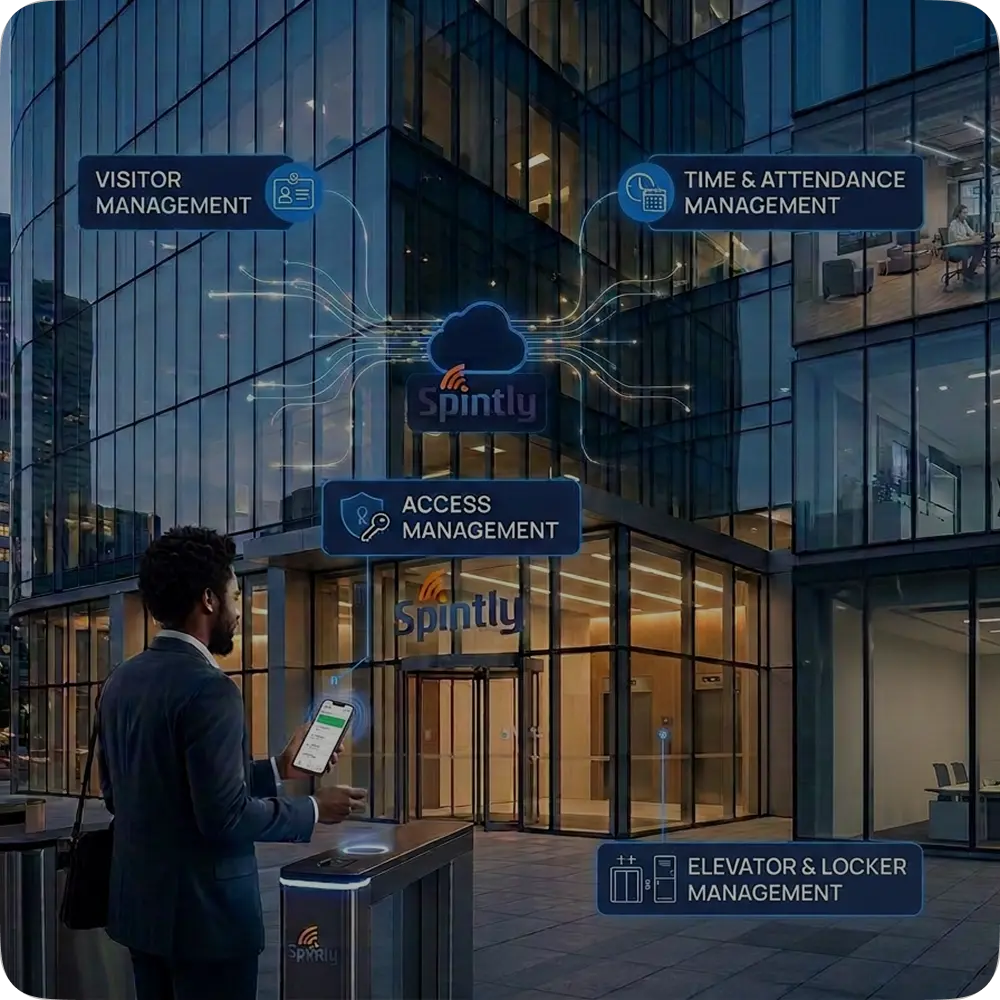
How Access Control Fits into the PropTech Ecosystem 8 min reading timeUpdated on June 26, 2026Share
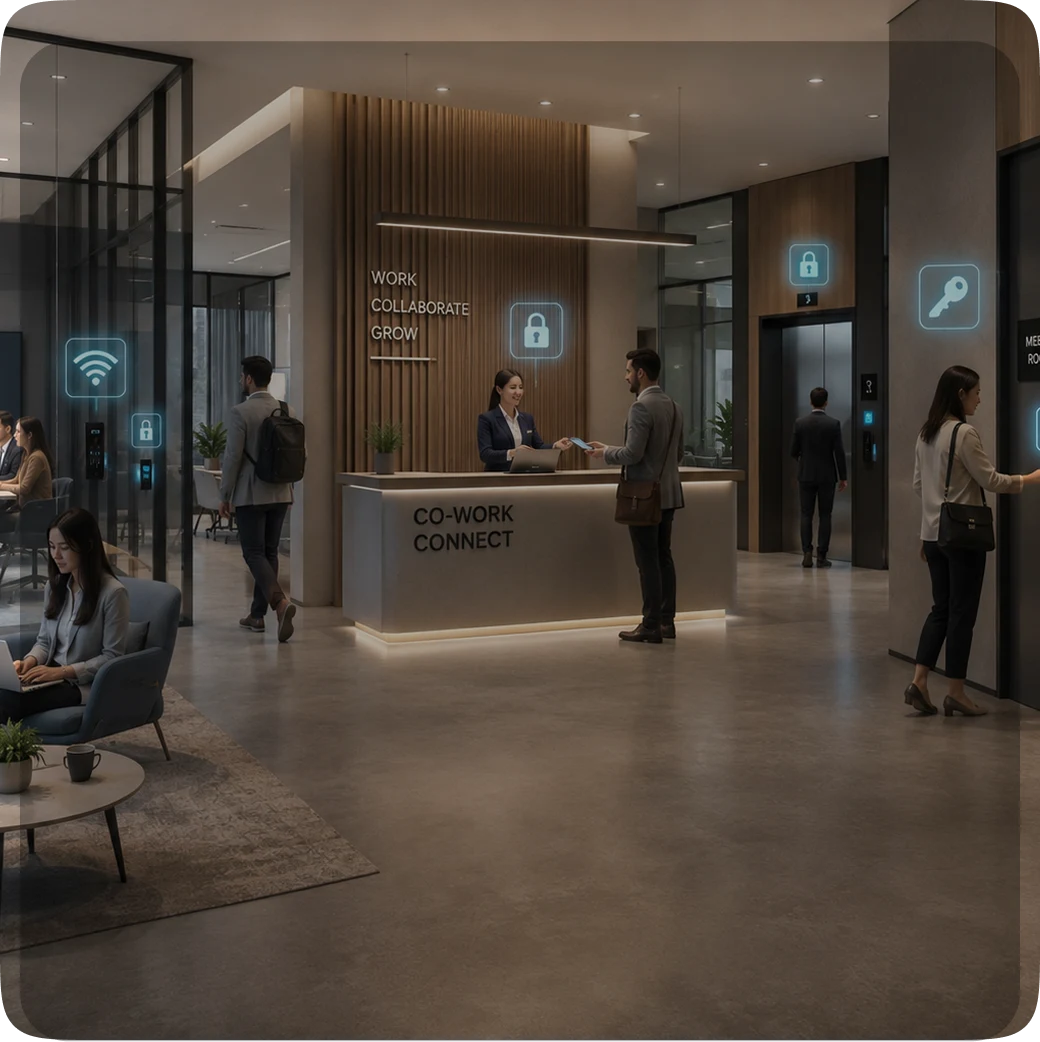
How Co-Working Spaces Simplify Access with Wireless Systems 10 min reading timeUpdated on June 26, 2026Share
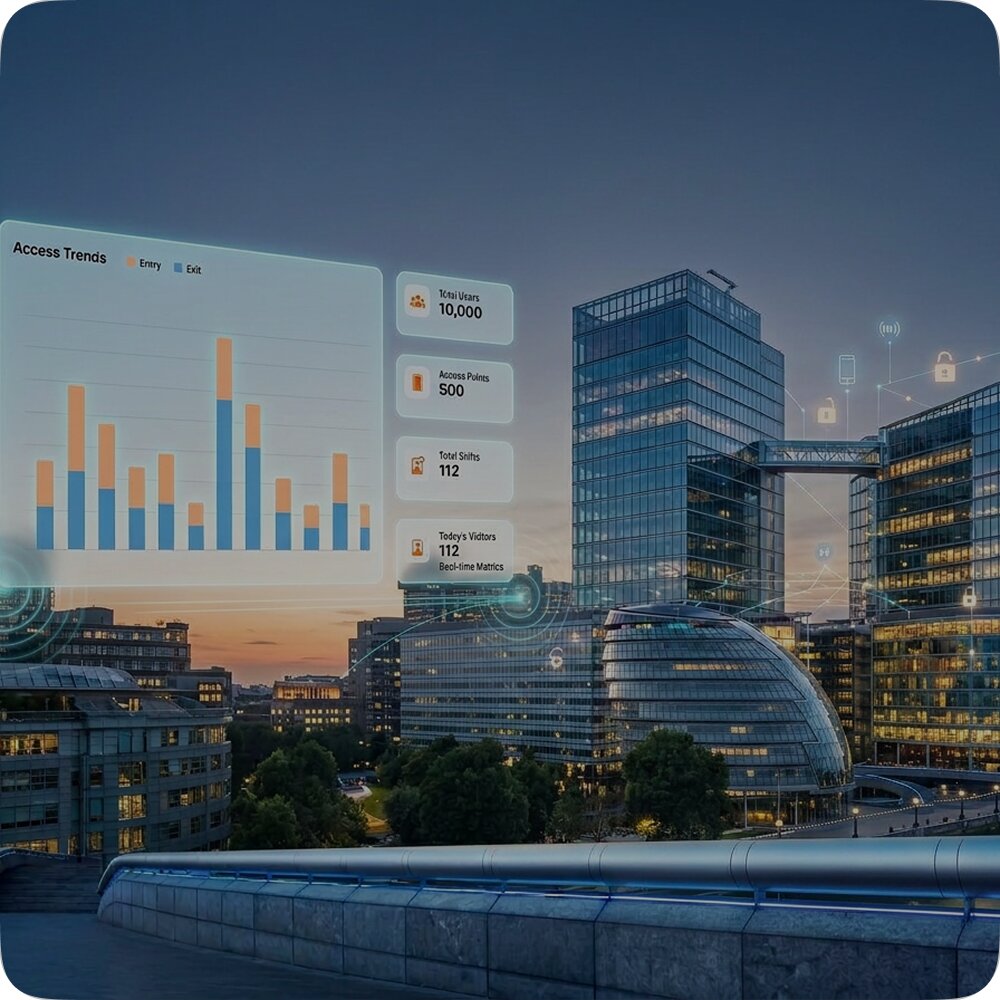
Upgrading to Wireless Access Control: A Guide for Commercial Buildings 10 min reading timeUpdated on June
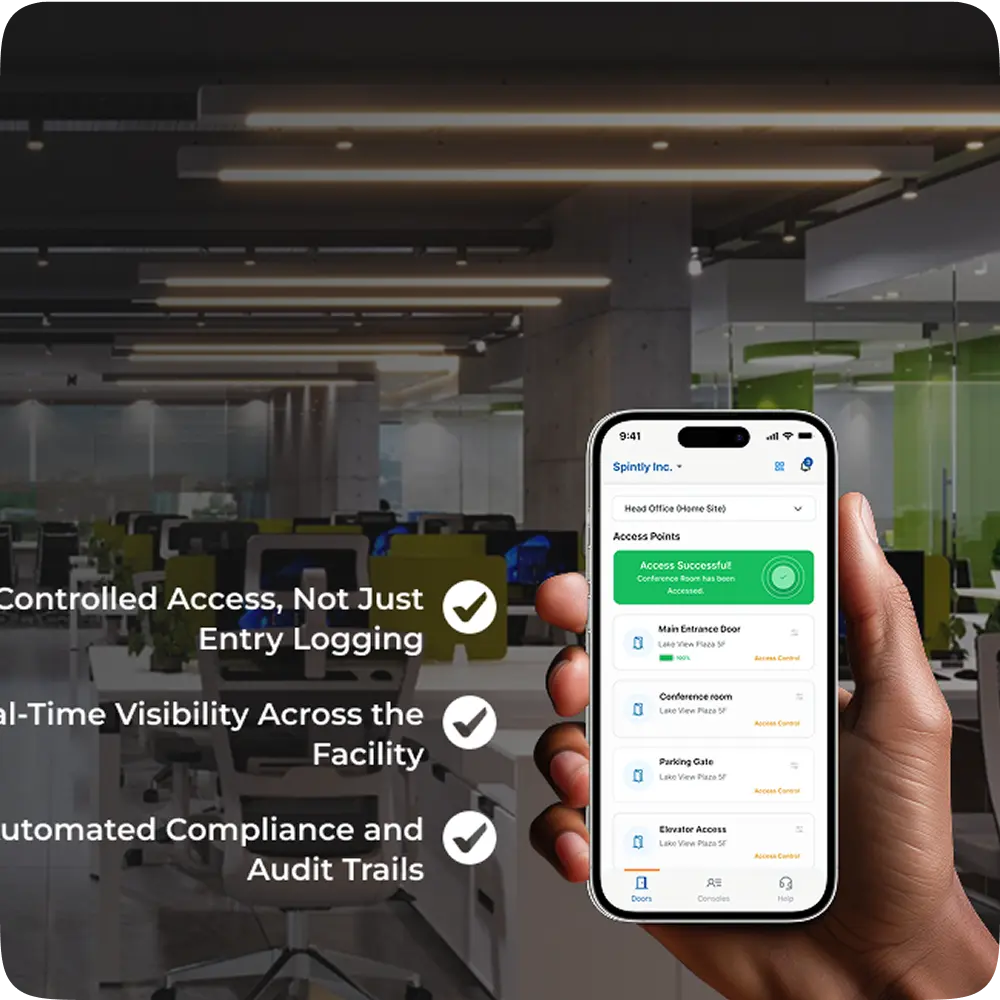
Inside Spintly’s Credential Management Platform- Architecture, Flow, and Core Benefits 10 min reading timeUpdated on May