







Technical documentation
Installation Guides
Step-by-step mounting, wiring and configuration guides for Spintly readers, controllers, gateways and modules, with the connection diagrams installers need on site.
35 guidesWiring diagramsMounting steps
By product
Choose Your Device
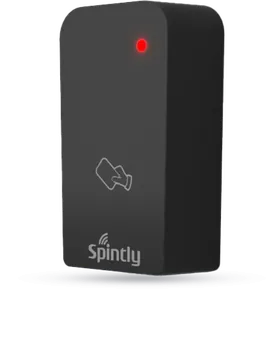
UNO
Smart readers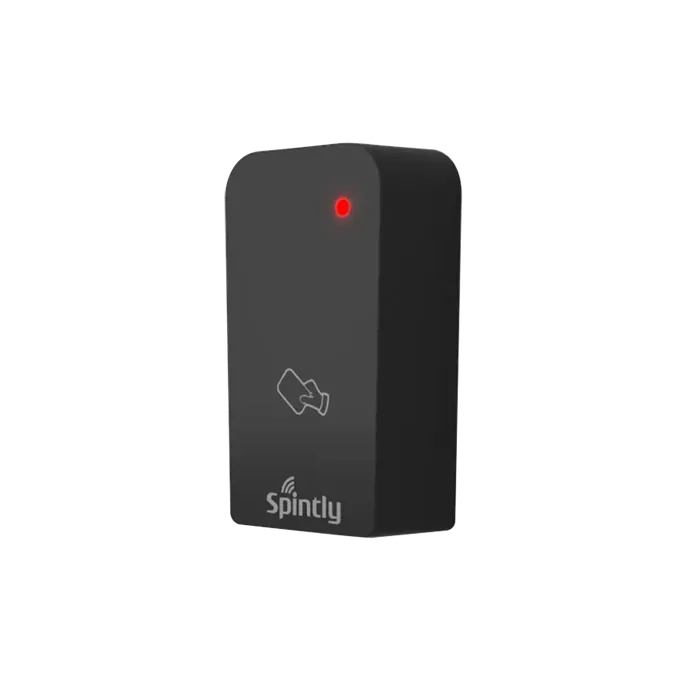 Installation guideSpintly UNOModel SU-01Open the guide Connection guideSpintly UNOModel SU-01Open the guide
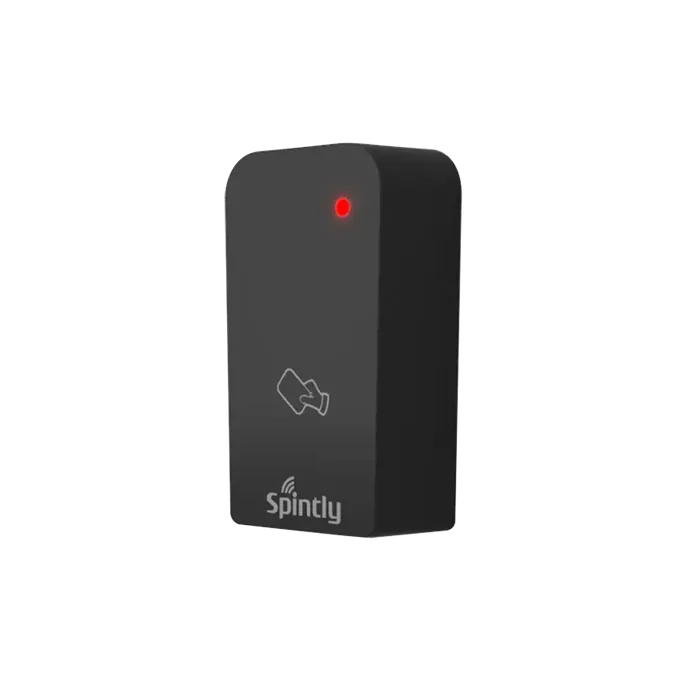 Connection guideSpintly UNO-WModel SU-014Open the guide
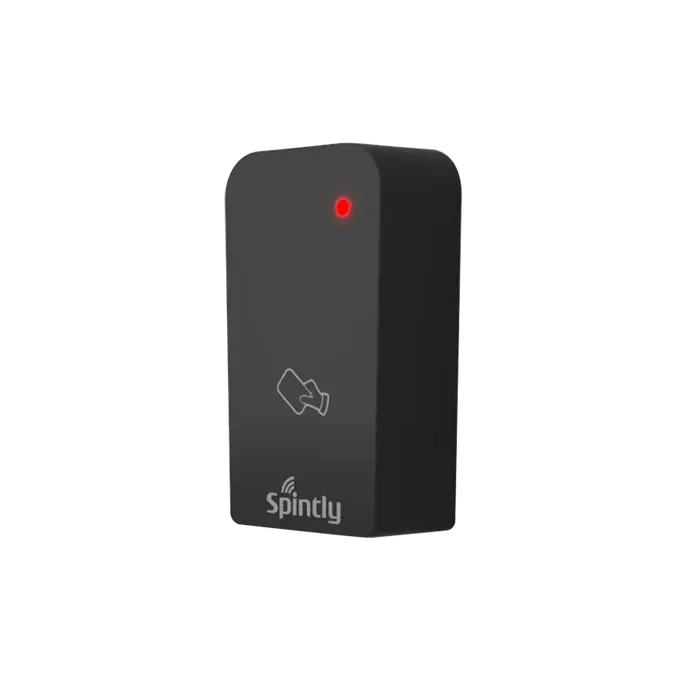 Connection guideSpintly UNO-WOModel SU-016Open the guide
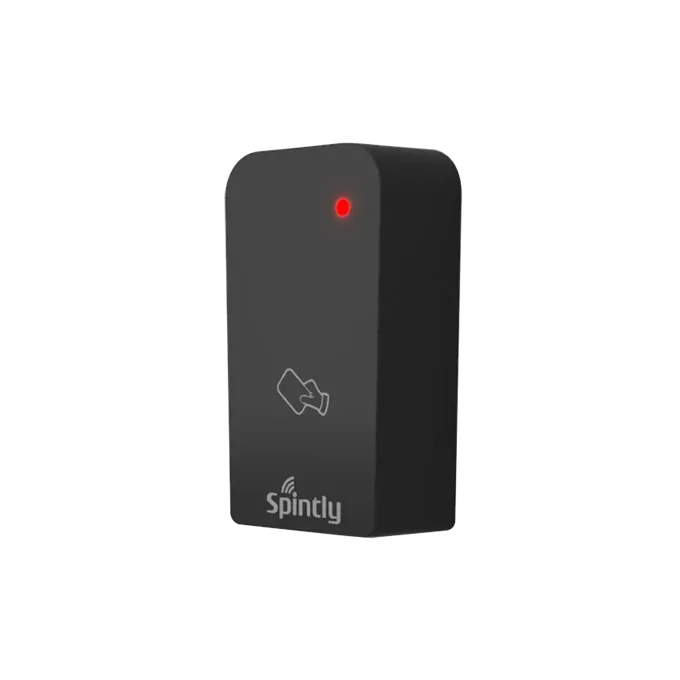 Installation guideSpintly UNO-WOModel SU-016-R2Open the guide
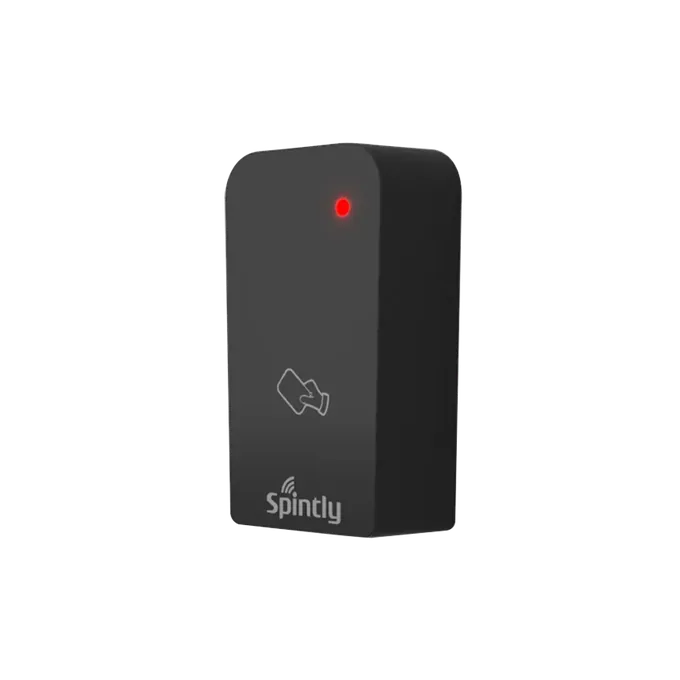 Installation guideSpintly UNO-WO LFModel SU-017Open the guide Connection guideSpintly UNO-X2Model SU-013 (V2)Open the guide
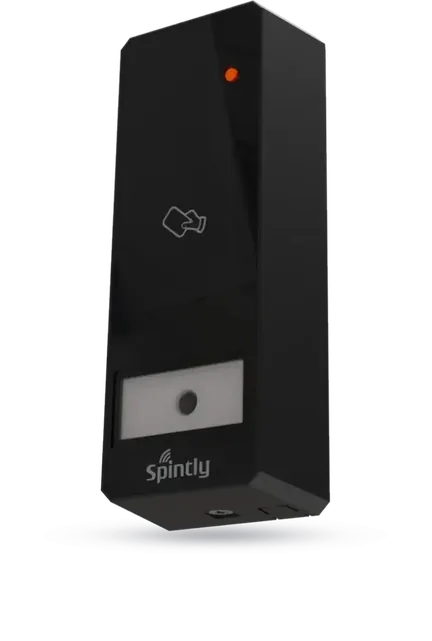
ZEON
QR, BLE and NFC readers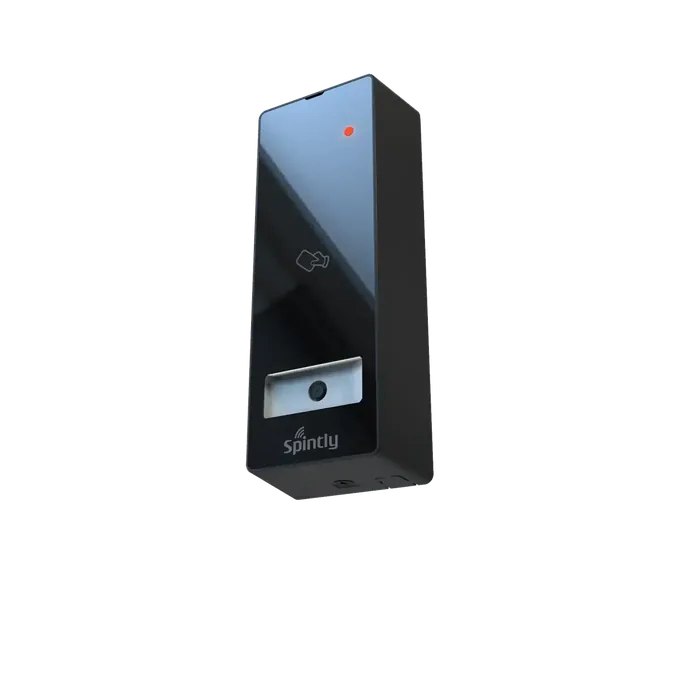 Installation guideSpintly ZEON QRModel SQR-021Open the guide
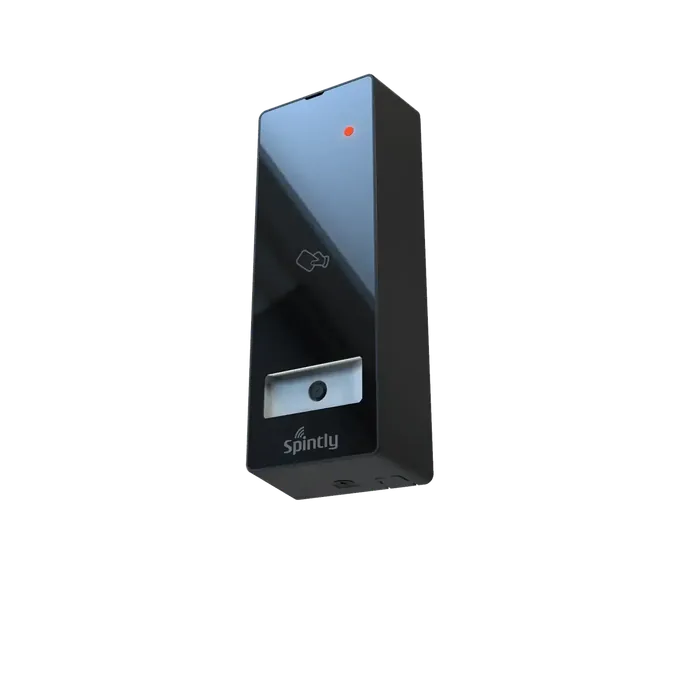 Installation guideSpintly ZEON QRModel SQR-022Open the guide
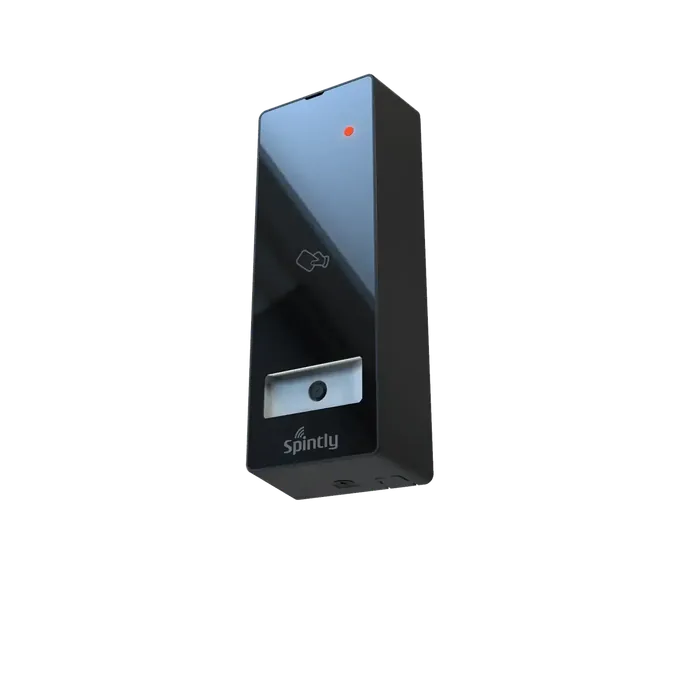 Installation guideSpintly ZEONModel ZE-024Open the guide
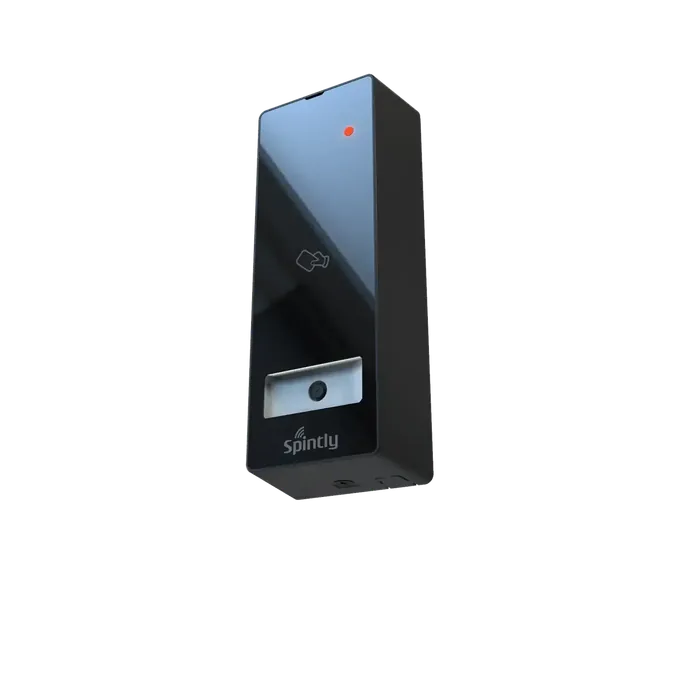 Installation guideSpintly ZEON with TJModel ZE-024Open the guide
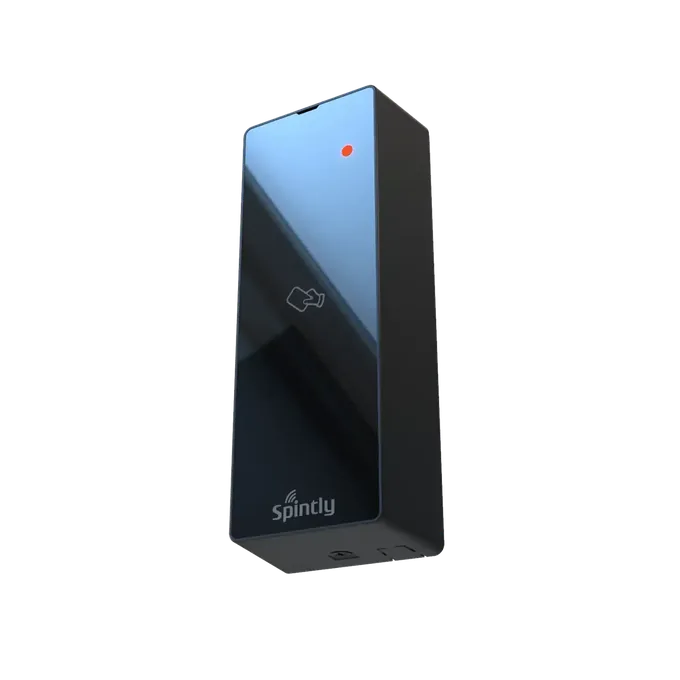 Installation guideSpintly ZEONModel ZE-033 / ZE-034Open the guide
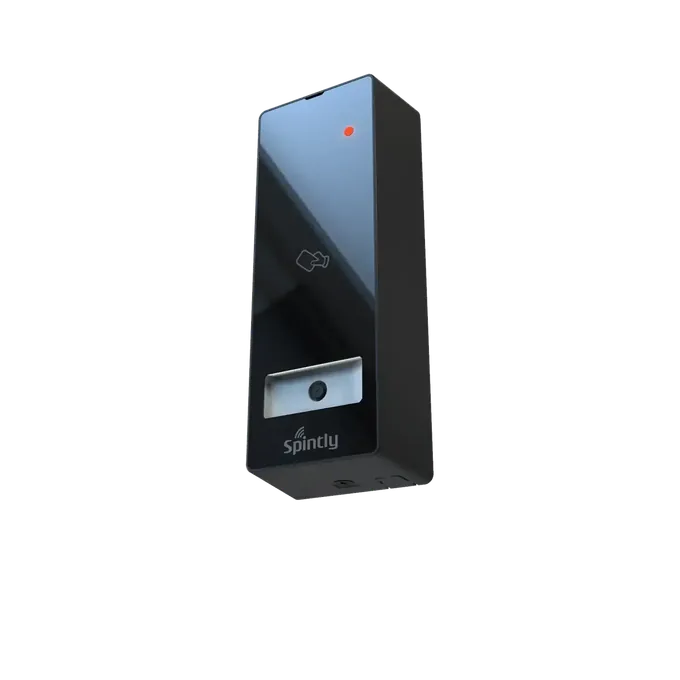 Installation guideSpintly ZEON LFModel ZE-022Open the guide
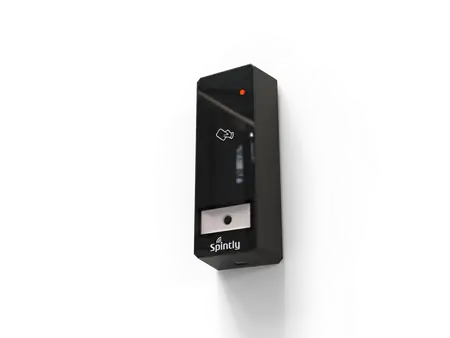 Installation guideSpintly ZEON LFModel ZE-023Open the guide
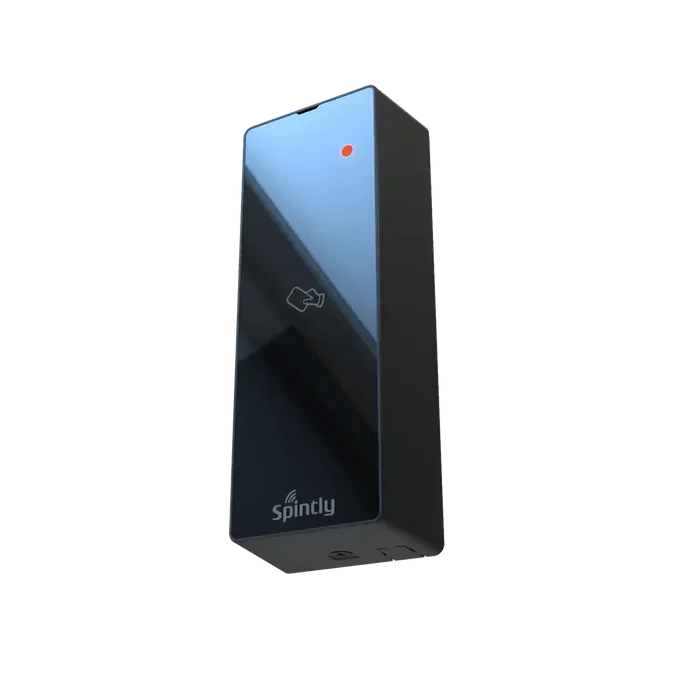 Installation guideSpintly ZEON LFModel ZE-032Open the guide
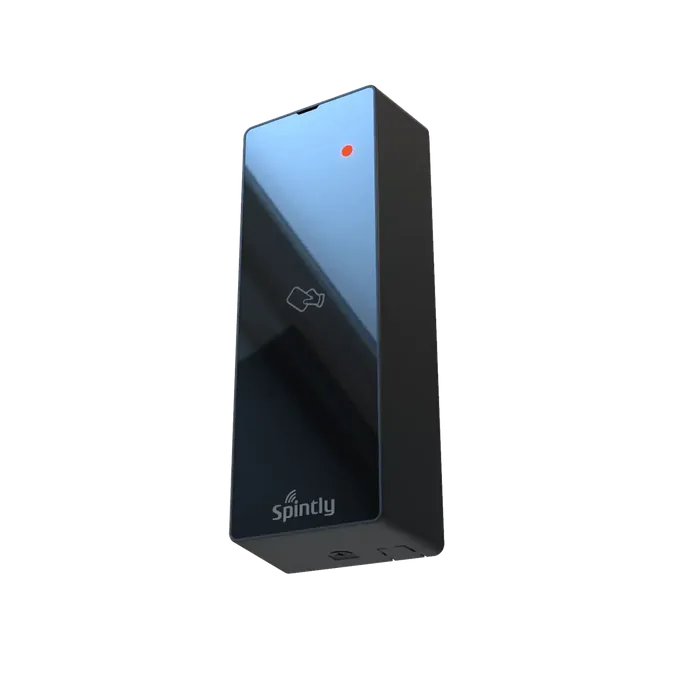 Installation guideSpintly ZEON LF without QRModel ZE-031Open the guide
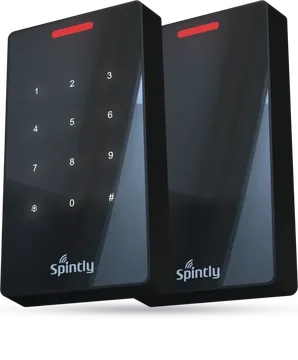
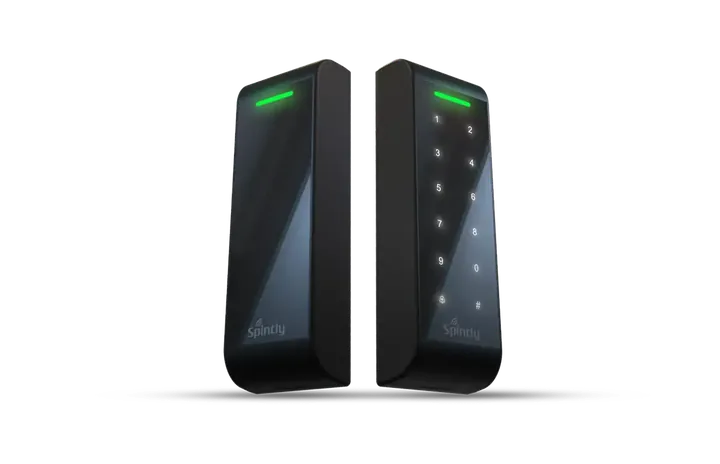
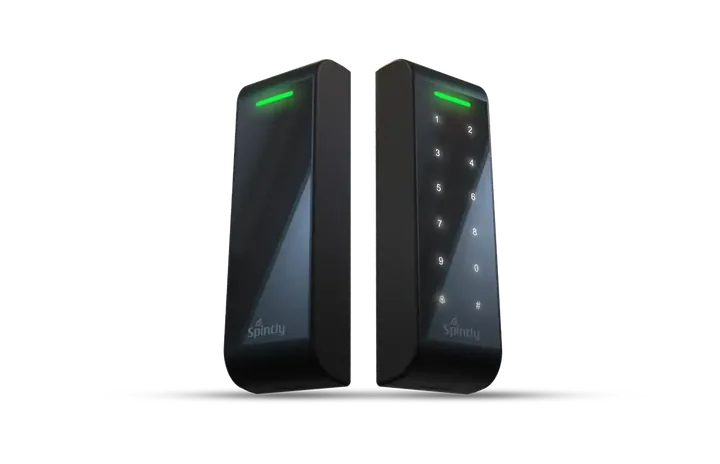
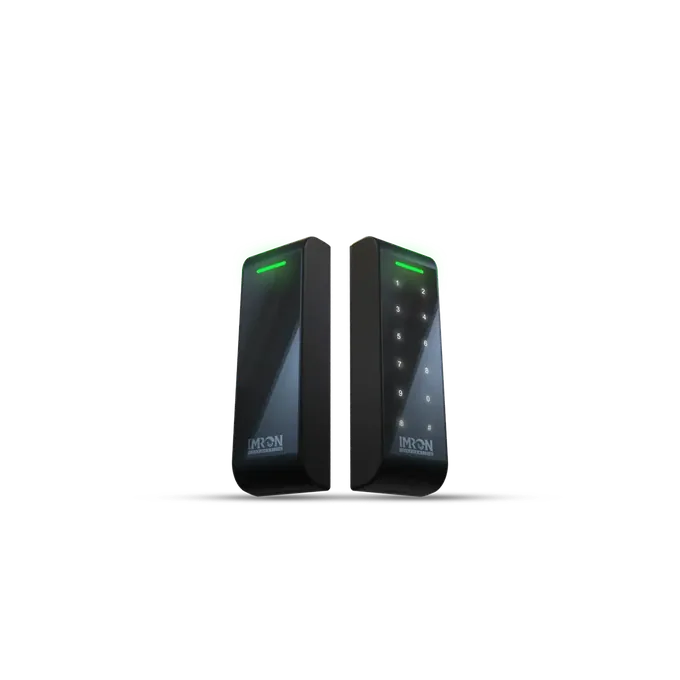
KREO
Keypad readers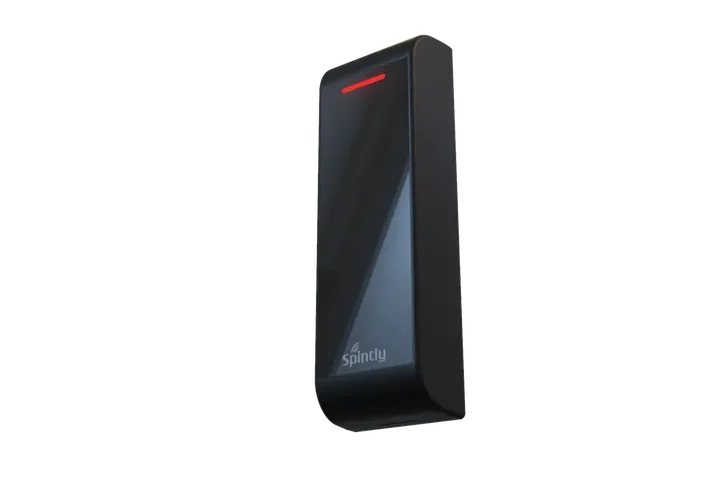
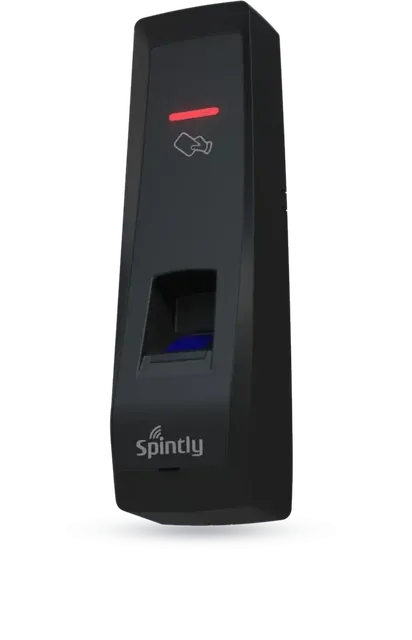
HALO
Fingerprint readers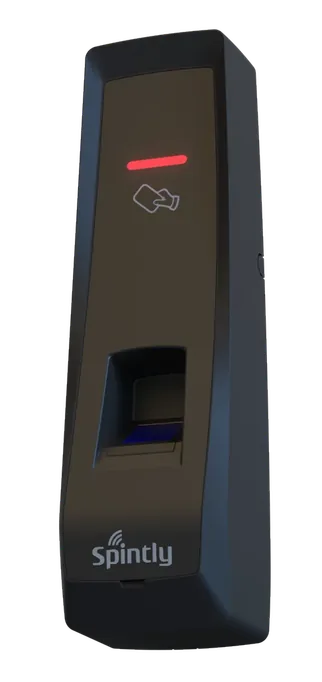
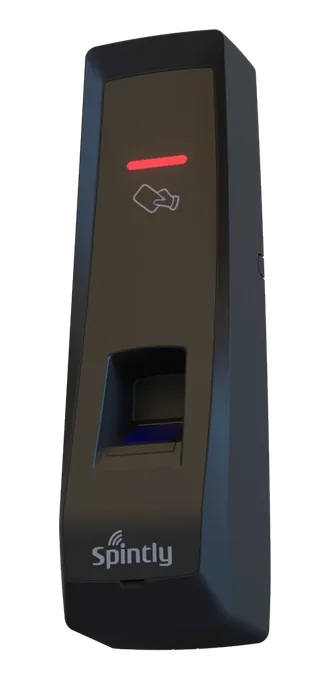
Biometric
3-in-1 biometric reader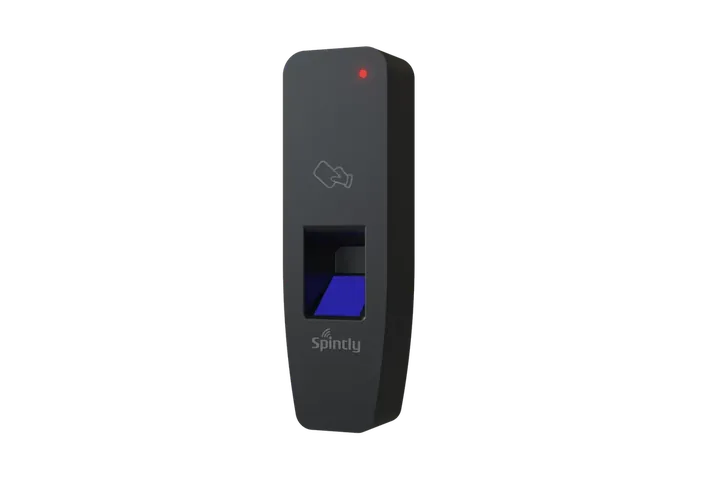
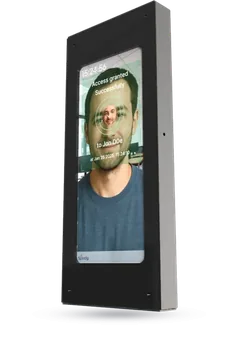
Face Recognition
Face recognition terminals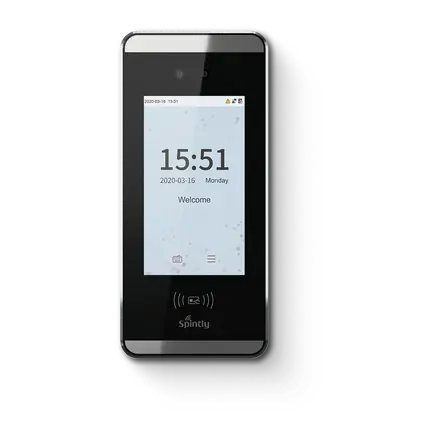
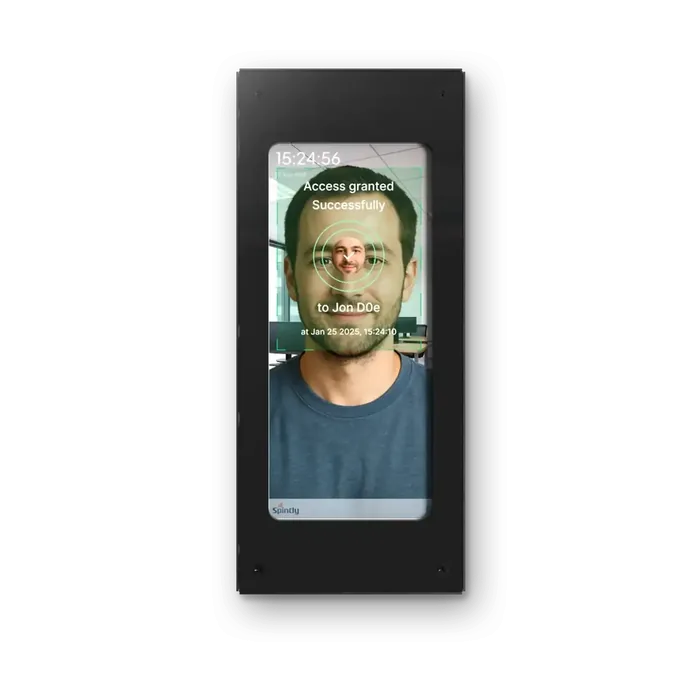
QR
QR readers and scanners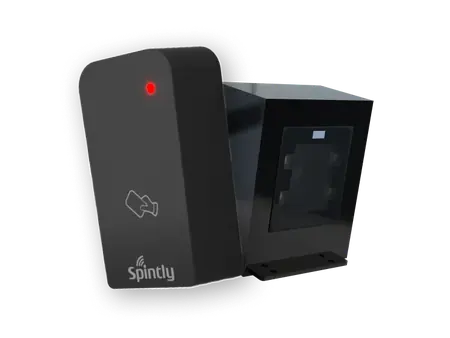
NUOS
Door controllers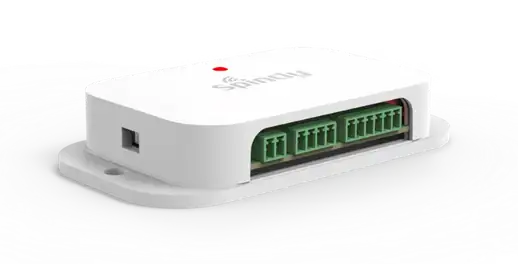
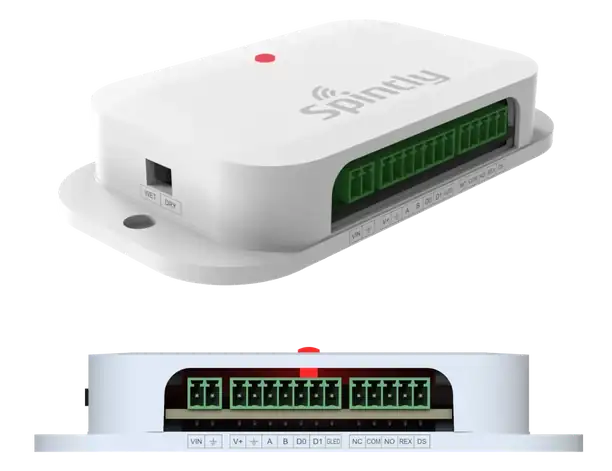
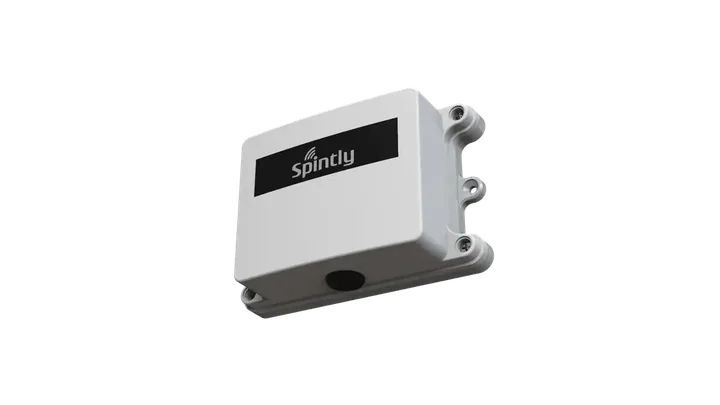
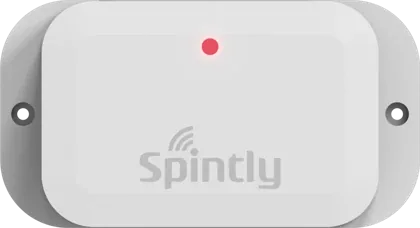
Mesh IO
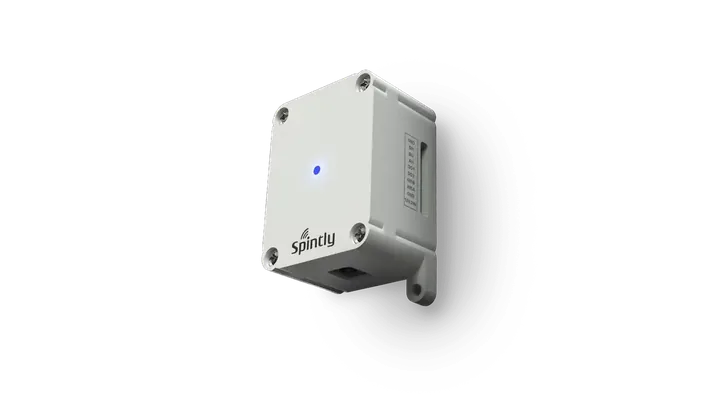
Expansion module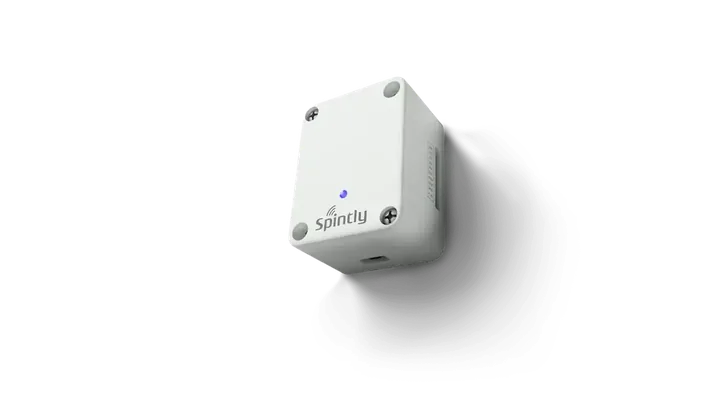
Looking for Software Help?
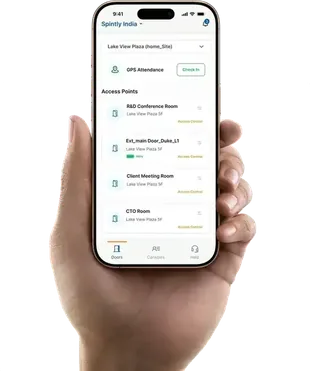
Setting up users, doors and schedules in the app and dashboard is covered in the Spintly knowledge base.
Book a demo
Need Help with an Installation?
Our support team helps installers with wiring, configuration and commissioning.
- A Spintly expert gets back to you within 24 hours
- A site walkthrough and a tailored quote
Prefer email? sales@spintly.com