



The Spintly Partner Portal
One place for Spintly partners to set up and manage customer sites: create customer organizations, configure gateways and readers, and check device status.
What Partners Do in the Portal
Manage Customer Organizations
Create an organization for each customer, rename it and edit its details.
Configure Devices
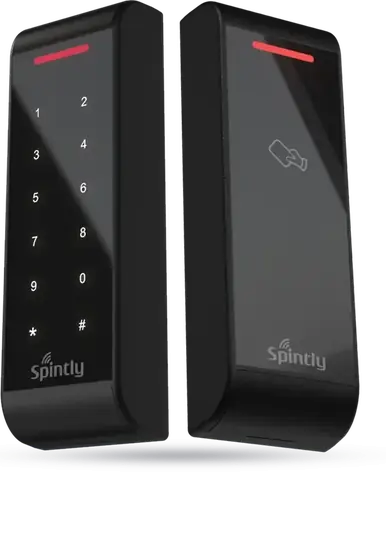
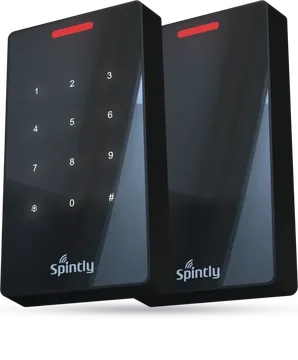
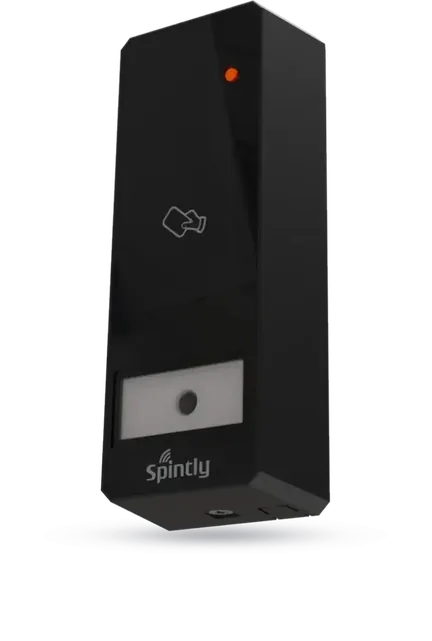
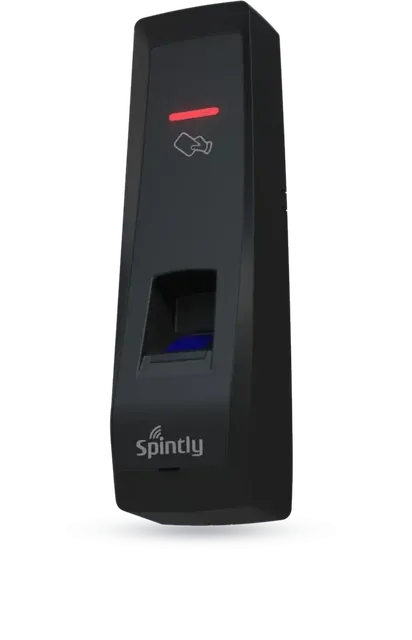
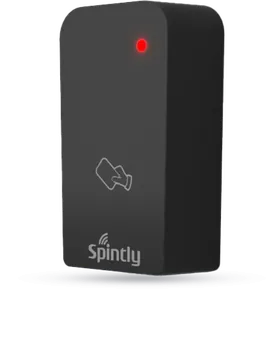
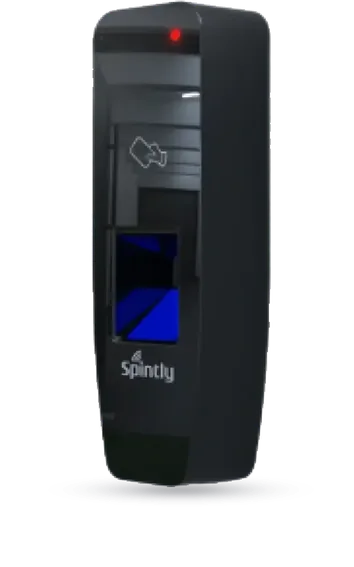
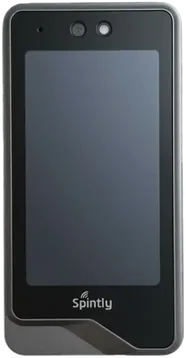
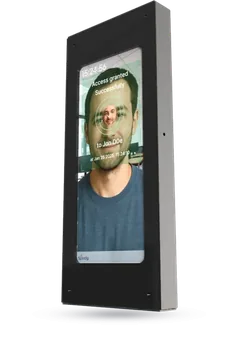
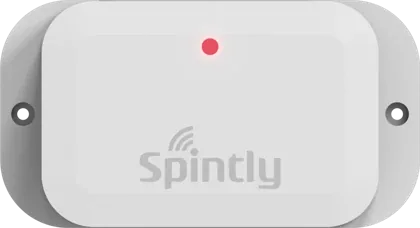
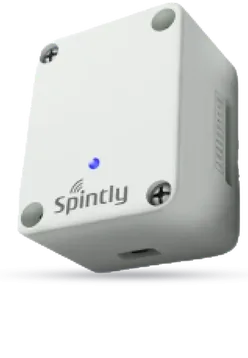
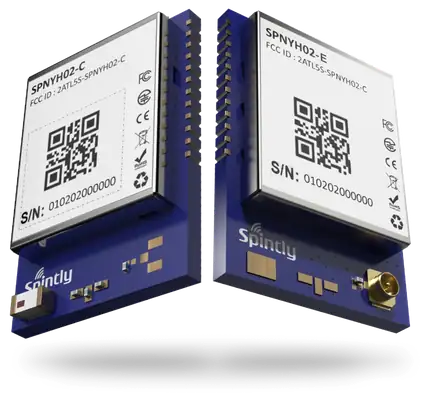
Add and configure gateways, readers and Mesh IO by serial number, and connect gateways to Wi-Fi.
Set Up Access Points
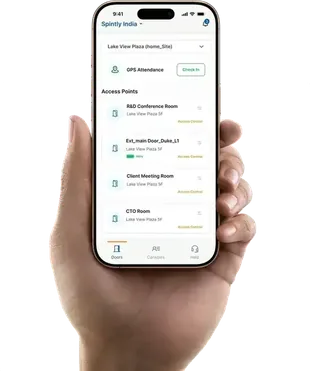
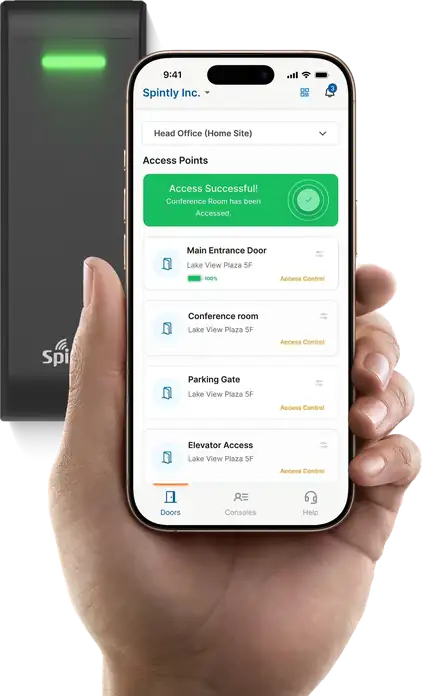
See each access point move from created to configured, and spot any device that needs attention.
Check Status
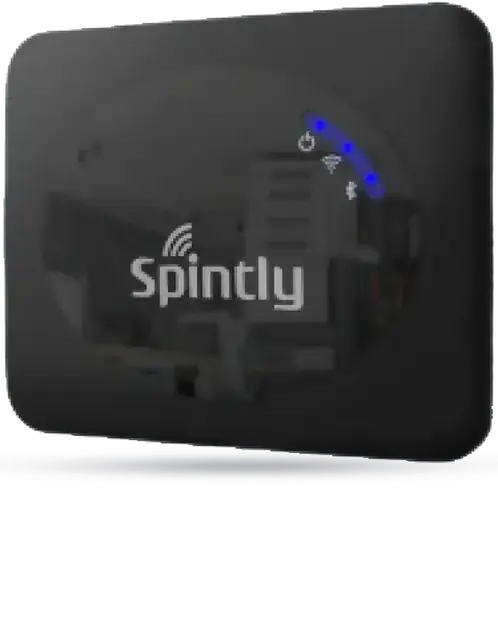
See whether gateways are online, with the LED guide for troubleshooting.
Find Resources
Datasheets, installation guides and partner material in one place.
Get Support
Reach Spintly support when a device or organization needs help.
Join the Spintly Partner Program
Portal access comes with the partner program. Choose the channel, software or technology programme and our partner team will set you up.
- Channel partners: sell, install and support Spintly
- Software partners: connect your platform
- Technology partners: build Spintly into your hardware
Frequently Asked Questions
Where is the partner portal?
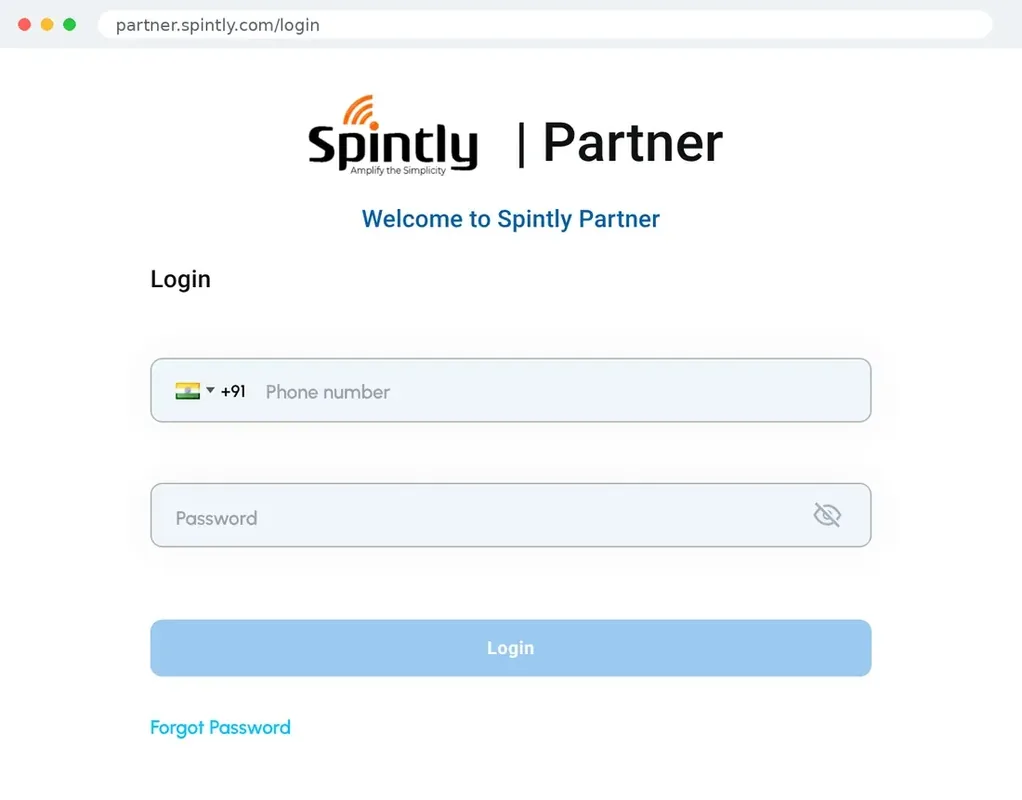
At partner.spintly.com. Sign in with the account your partner manager set up.
I can’t configure a device: it says “Device not found”.
Check the serial number you entered, reboot the device and restart your phone. If it still fails, contact Spintly support.
A gateway shows offline after setup.
Check its LED against the gateway manual and reboot it. If it stays offline, contact Spintly support.
How do I get the partner app?
Contact Spintly support at support@spintly.com.
Need Portal Access?
Existing partners can ask their partner manager; new partners can apply here.
- Our partner team gets back to you within 24 hours
- A call to agree the right programme and next steps
Prefer email? sales@spintly.com