




Access Control API for Doors, Users and Credentials
REST APIs on Spintly’s Access Control as a Service (ACaaS) cloud. Create users, assign door permissions, issue mobile credentials and open doors remotely, all from your own backend.
# 1. Get a token (OAuth 2.0 client credentials)
curl -X POST $API/oauth/token \
  -d "client_id=$ID&client_secret=$KEY"

# 2. Find the site and its doors
curl $API/sites -H "$AUTH"
curl $API/sites/$SITE/access-points \
  -H "$AUTH"

# 3. Open a door remotely
curl -X POST \
  $API/access-points/$DOOR/remote-open \
  -H "$AUTH"
Everything Access Control Needs, Over HTTPS
Sites
Retrieve your sites and their details.
Access Points
List every door (access point) on a site.
Users
Create users (accessors) and delete them when they leave.
Door Permissions
Assign or remove door permissions per user.
Mobile Credentials
Assign mobile credentials, used by the SDK in your app.
Remote Open
Open any door remotely by its ID.
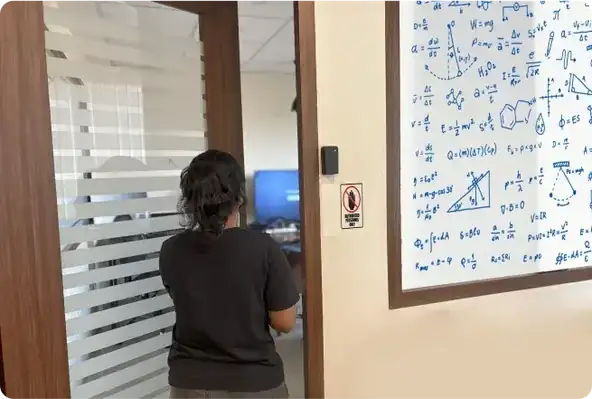
A Meeting Room That Opens for Its Attendees
Your boss wants meeting bookings linked to the meeting room doors, within a week. With the remote-open API you send a door ID and the door opens. Generate a temporary link for the attendees; once they verify with an OTP or QR code, the room opens for them.
- Testing the API takes about five minutes
- Integrating it takes about an hour
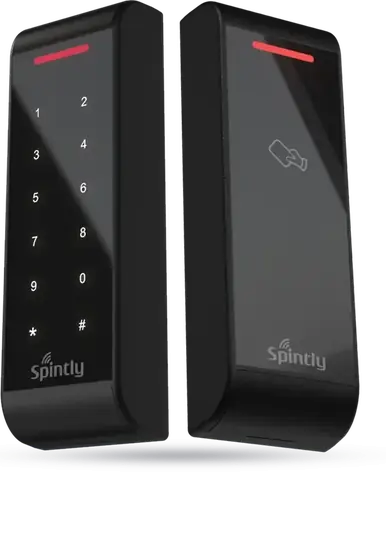
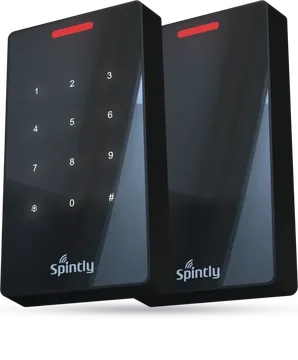
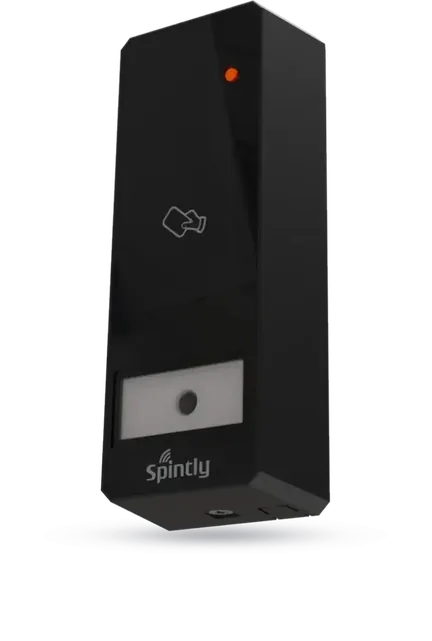
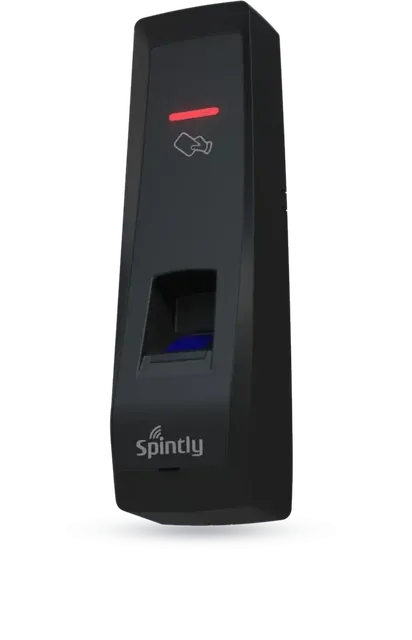
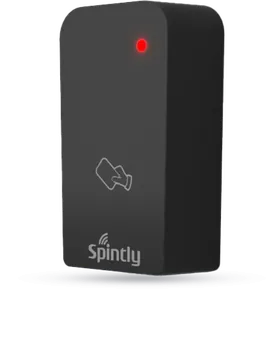
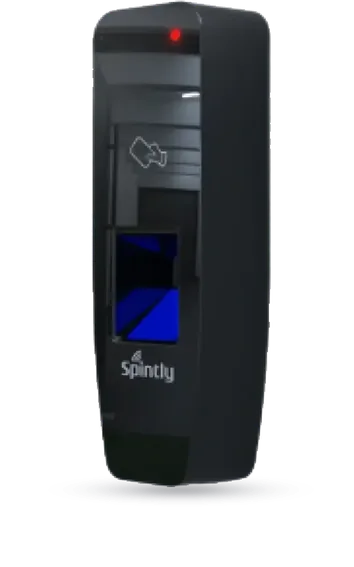
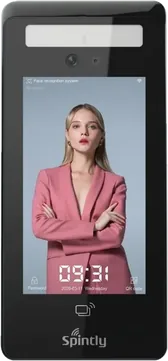
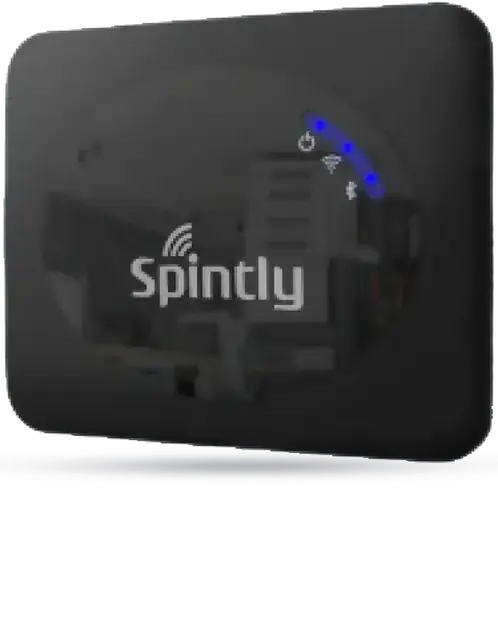
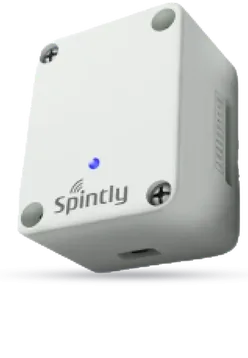
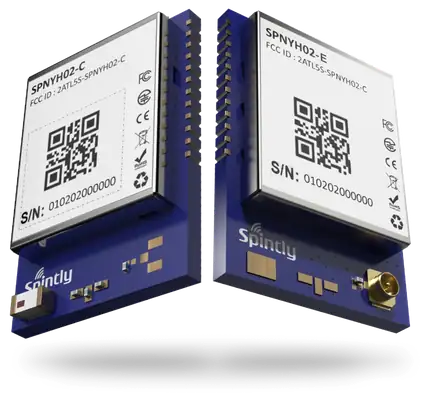
- Needs one gateway per site, and Spintly readers
Five Calls to an Open Door
- 01Get credentialsSign up as a partner to receive your client ID and client secret.
- 02Get a tokenUse them to get an access token (OAuth 2.0 client credentials).
- 03Find the siteUse the token to get the sites where your doors are.
- 04Find the doorUse the token and site ID to get the access points.
- 05Open itCall the remote access API with the token and access point ID.
How a Request Reaches the Door
Readers talk to the site’s gateway over BLE mesh, the gateway talks to Spintly’s IoT service, and the IoT service works with the ACaaS backend that exposes the APIs to your backend.
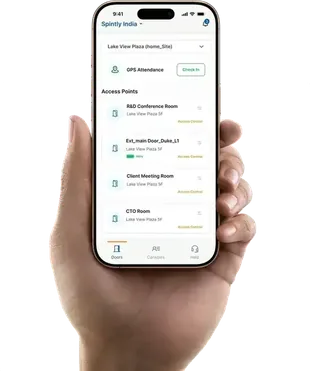
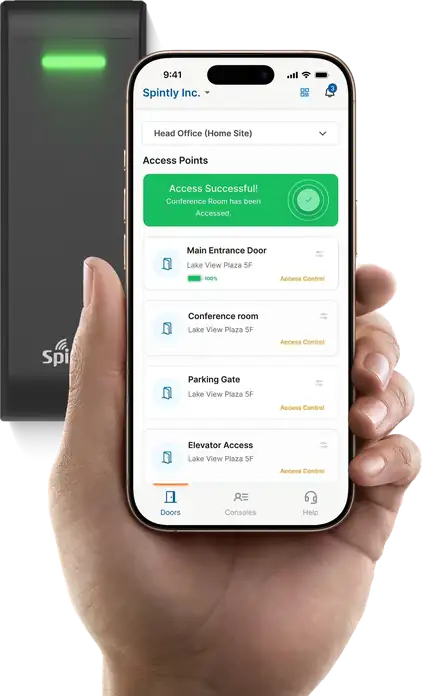
The phone talks straight to the reader over BLE or NFC, through the SDK in your app.
What Teams Build with the APIs
HR-driven Access
Permissions update automatically when someone joins, moves or leaves, straight from your HR software.
Booking-Based Access
Meeting rooms, desks and amenities open for whoever booked them, for as long as they booked.
Security Operations
Pull access logs into your SIEM or security operations workflow.
Custom Portals
Build a member or tenant portal on top of the access infrastructure, without waiting on a vendor.
Open by Design, Secure by Design
An open, API-driven system is not less secure than a closed one. Built correctly, it is more auditable, because every integration action is logged and traceable.
- OAuth 2.0 client credentials, with token-based authentication
- Role-based access control
- Audit logs and real-time alerts
- Certified to SOC 2 Type II and ISO/IEC 27001
Frequently Asked Questions
What is API-first access control?
A system built from the ground up to expose its functionality to other software: to share data openly and be extended without the original vendor’s involvement at every step. Spintly’s platform is built that way.
How do I authenticate?
With the OAuth 2.0 client credentials flow. Your client ID and client secret generate an access token, which you send with every other API call.
What hardware do I need?
One Spintly gateway per site, and Spintly readers at the doors.
Can users open doors from our app too?
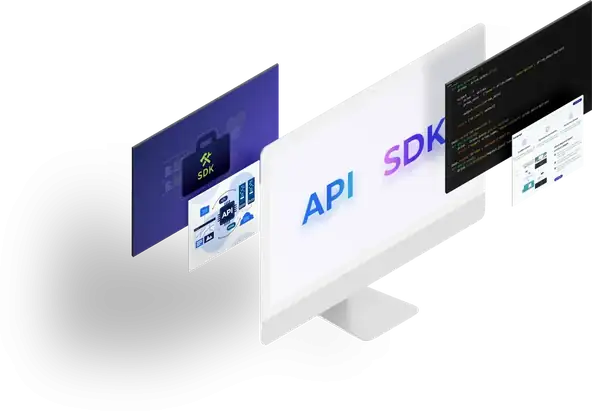
Yes, by adding the Spintly Mobile SDK to your app. The APIs manage users and permissions; the SDK opens the doors.
Where is the documentation?
Partners get the API documentation, a sandbox to test in, and support from Spintly’s integrations team.
Other Ways to Build on Spintly






Start Building with the Spintly APIs.
Talk to us about APIs, SDKs, white labeling and partner programs.
- A Spintly expert gets back to you within 24 hours
- A site walkthrough and a tailored quote
Prefer email? sales@spintly.com