
Workplace Apps
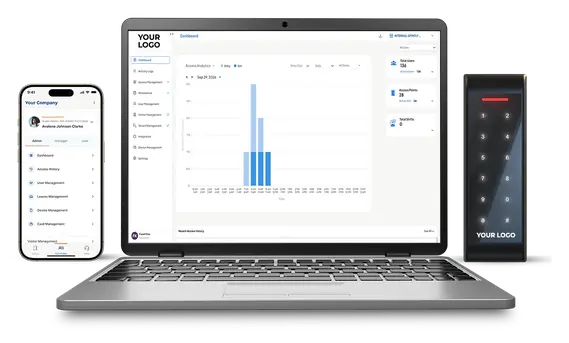
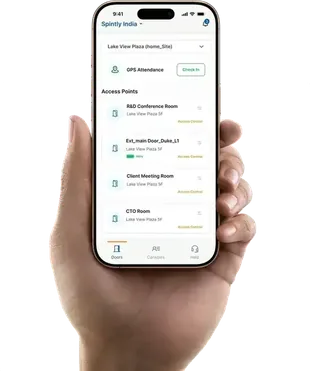
Employees open office entrances and meeting rooms from the company app.
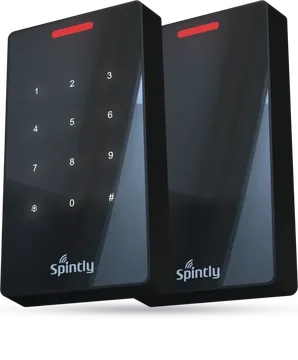 Spintly KREORugged reader with BLE, NFC, and keypad access
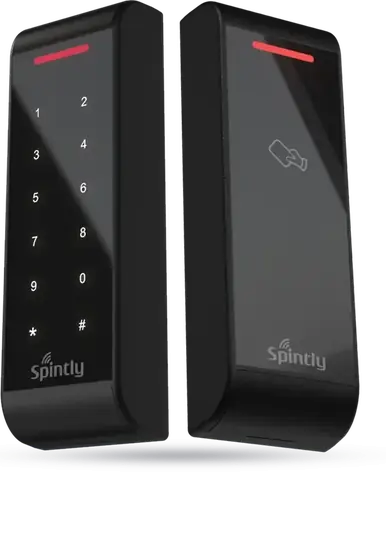 Spintly ZEONQR, BLE, and NFC for visitor access
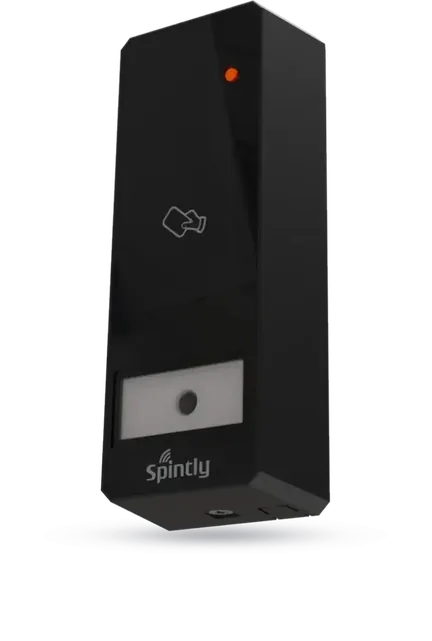 Spintly HALOFingerprint, smartphone, NFC access in one
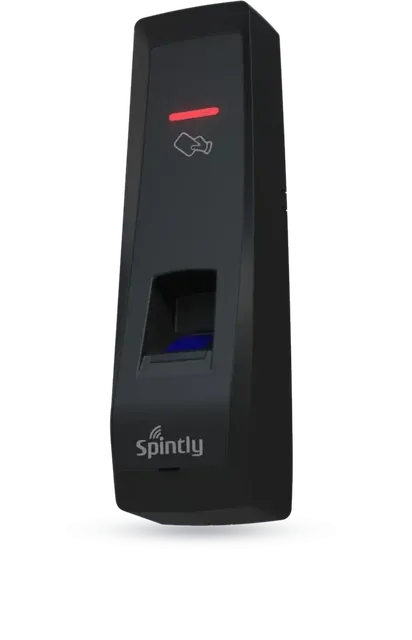 Spintly UNOBLE mesh reader for mobile, card and remote access
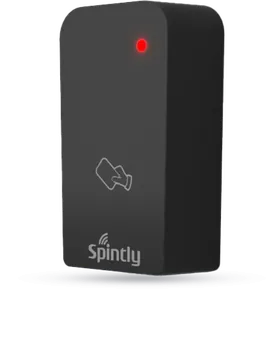 Spintly 3-in-1Fingerprint, card and smartphone in one reader
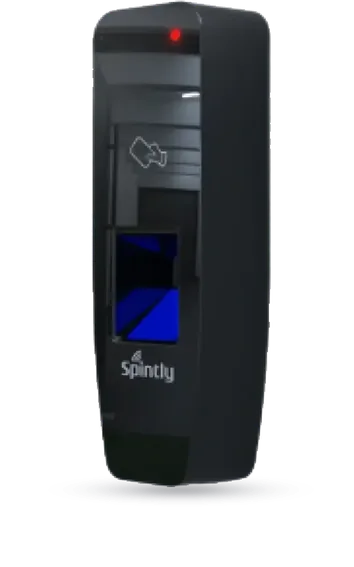 Spintly Visio 5 ProOutdoor face recognition terminal, IP65
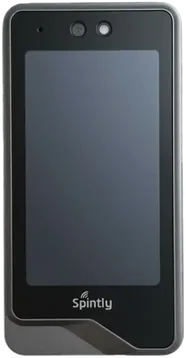 Spintly Visio 5Face recognition terminal for access and attendance
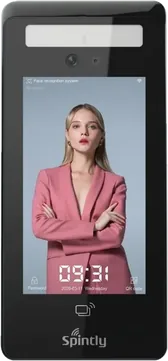 Spintly Face RecognitionFace reader with liveness detection
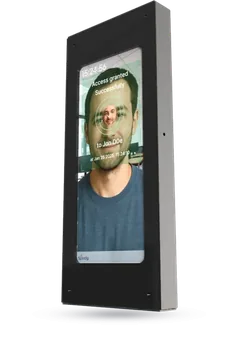 Spintly NUOS-1Secure OSDP single-door controller
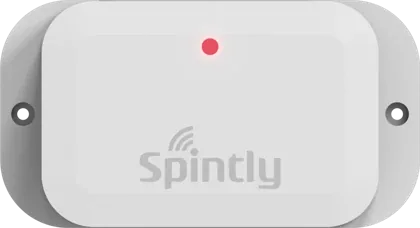 Spintly FI-B GATEWAYConnects Spintly hardware to cloud
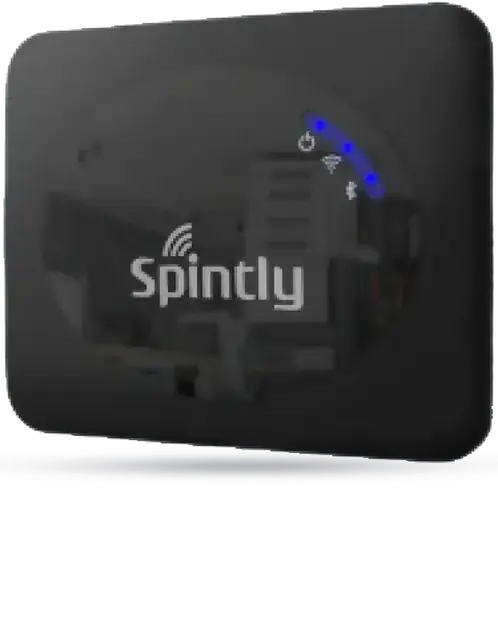 Spintly MESH-IOExpands BLE mesh, integrates legacy devices

OptiSpaces.ai runs every software module on one cloud: access, visitors, attendance, tenants, video, elevators and lockers.
Explore Software →Open APIs, SDKs and white labeling to build, integrate and scale access control in your own products.
Explore Platform →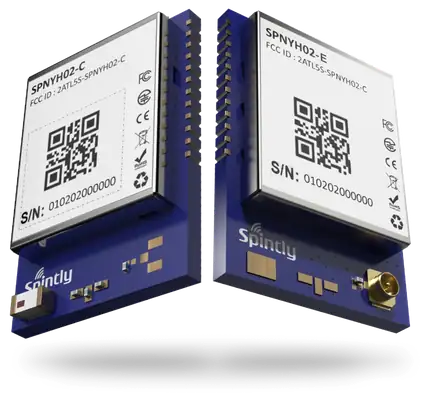
Don't build the whole wireless stack yourself. Use our pre-certified, long-range BLE modules.
Explore IoT Modules →Custom hardware design, product engineering & manufacturing support.
Learn More about Hardware Co-Development →End-to-end software & firmware development for access control and IoT devices.
Learn More about Embedded & Firmware Engineering →License the secure access stack that runs Spintly locks and readers.
Learn More about Technology Licensing →Spintly KREORugged reader with BLE, NFC, and keypad accessSpintly ZEONQR, BLE, and NFC for visitor accessSpintly HALOFingerprint, smartphone, NFC access in oneSpintly UNOBLE mesh reader for mobile, card and remote accessSpintly 3-in-1Fingerprint, card and smartphone in one readerSpintly Visio 5 ProOutdoor face recognition terminal, IP65Spintly Visio 5Face recognition terminal for access and attendanceSpintly Face RecognitionFace reader with liveness detectionSpintly NUOS-1Secure OSDP single-door controllerSpintly FI-B GATEWAYConnects Spintly hardware to cloudSpintly MESH-IOExpands BLE mesh, integrates legacy devicesThe Spintly Mobile SDK puts door access inside your own app. Users tap their phone on a reader, or click to open, over BLE and NFC, with no separate access control app to download.
// 1. Sign in with your backend: get a JWT
val jwt = myBackend.signIn(email, password)

// 2. OAuth SDK: JWT to Spintly token
val token = SpintlyOAuth.getAccessToken(jwt)

// 3. Access Control SDK: find readers
val access = SpintlyAccess.start(context, token)
access.onReaderNearby { door ->
    // 4. Click to access (tap works too)
    unlockBtn.setOnClickListener {
        access.unlock(door)
    }
}
Workplace, co-working, residential and hotel apps already handle everyday services. With the Spintly SDK, the same app lets employees open office entrances, residents reach common areas, and guests open their rooms with their phone.
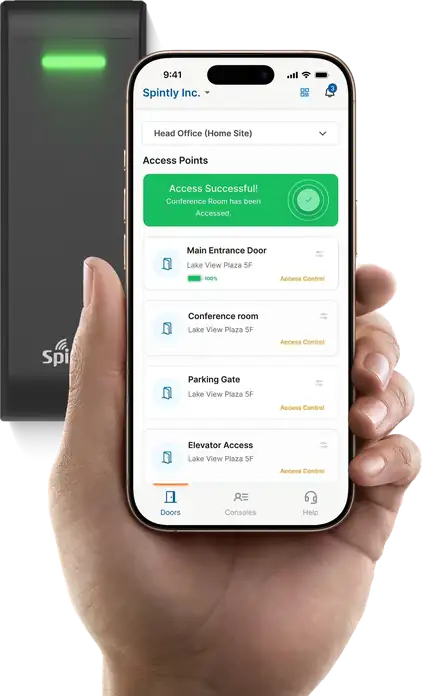

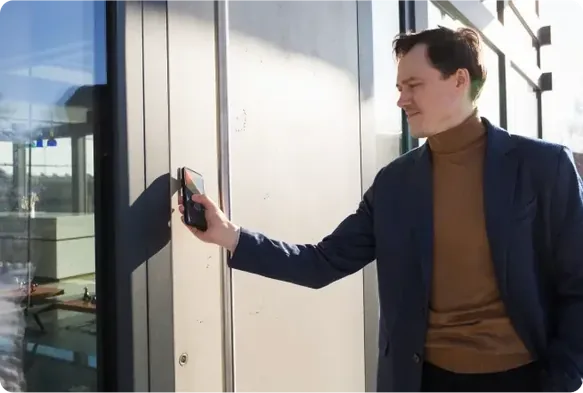
Tap the phone on the reader. No need to unlock the device.
Open your app and tap the door to unlock it.
Open doors from anywhere, through the remote-open API.
Spintly provides two SDK components: an OAuth SDK that generates secure access tokens, and an Access Control SDK that talks to the readers.
Generates a Spintly access token from your own sign-in, so users never log in twice.
Finds readers, verifies permissions, connects over Bluetooth and unlocks doors.
For hardware makers: build Spintly access into your own locks and devices.
Employees open office entrances and meeting rooms from the company app.

Residents reach lobbies, amenities and common areas with their phone.

Guests open their rooms from the hotel app, from check-in to check-out.
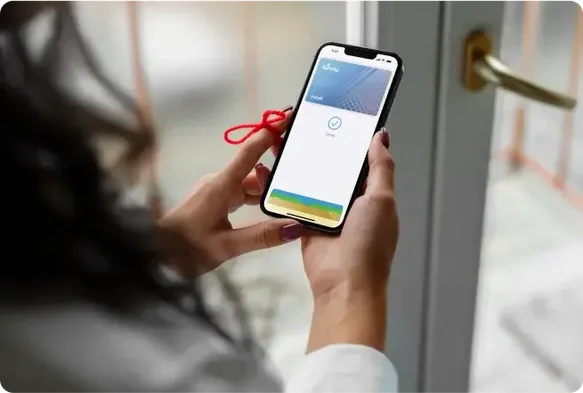
Members get in with the app they already use to book desks.
The SDK cannot work on its own. Your backend uses the Spintly APIs to create users and assign door permissions; the SDK in your app then lets those users open doors. Together they are Spintly’s Type 3 integration: access control inside your own app, with your own user database.
No. The SDK and APIs handle different parts of access control, so both are needed: the APIs create users and assign permissions, and the SDK opens the doors.
Native SDKs for iOS and Android, and support for React Native apps.
No. Door access works inside your app, with no extra access control app to download.
Yes. Spintly provides a sample application that shows how the SDK works in a real app and how to implement door unlocking.
Sign up as a Spintly partner. You get a client ID and secret, the SDK documentation and a sandbox to test in.
Talk to us about APIs, SDKs, white labeling and partner programs.
Prefer email? sales@spintly.com