

QR Codes and Visitor Passes
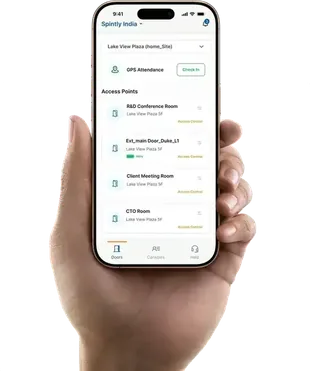
Send time-bound QR passes to visitors, contractors and short-term users by email or message. They scan in at the reader, and the pass expires on its own when the visit ends.
A Pass for Every Guest, in Four Steps
- 01Create the passChoose the person, the doors and the time window, from the dashboard or the app.
- 02Send itThe QR pass goes out by email or message. Visitors don’t need an app.
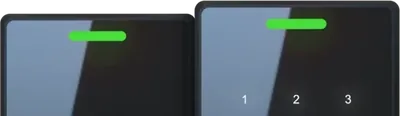
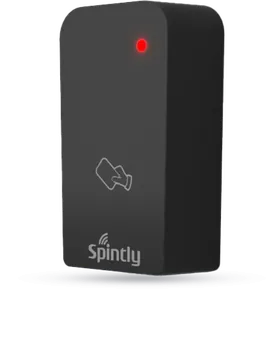
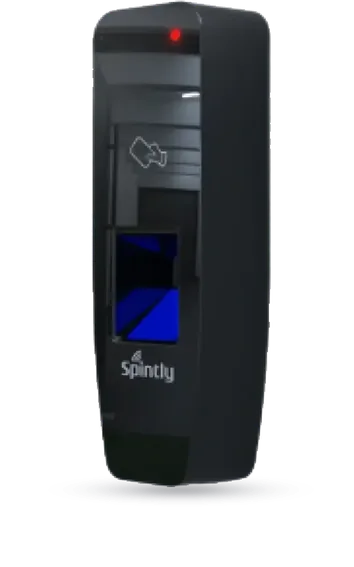
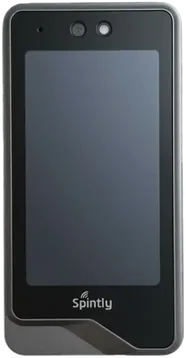
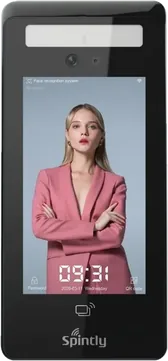
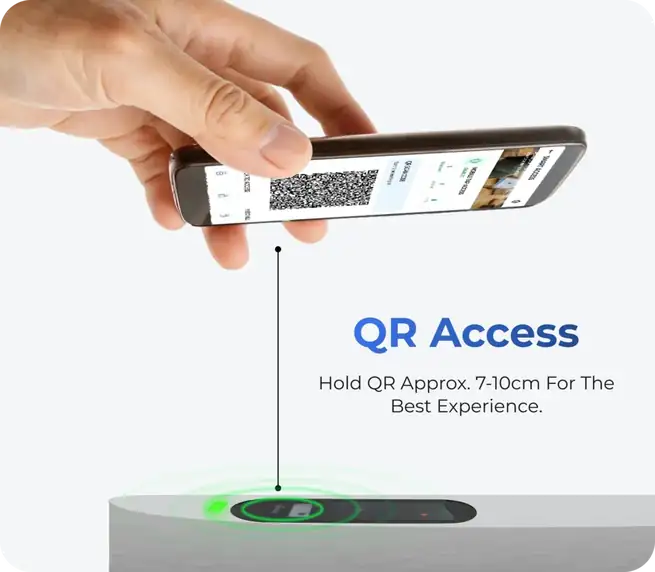
- 03Scan at the readerThe visitor holds the code to a Spintly reader that reads QR codes, such as ZEON, and the door opens.
- 04It expires on its ownWhen the window ends, the pass stops working. Every scan is logged.
Passes for Everyone Who Isn’t on the Payroll
Visitor Passes
For meetings and appointments, valid only for the doors and hours of the visit.
Contractor Passes
Limited-duration access for service teams and vendors, with logs for compliance.
Temporary Access
For short-term staff, interns or guests, by the day, week or custom window.
Lobby, Turnstile & Elevator
One pass for the lobby, turnstiles and only the floors the visitor needs.
Lockers
Temporary QR access to a locker, expiring after use.
Static QR Credentials
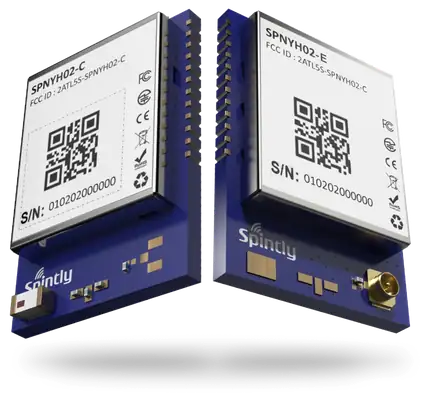
Scypher issues static QR credentials for your existing access control system.
Scan at Spintly ZEON
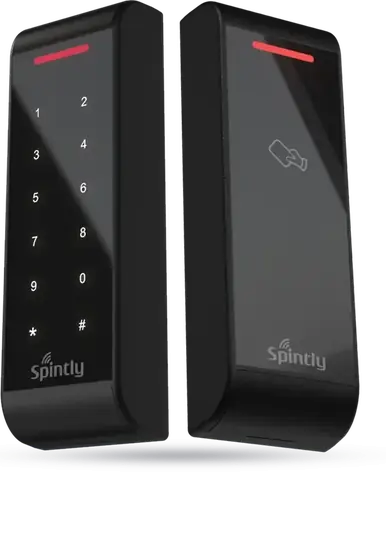
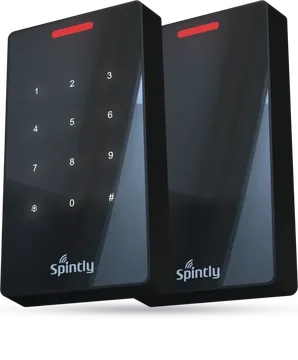
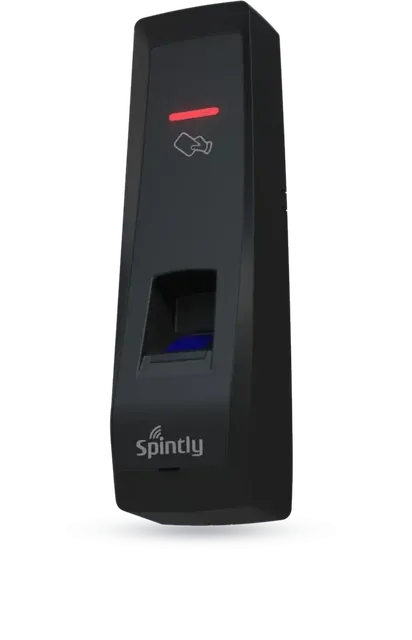
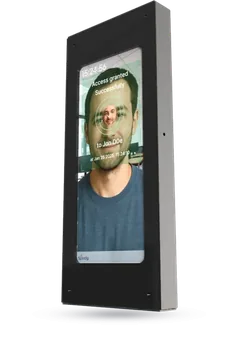
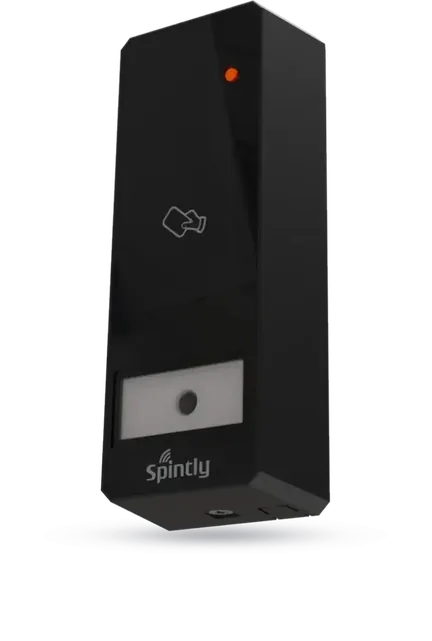
ZEON reads both static and dynamic QR codes and barcodes, alongside BLE and NFC, so visitors, employees and contractors use the same door.
- Static and dynamic QR codes
- BLE and NFC in the same reader
- OSDP and Wiegand retrofit
Pair QR Passes with Contactless Check-In
- 01
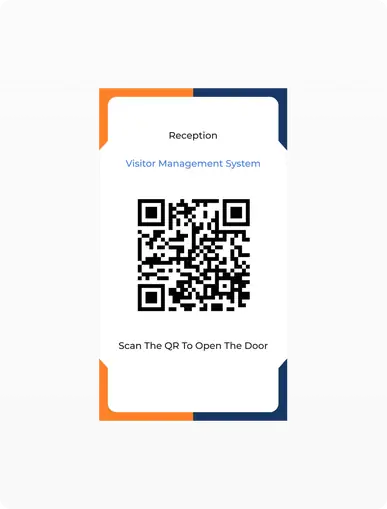
Scan at Reception
The visitor checks in online by scanning the reception QR code.
- 02
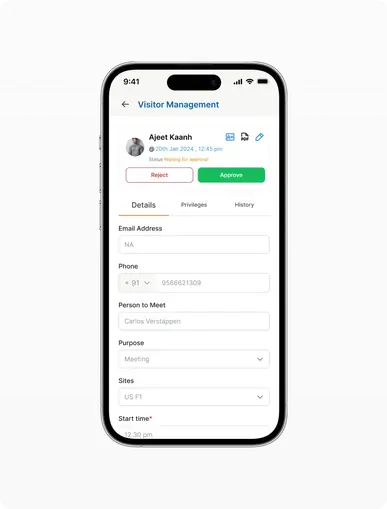
Host Approves
The host approves on their phone; the visitor gets the pass by email and SMS.
- 03
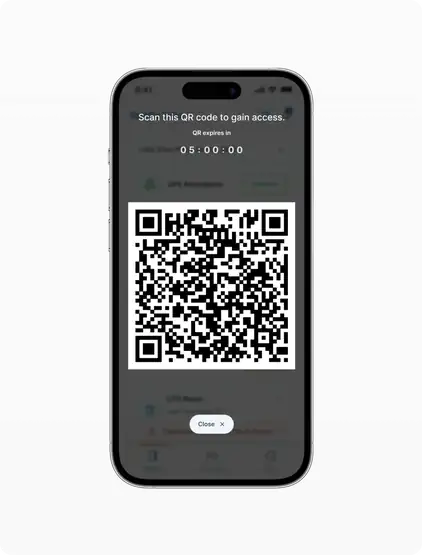
Open the Door
The visitor scans their QR pass at the reader.
- 04
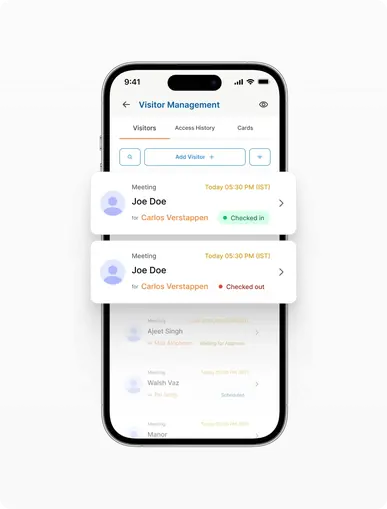
Check Out
The visitor checks out with the QR code or an email link.
Frequently Asked Questions
Do visitors need to install an app?
No. The QR pass arrives by email or message and is shown on the visitor’s phone, or printed.
Can a QR pass be shared or reused?
Each pass is valid only for its doors and time window and expires on its own. Every scan is logged, and you can revoke a pass at any time.
Which readers read QR codes?
Spintly ZEON reads static and dynamic QR codes and barcodes, alongside BLE and NFC.
Can QR passes work with my existing access control system?
Yes. Scypher issues static QR credentials for existing access control systems, alongside mobile and Apple Wallet credentials.
Welcome Visitors Without the Front Desk.
Connect with a Spintly expert within 24 hours.
- A Spintly expert gets back to you within 24 hours
- A site walkthrough and a tailored quote
Prefer email? sales@spintly.com