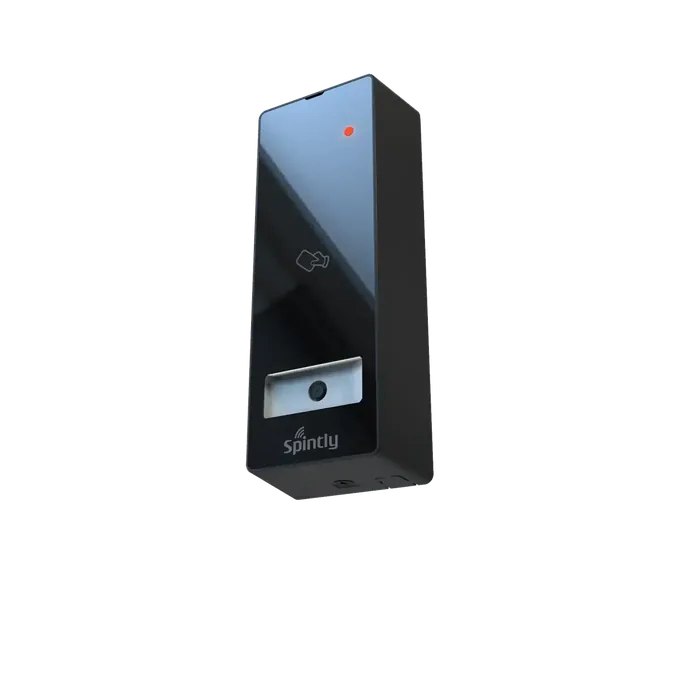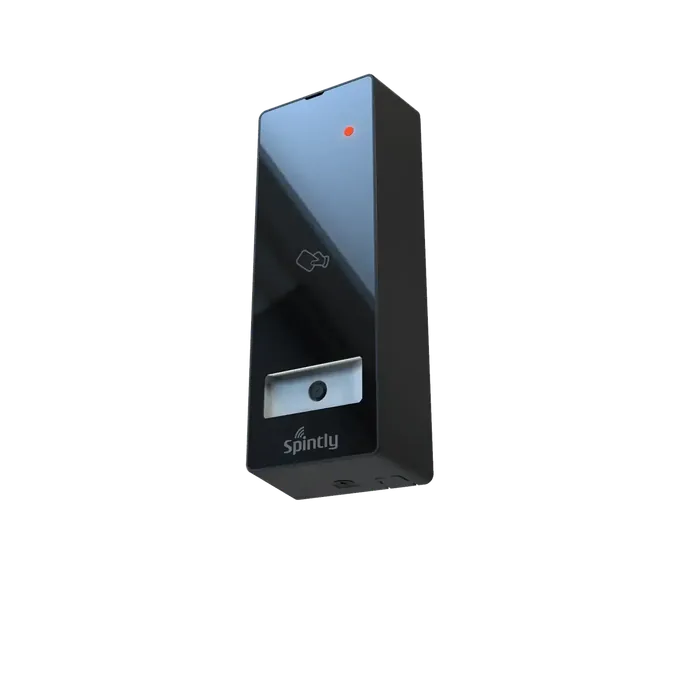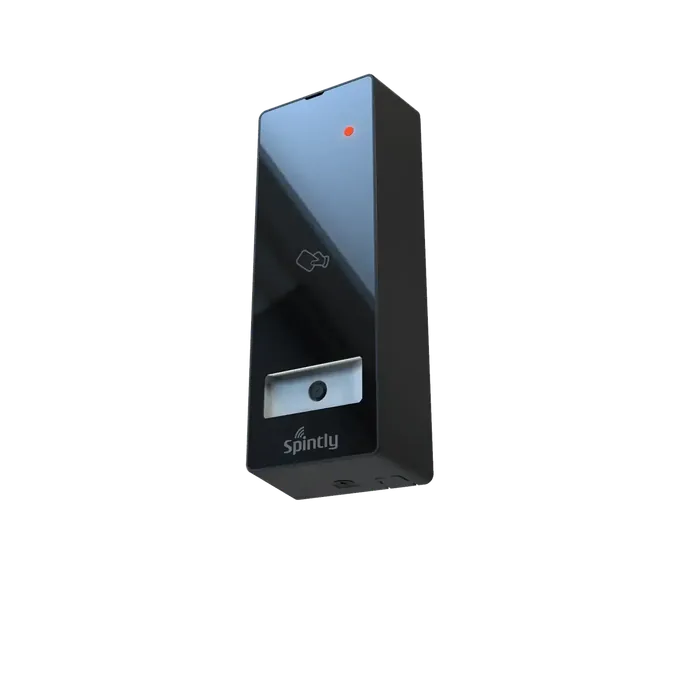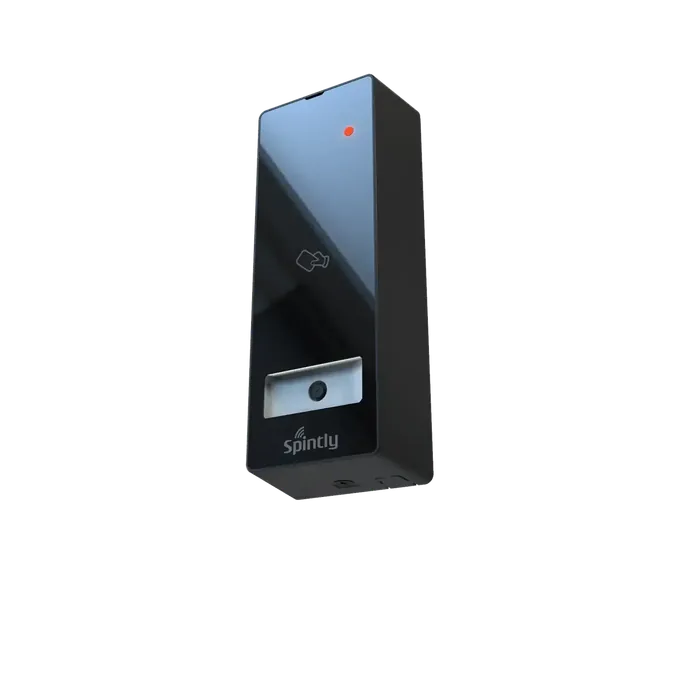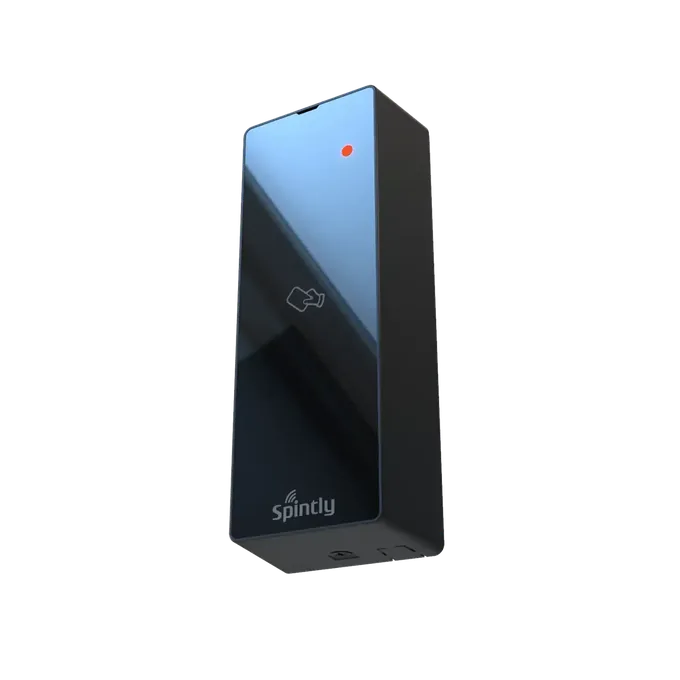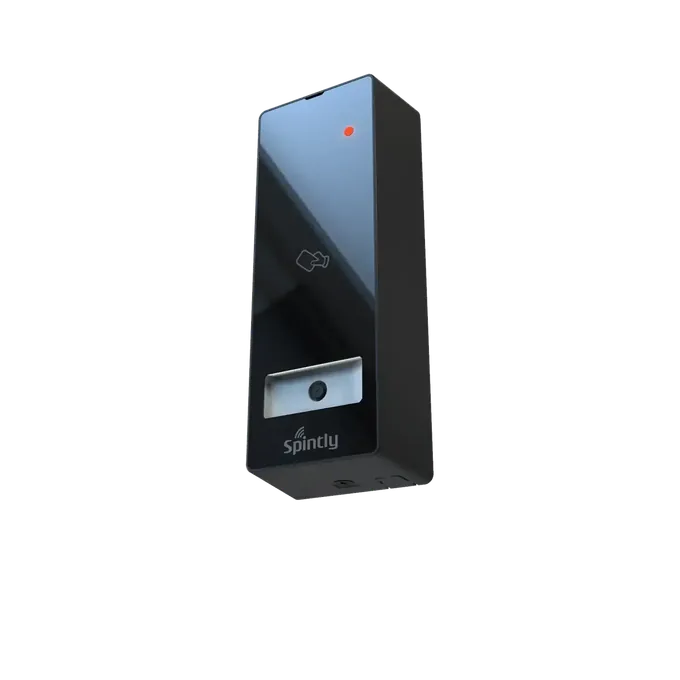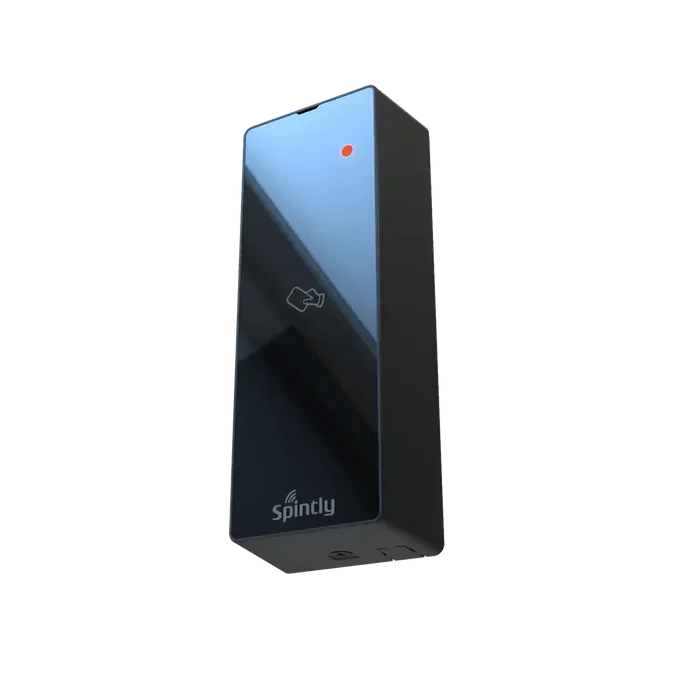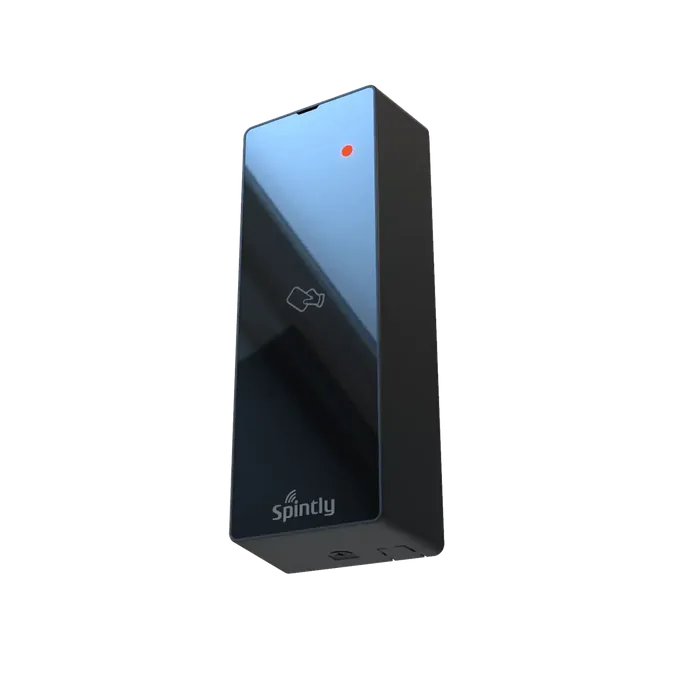

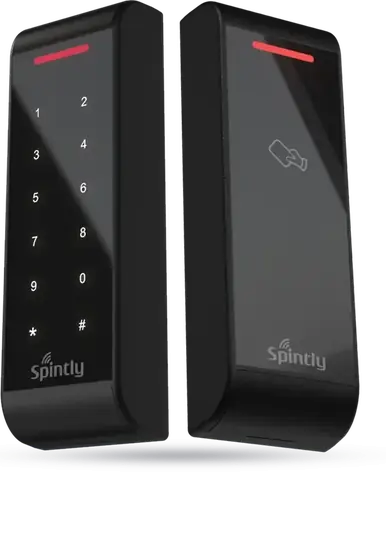
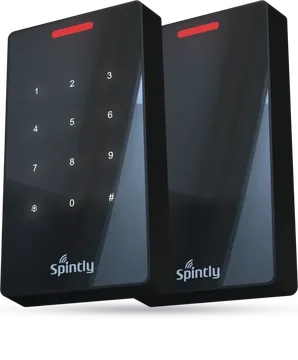
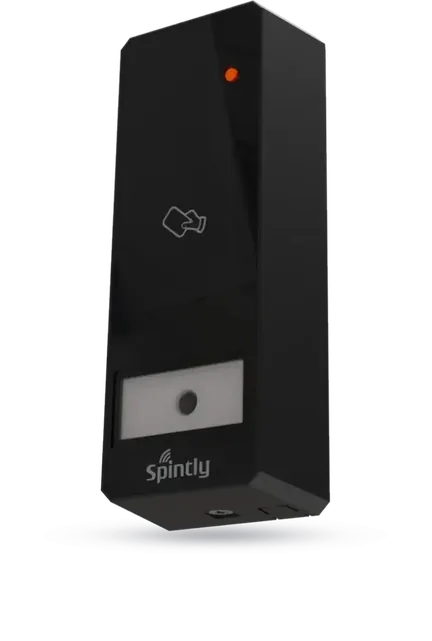
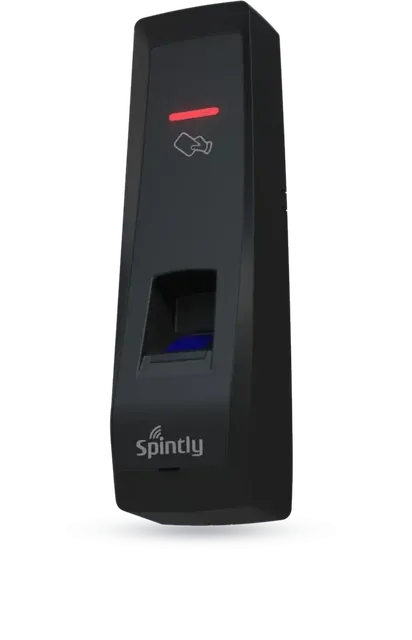
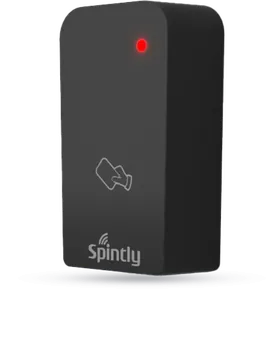
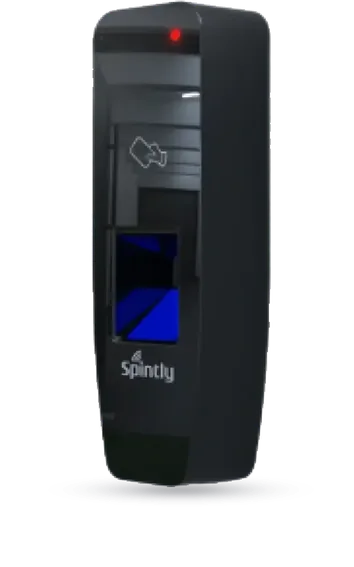
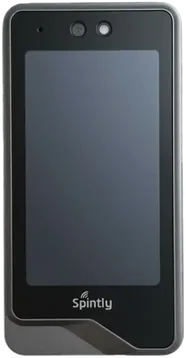
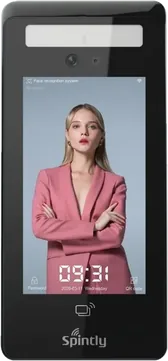
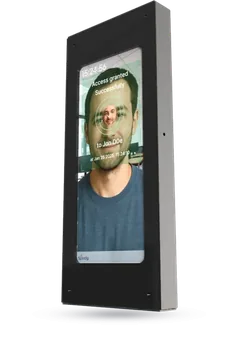
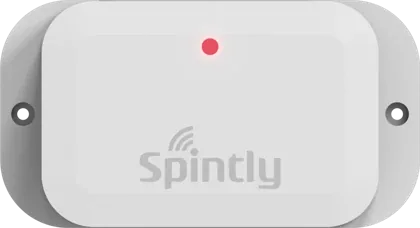

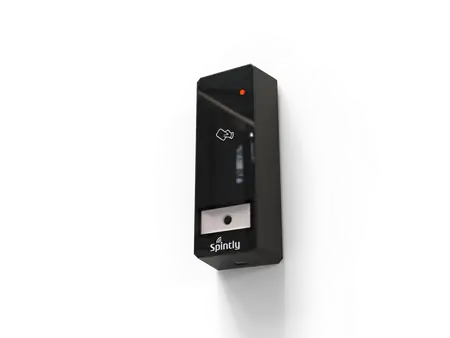
Spintly ZEON QR
Spintly ZEON QR offers a complete solution for users and visitors by blending QR / Barcode scanning with BLE and NFC access. This ensures easy operation across all levels.
1. Product Features and Specifications
1.1. Features
- Wireless BLE Mesh Networking
- Easy to Install and Set-up
- QR based access
- Cloud based platform
- Smartphone based access
- Card based access
1.2. Electrical Specifications
- Power source: 12V / 24V DC Input
- Power consumption: 2.4W max at 12V
- Wireless BLE Mesh Networking
- Easy to Install and Set-up
- QR based access
- Cloud based platform
- Smartphone based access
- Card based access
- Power source: 12V / 24V DC Input
- Power consumption: 2.4W max at 12V
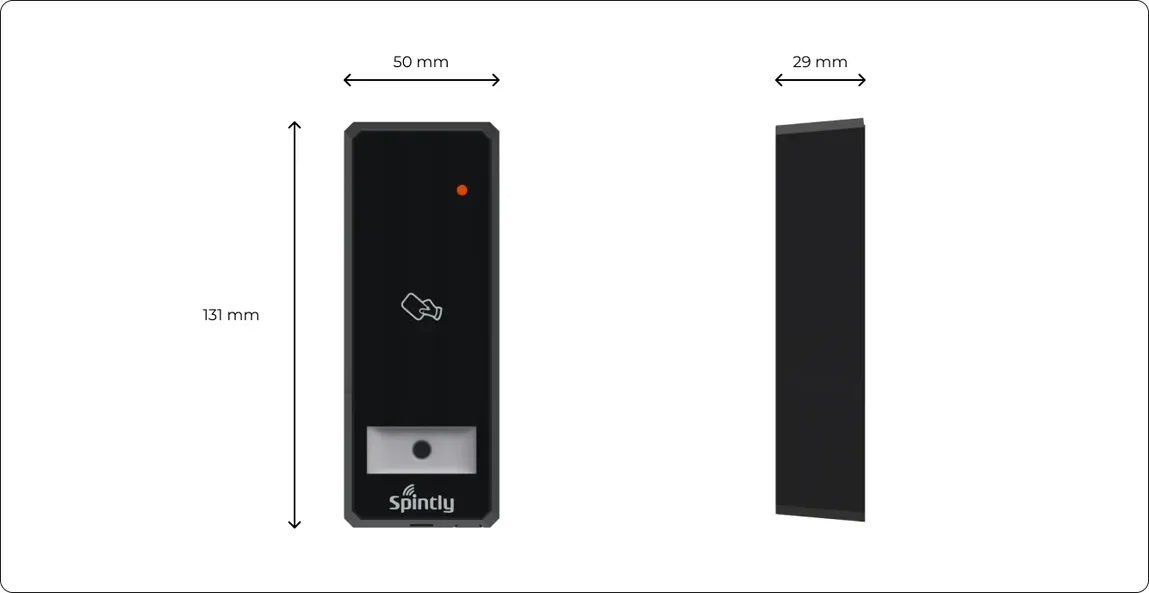
2. Mechanical Dimensions
3. Mounting Instructions
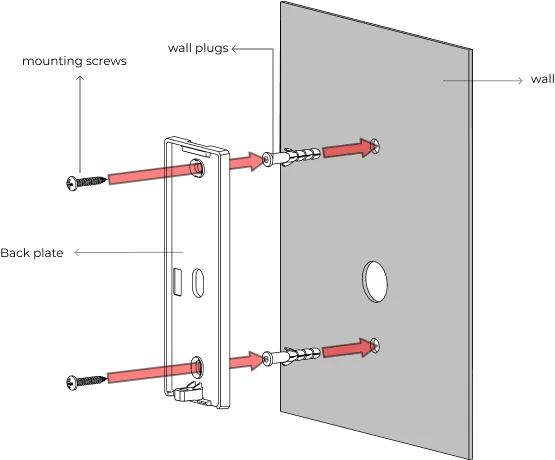
Step 1. Pre-drill the mounting locations using Drill Template provided in the box. Then mount the back plate on the wall with the help of wall plugs and screws (ISO #6, 25mmL, PAN+, 2 qty) as shown above.
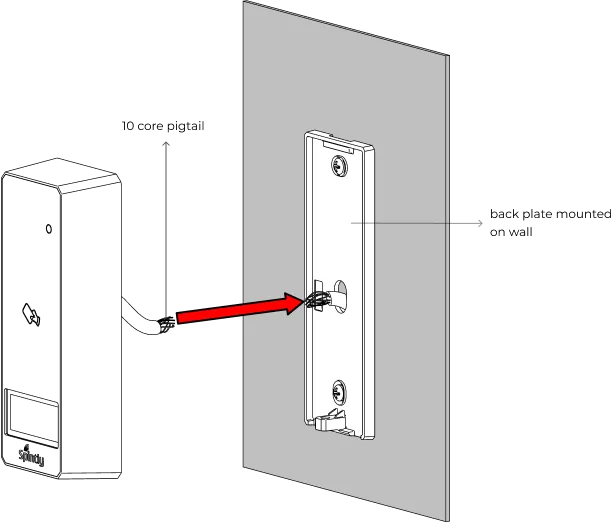
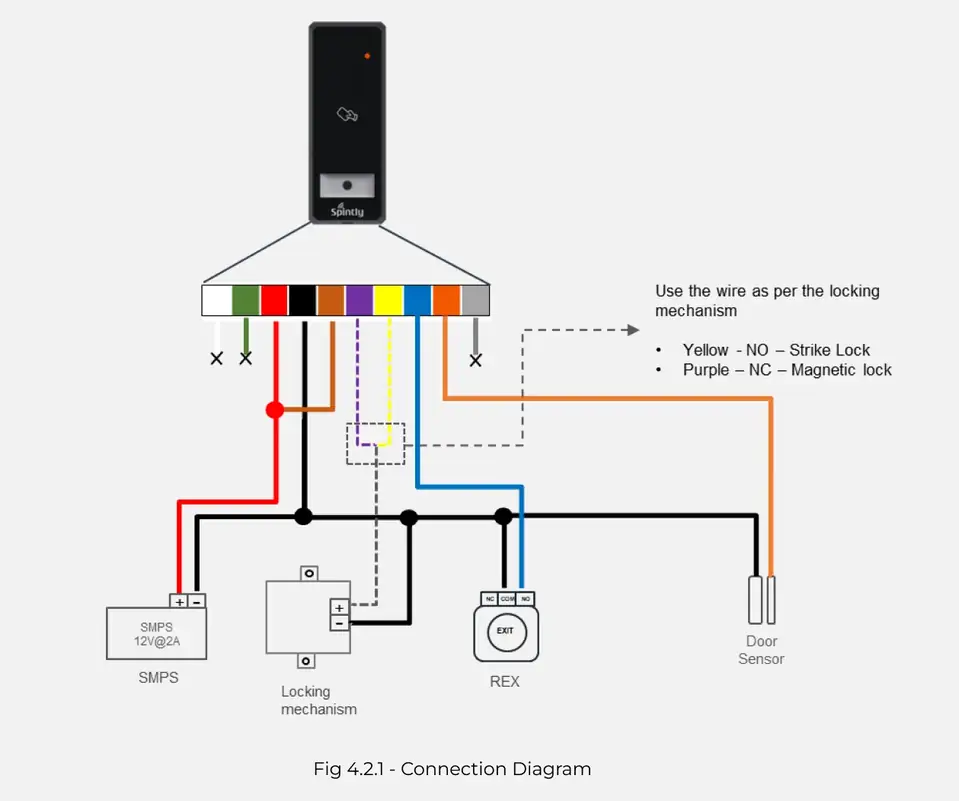
Step 2. Strip and connect the wires as per the pigtail color code (refer Fig 4.1.1) and connection diagram (refer Fig 4.2.1) under Wiring Instructions – Section 4.
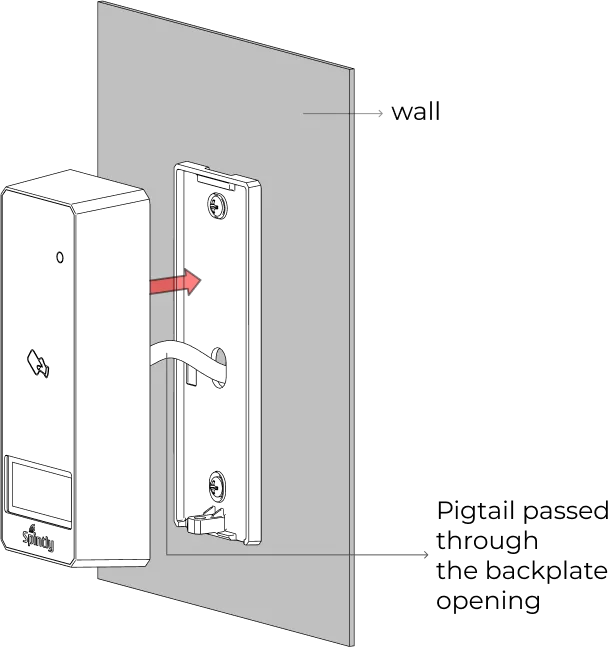
Step 3. Once the connection is done, pass the pigtail through the back plate opening
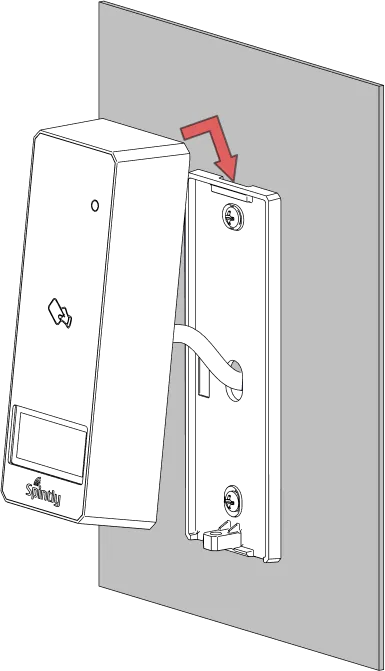
Step 4. Mount the reader on the back plate (align in the backplate notch) as shown in above image
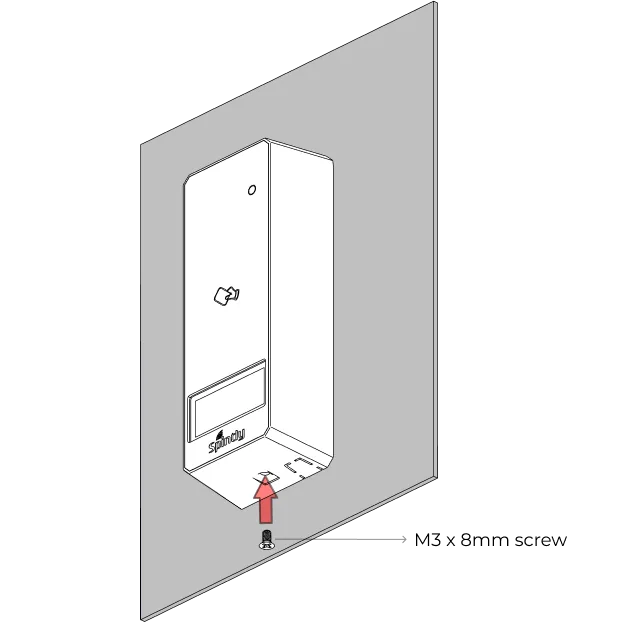
Step 5. Secure the reader using M3 x 8mm screws (1 qty) as shown in above image
4. Wiring Instructions
4.1. Pigtail Color Code
ZEON QR reader is equipped with a 10 core pigtail required during the connection process. The table below describes the signal names along with their corresponding color code.
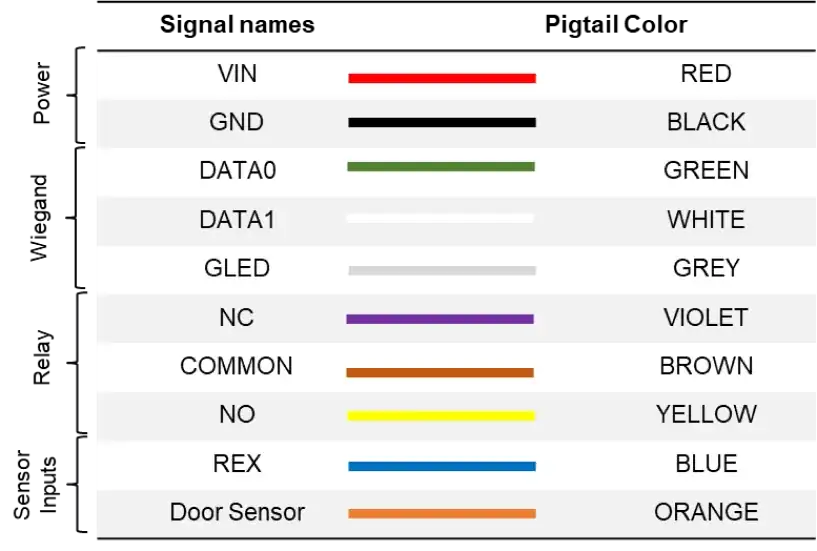
The reader supports various modes of configuration. The connection of wires will differ based on the selected configuration. To ensure proper setup and functionality, refer to the configurations listed below.
4.2. Configuration 1 : Standalone Spintly Reader (Entry Only)