




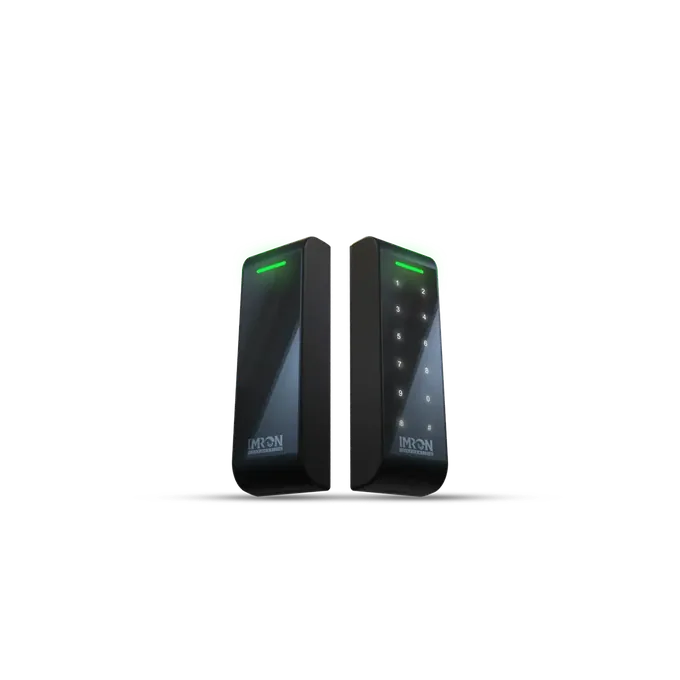
IMRON KREO
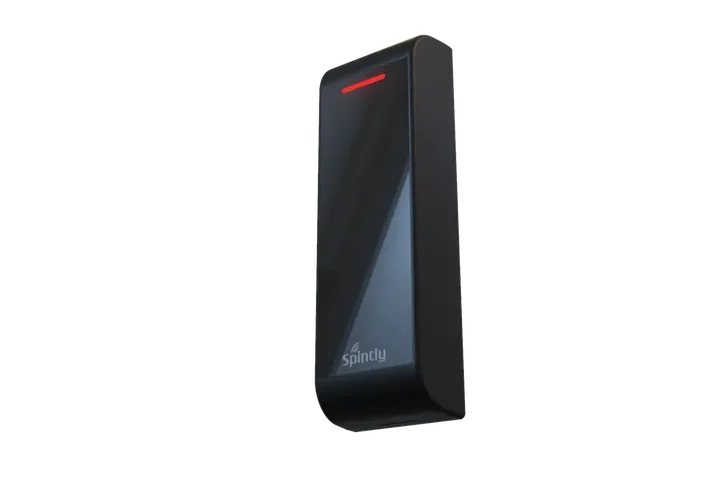
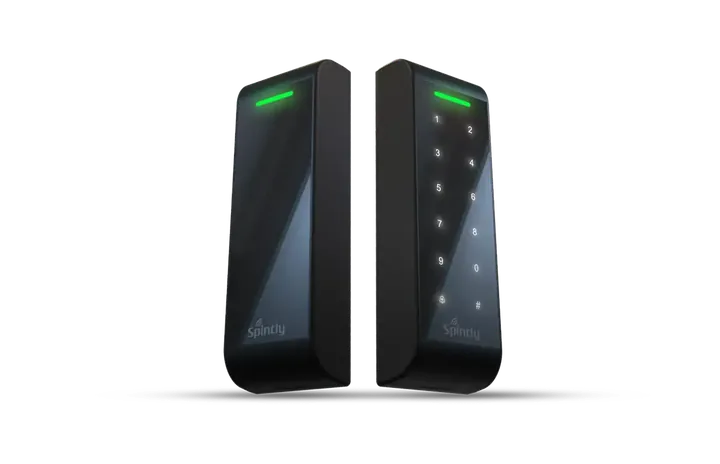
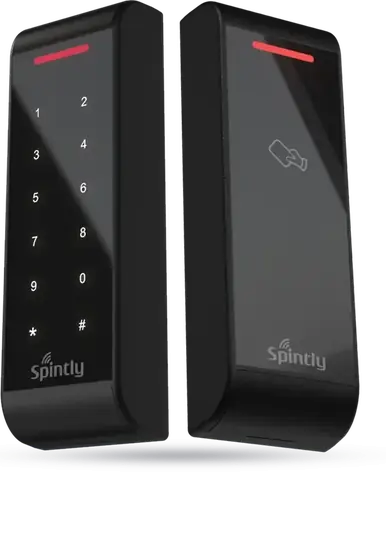
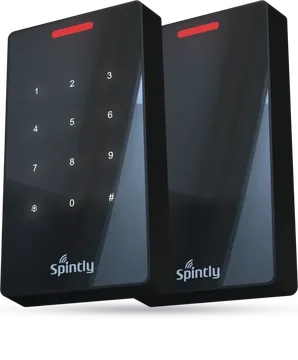
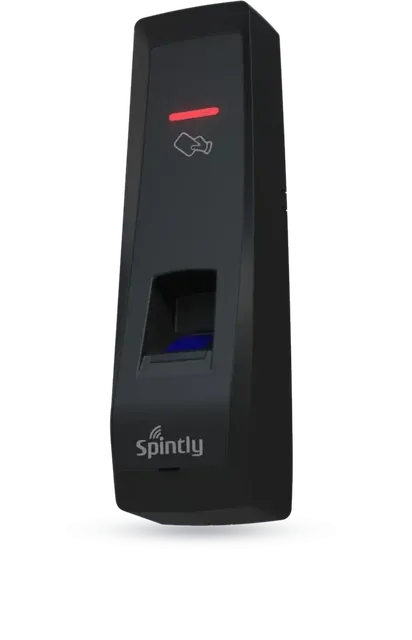
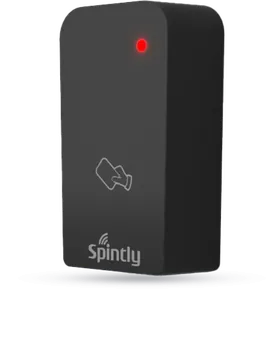
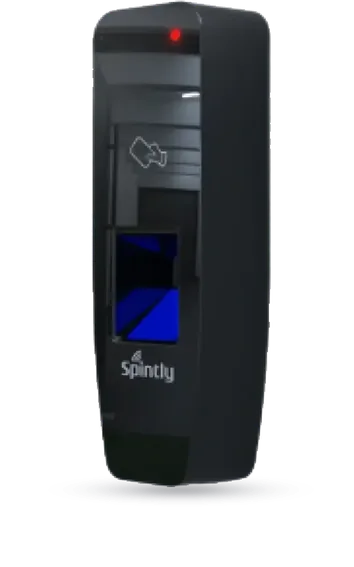
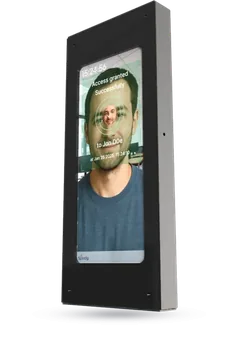
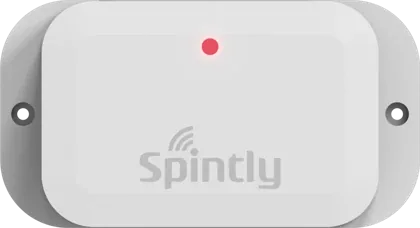
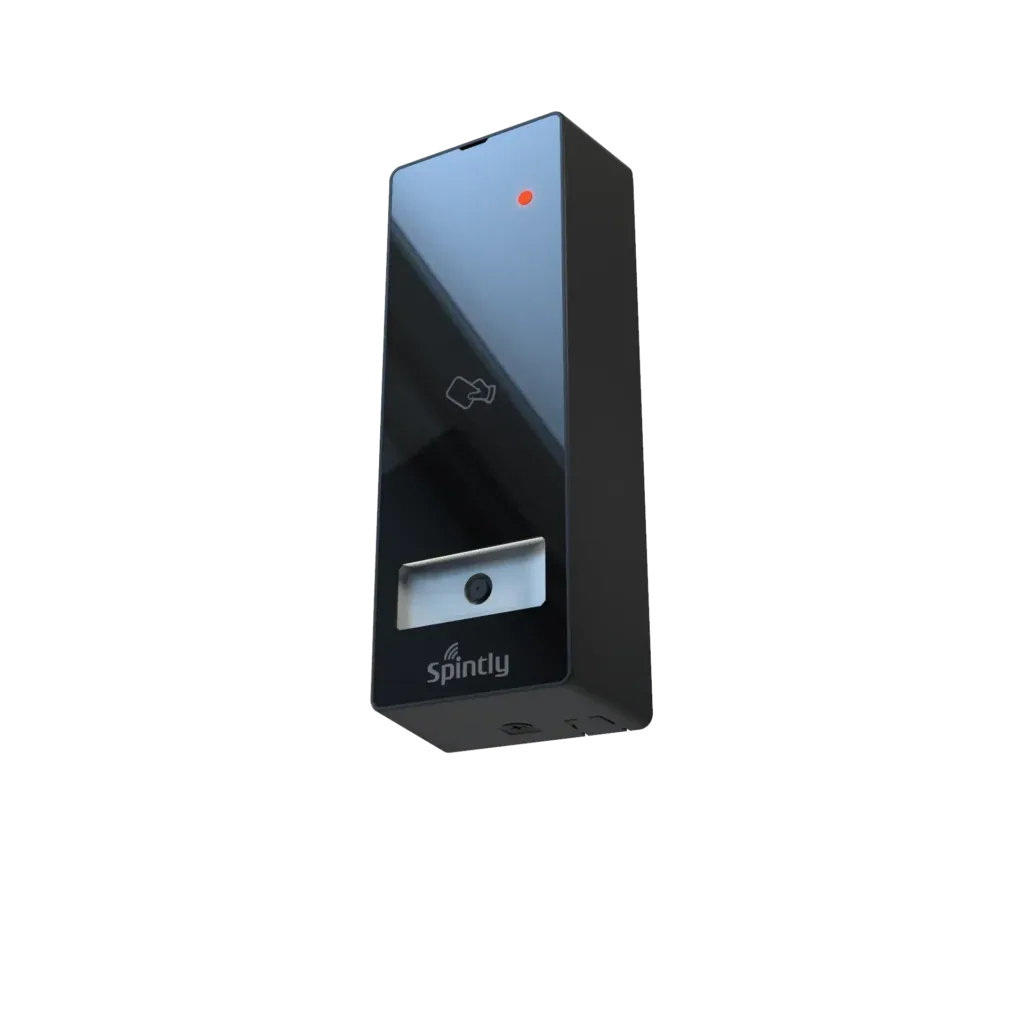
IMRON KREO is an advanced access control reader with the highest level of security and reliability, with IP-65 rating for ruggedness. It offers seamless door unlocking using BLE, NFC and a Keypad.
Spintly ZEON QR
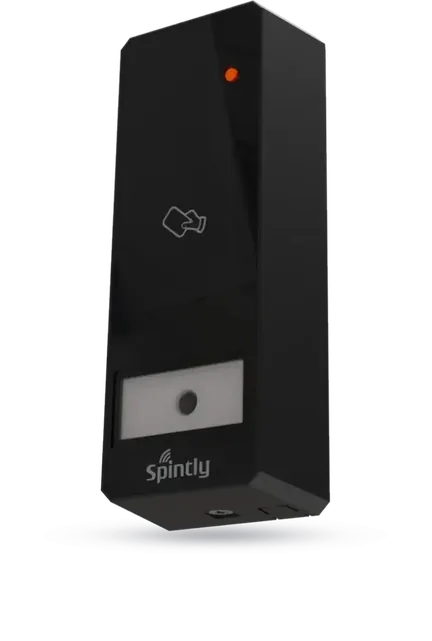
Spintly ZEON QR offers a complete solution for users and visitors by blending QR / Barcode scanning with BLE and NFC access. This ensures easy operation across all levels.
1. Product Features and Specifications
1.1. Features
- BLE Mesh Networking
- Premium Aesthetics
- IP65 Rated
- Wide Input operating voltage
- Standard OSDP and Wiegand support
- Wallet credential support
- Multi-factor authentication Support
- Cloud based access management
- Adjustable operational distance for Mobile credential access
- Tamper Proof
1.2. Electrical Specifications
- Power source: 12V/24V DC Input
- Power consumption: 2.4W max at 12V
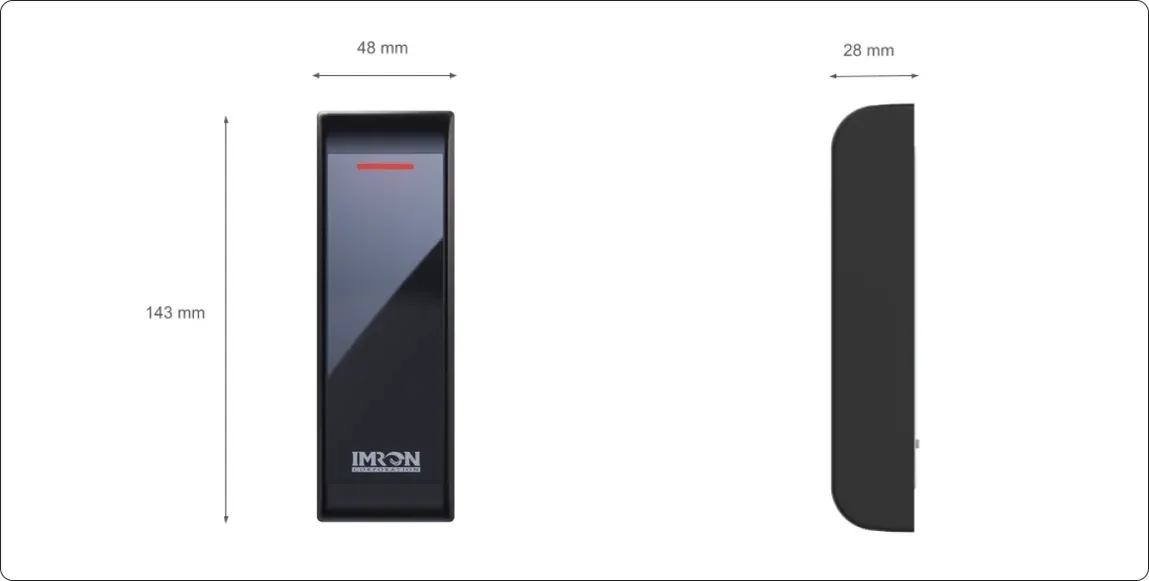
2. Mechanical Dimensions
3. Mounting Instructions
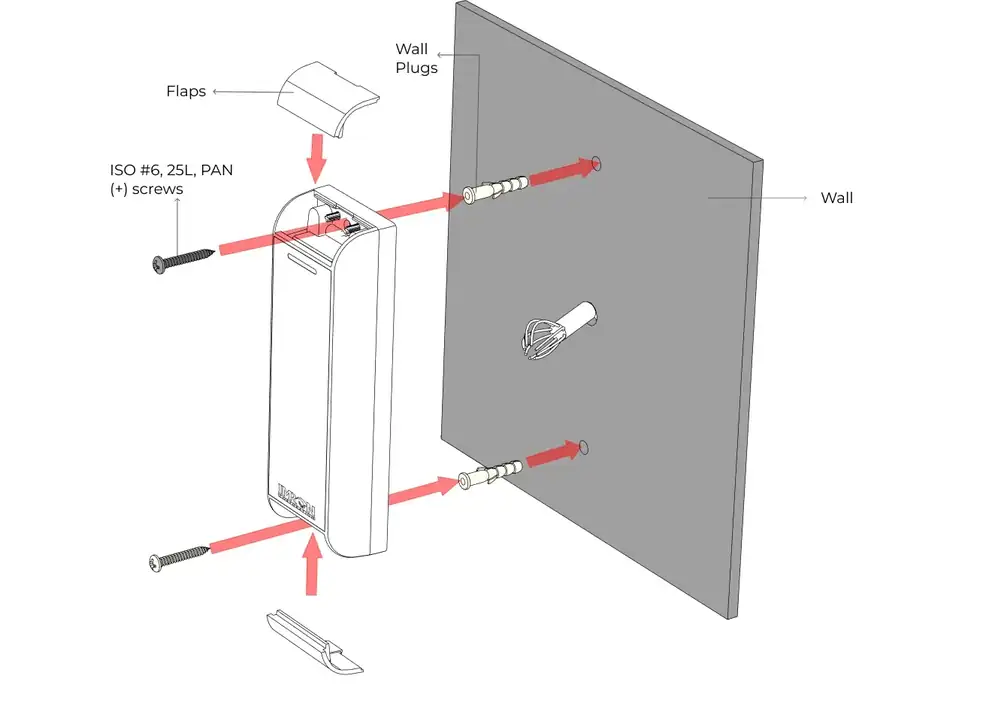
Step 1. Pre-drill the mounting locations using Drill Template provided in the box.
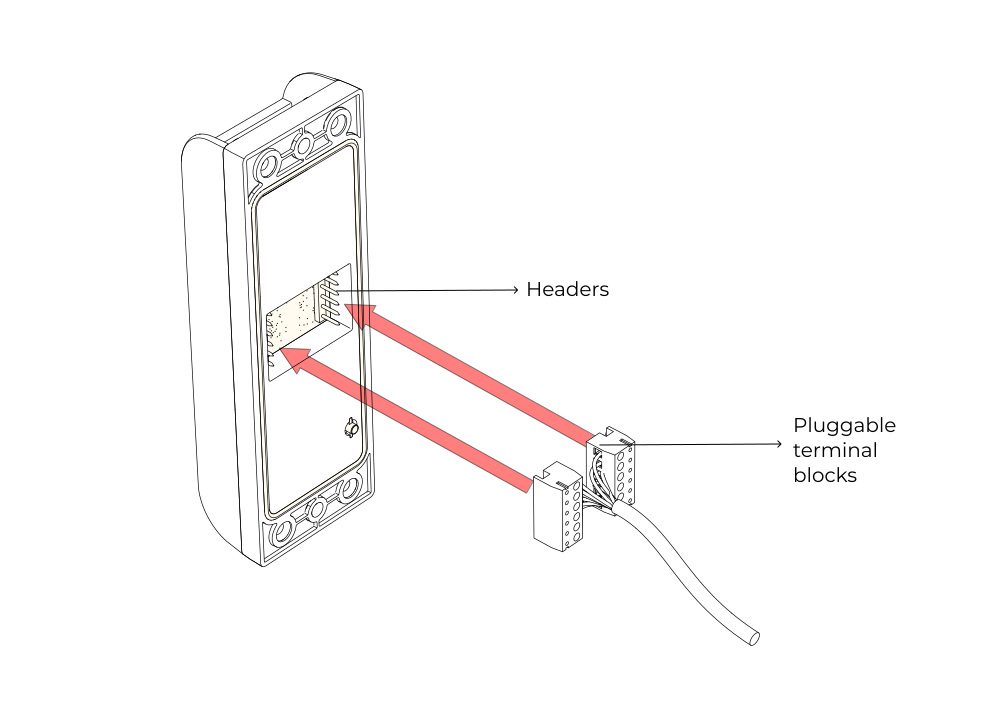
Step 2. Strip and connect the wires to the pluggable terminal block (provided in the box) and plug it in the headers on back side of the reader.
Note : Please ensure that the terminal blocks are being plugged on the correct side
Step 3. Then mount the reader on the wall with the help of wall plugs and screws (ISO #6, 25mmL, PAN+, 2 qty).
4. Wiring Instructions
IMRON KREO features an exposed terminal block on its backside, providing easy access to all required signals during installation. This simplifies the installation process by allowing straightforward connection of wiring without the need for additional steps
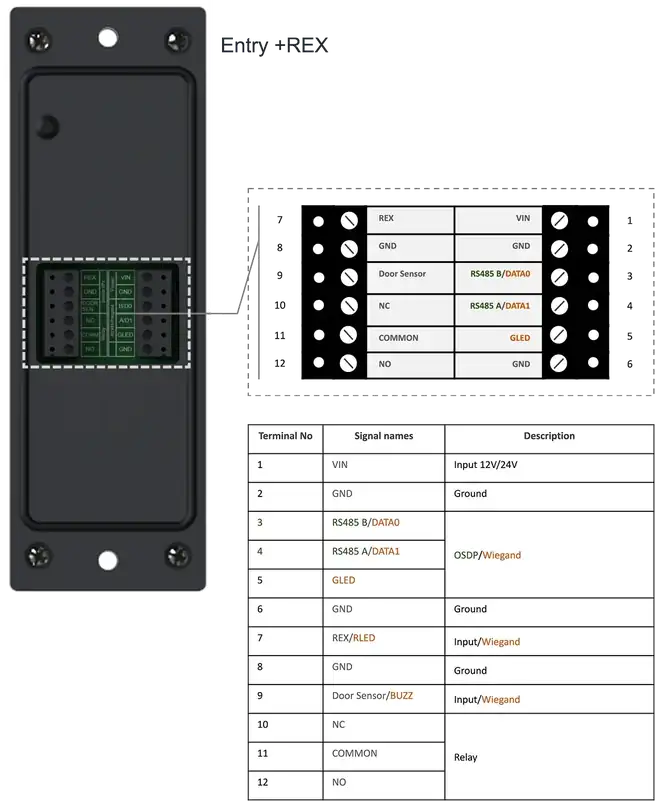
Configurations
The reader supports various modes of configuration. The connection of wires will differ based on the selected configuration. To ensure proper setup and functionality, refer to the configurations listed below.
4.1. Configuration 1 : Standalone IMRON Reader
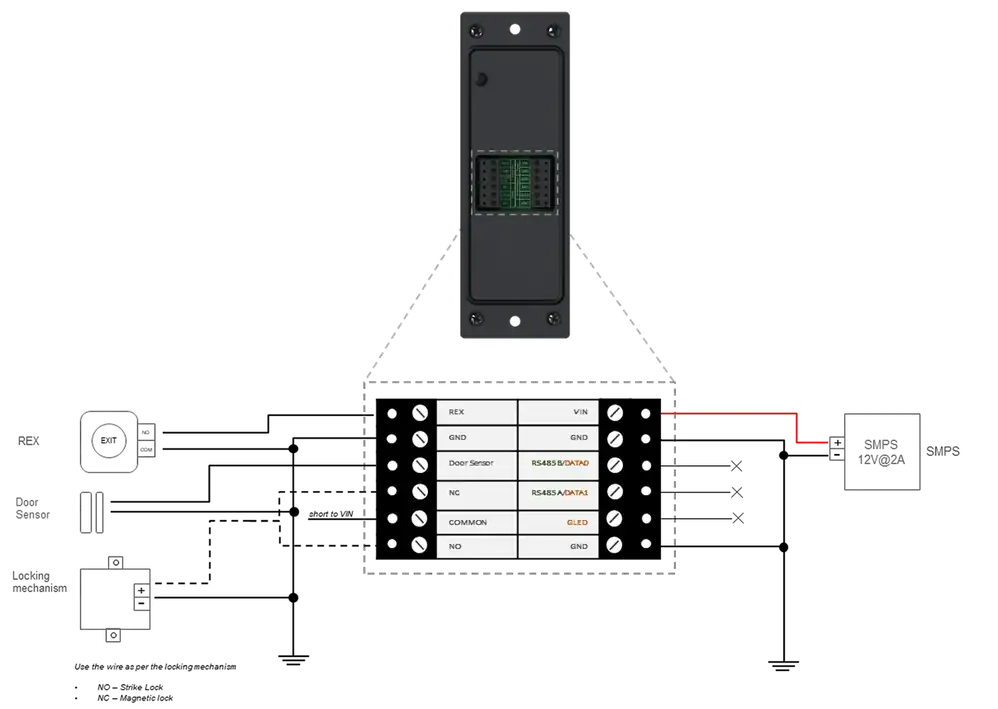
- Short VIN wire to COMMON wire of Entry Reader
- Connect the locking mechanism (Strike lock or Magnetic lock) to NC (in case of mag lock) wire of Entry Reader
- The sensor inputs: Door Sensor – Connect to the Entry readerREX – Connect to the Entry reader
4.2. Configuration 2 : IMRON Entry with Exit Reader
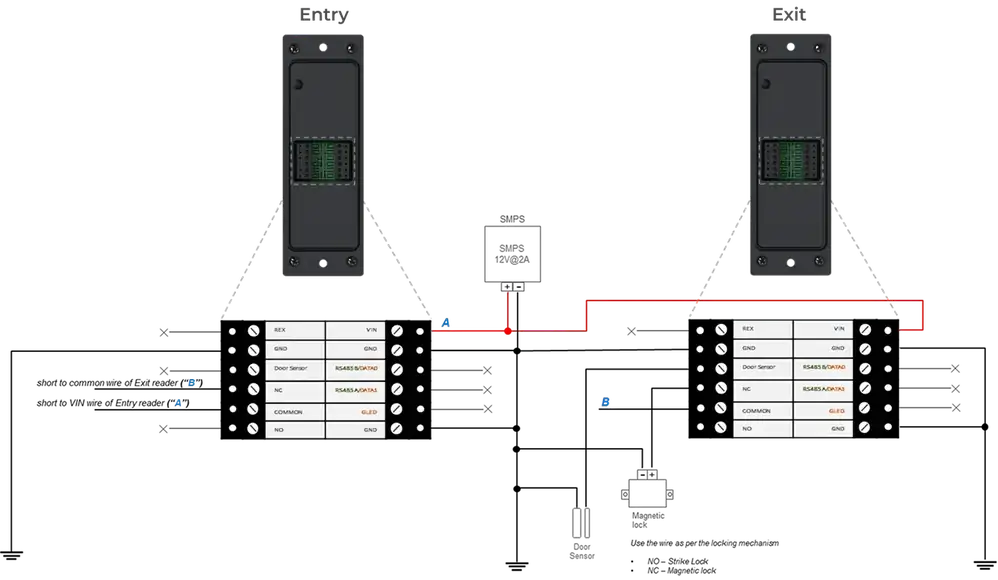
In this mode as shown in above diagram, both the entry and exit IMRON readers will share the same power lines.
- Connect together the VIN wires of both the readers. Similarly, for GND wires (ground)
- Short COMMON wire of Entry Reader to VIN (“A”)
- Short NC wire of Entry reader to COMMON wire (“B”) of Exit reader
- Connect the locking mechanism (Strike lock or Magnetic lock) to NC (in case of mag lock) wire of Exit Reader
- The Door sensor should be connected to Exit reader
4.3. Configuration 3 : IMRON Reader with OSDP Controller
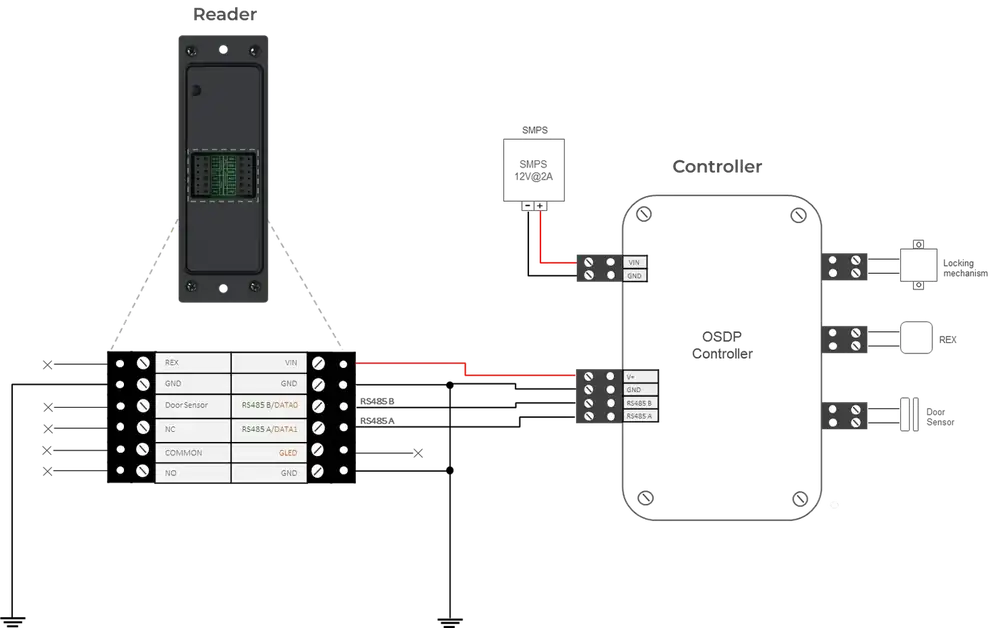
As shown in above diagram,
- Below mentioned 4 wires should be connected from Reader and Controller
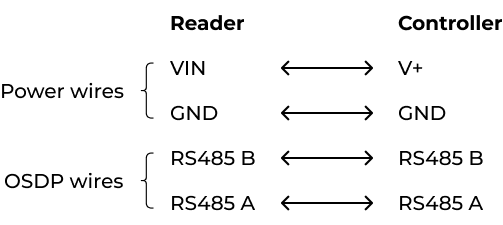
- Connect the locking mechanism and sensor inputs (Door sensor and REX) to the controller
4.4. Configuration 4 : IMRON Reader with Wiegand Controller
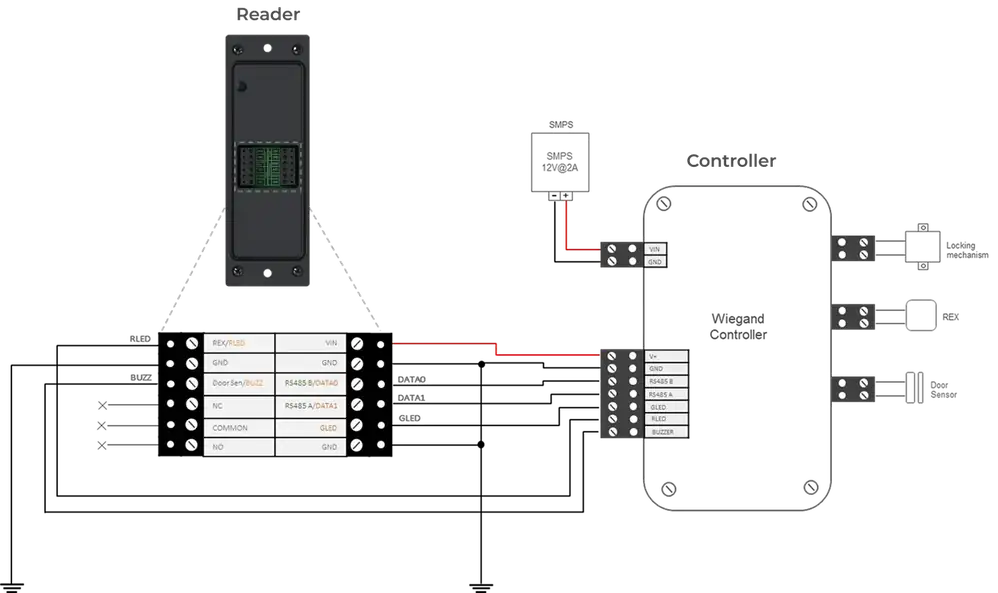
- Below mentioned 7 wires should be connected between Reader and Controller
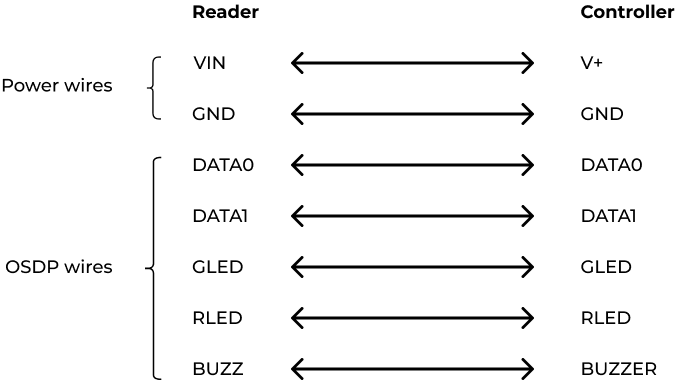
- Connect the locking mechanism and sensor inputs (Door sensor and REX) to the controller