Spintly

What are the current trends and innovations in MFA and access control?

For a long time, securing access to systems meant just one thing: Enter your password and you’re Done! 

But as cyberattacks became more sophisticated, it became clear that passwords alone were not enough. Today, stolen or compromised credentials remain one of the most common ways attackers gain access to systems and data.

That’s why organizations started using Multi-Factor Authentication (MFA), adding an extra step like a one-time password (OTP) or biometric verification.

But even traditional MFA is now evolving. Modern security systems are moving toward smarter, passwordless, risk-aware, and adaptive ways of deciding who should get access, when, and under what conditions.

Let’s take a look at some of the biggest trends shaping the future of MFA and access control.

1. Moving Towards Passwordless Authentication

One of the biggest changes happening in authentication today is the shift toward passwordless login.

Instead of asking users to remember and type passwords, modern authentication systems are beginning to rely on things like:

  • Biometrics (Face ID, fingerprint)
  • Device-based cryptographic keys
  • Hardware security keys

A major example of this approach is passkeys, which are built using open standards like FIDO2 and WebAuthn.

Passkeys allow users to sign in to applications or systems using their trusted device such as a phone or laptop without ever typing a password.


So how does this actually work behind the scenes?

When you create a passkey for a website or application:

  1. Your device generates a cryptographic key pair:
    • A private key
    • A public key
  2. The private key is securely stored on your device (for example, inside a secure hardware-backed storage area like a Secure Enclave or Trusted Platform Module).
  3. The public key is shared with the application’s server and stored there.

Later, when you try to log in:

  • The server sends a cryptographic challenge to your device
  • You unlock your device using your biometric (fingerprint / face) or PIN
  • Your device uses the private key to sign the challenge
  • The server verifies this signature using the stored public key

If the signature matches, you’re authenticated.

Importantly: The private key never leaves your device and no shared secret (like a password) is transmitted over the network.

This makes passkeys highly resistant to:

  • Phishing attacks
  • Credential stuffing
  • Password database breaches

Because even if an attacker compromises the server, they only get access to public keys which cannot be used to impersonate a user.


Why are enterprises adopting this?

Traditional password-based systems are vulnerable because:

  • Users reuse passwords
  • Passwords can be guessed or stolen
  • Phishing attacks trick users into revealing credentials

Passwordless authentication removes these risks by replacing shared secrets with device-bound cryptographic credentials. This is why many organizations are now exploring passwordless authentication as part of their broader Zero Trust and identity security strategies.

2. Adaptive MFA (Risk-Based Authentication)

In traditional Multi-Factor Authentication (MFA), the authentication process is usually the same for every user and every login attempt.

For example:

  • Enter password
  • Receive OTP
  • Verify identity

This happens:

  • every time
  • for every user
  • regardless of the situation

While this improves security, it can also introduce unnecessary friction, especially when the login attempt is clearly legitimate.


What is Adaptive MFA?

Adaptive MFA (also known as Risk-Based Authentication) is designed to make authentication decisions based on context.

Instead of applying the same verification steps every time, the system evaluates certain signals before deciding whether additional authentication is required.

These signals may include:

  • Device being used (known or unknown device)
  • Location of login
  • IP address reputation
  • Time of access
  • Network being used
  • User behavior patterns
  • Previous login history


How does it work?

When a user attempts to log in, the system performs a risk assessment based on these contextual signals.

If the login attempt appears low-risk (for example: known device + usual location): the user may be granted access with minimal verification.

If the login attempt appears high-risk (for example: unfamiliar device or unusual location): the system may trigger additional authentication steps such as:

  • OTP
  • biometric verification
  • hardware security key
  • step-up authentication

In some cases, access may even be temporarily blocked until further verification is completed.


Why is this important?

Adaptive MFA helps organizations:

  • reduce unnecessary authentication prompts
  •  improve user experience
  • detect suspicious login behavior
  • respond dynamically to potential threats

Instead of enforcing the same level of authentication for every login attempt, security measures can be applied proportionally based on the assessed risk.

This aligns with modern Zero Trust security models, where access decisions are continuously evaluated rather than assumed to be safe after a one-time login.

3. AI and Behavioral Biometrics

Some modern access control systems are starting to use behavioral data to make authentication decisions more secure. Instead of relying only on what a user knows (like a password), these systems also look at how the user typically interacts with their device.

For example, they may observe:

  • Typing speed
  • Mouse or touch movement
  • Usual login time
  • Device usage patterns

Over time, the system builds a basic understanding of what “normal” behavior looks like for a user.

If a login attempt behaves very differently from that pattern such as unusual typing behavior or access from an unfamiliar device, the system may flag it as suspicious and trigger additional verification.

4. Zero Trust Access Models

Another major trend in both MFA and access control is the shift toward Zero Trust security.

Traditional access models were based on the idea that: Once you’re inside the network, you’re trusted.

Zero Trust works differently.

It follows the principle of: Never trust. Always verify.

Even after a user logs in, access is not automatically assumed to be safe.

Instead:

  • Access may be limited based on the user’s role
  • Additional verification may be required for sensitive actions
  • Login activity may be evaluated continuously during a session

Zero Trust typically works alongside technologies like:

  • Adaptive MFA
  • Least privilege access
  • Continuous authentication

to reduce the risk of unauthorized access even from compromised accounts or insider threats.

5. Convergence of Physical and Digital Access

Another emerging trend in access control is the merging of physical and digital access management.

Traditionally:

  • Physical access controlled entry into buildings (such as doors or gates)
  • Logical access controlled entry into systems and applications

These were typically managed using separate systems often leading to fragmented identities and inconsistent access policies. Today, organizations are beginning to manage both using a unified identity approach.

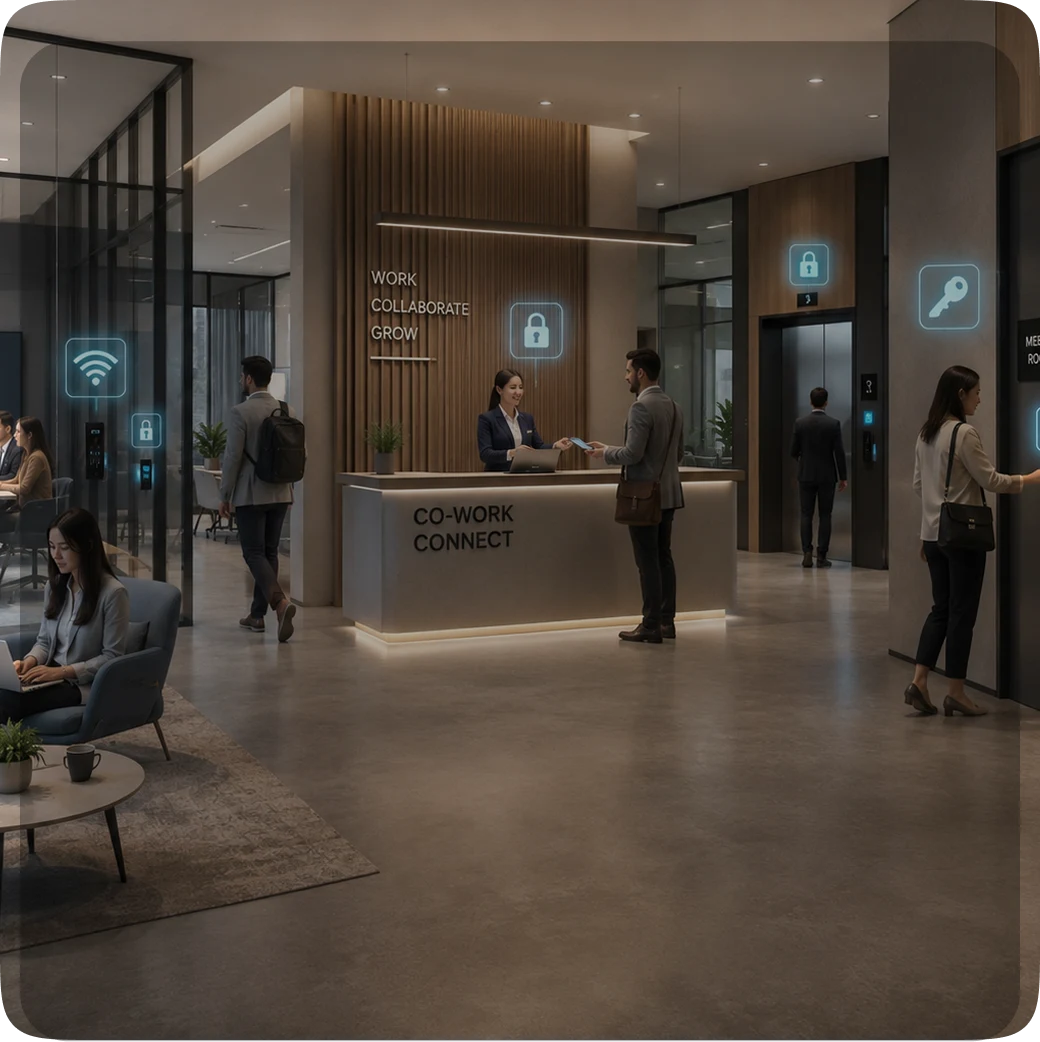
For example, the same mobile credential or wearable device can be used to:

  • enter an office building
  • unlock meeting rooms
  • access shared workspaces
  • log in to enterprise systems or internal applications

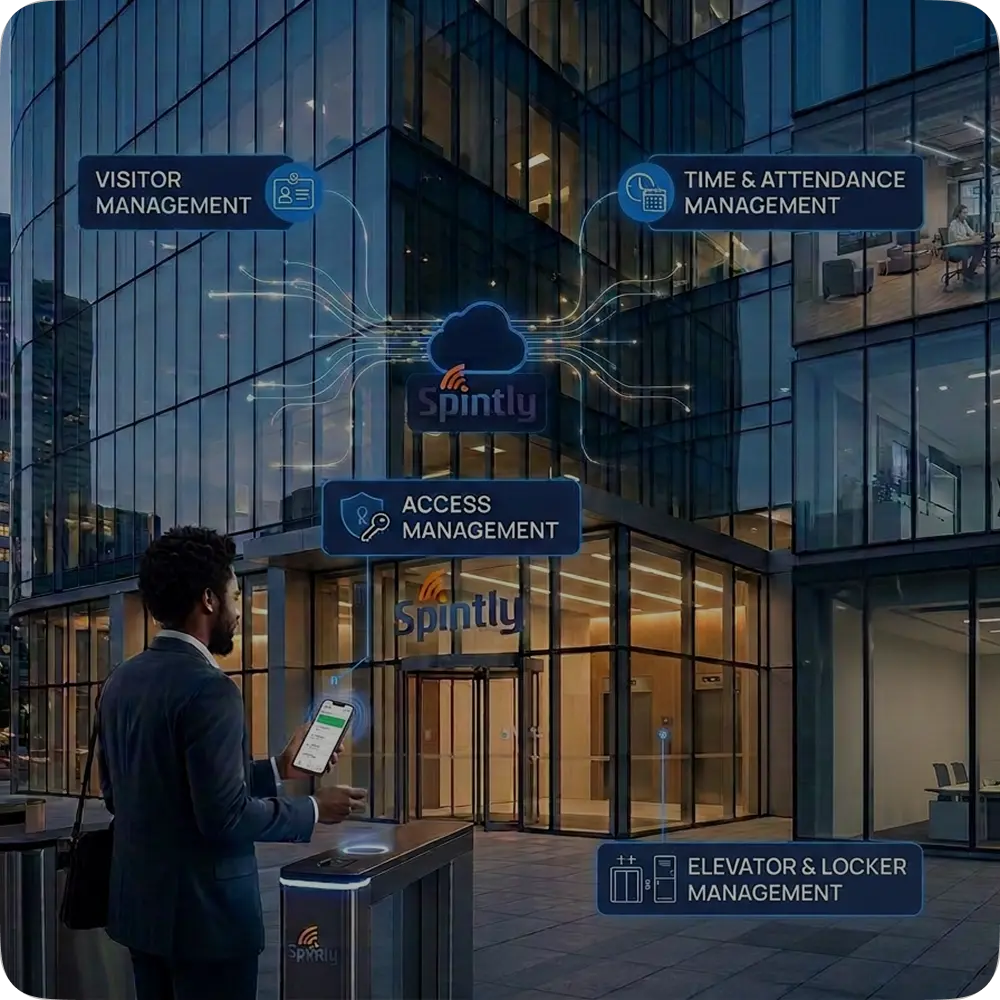
Cloud-based access platforms such as Spintly’s mobile access control system are enabling this shift by allowing organizations to link physical access credentials to user identity, helping centralize how access is granted, monitored, and revoked.

Managing both physical and digital access under a unified identity helps:

  • simplify access management
  • improve auditing and visibility
  • streamline credential provisioning and revocation across locations

It also supports modern security approaches like Zero Trust, where access decisions are increasingly tied to verified identity rather than just location or network presence.

Where Authentication is Headed Next

As organizations continue to adopt MFA and modern access control systems, there is a clear shift away from password-based and static verification methods toward more flexible, identity-driven approaches.

In the coming years, access decisions are likely to depend less on what a user knows, and more on:

  • Who they are
  • Where they’re logging in from
  • How they typically behave

With technologies like passwordless authentication, risk-based access, and unified physical and digital credentials becoming more common, authentication systems are evolving to make access both more secure and easier to manage.

Secure Your Property Today.

Connect with a Spintly Expert within 24 hours.

Get in touch

Explore more blogs