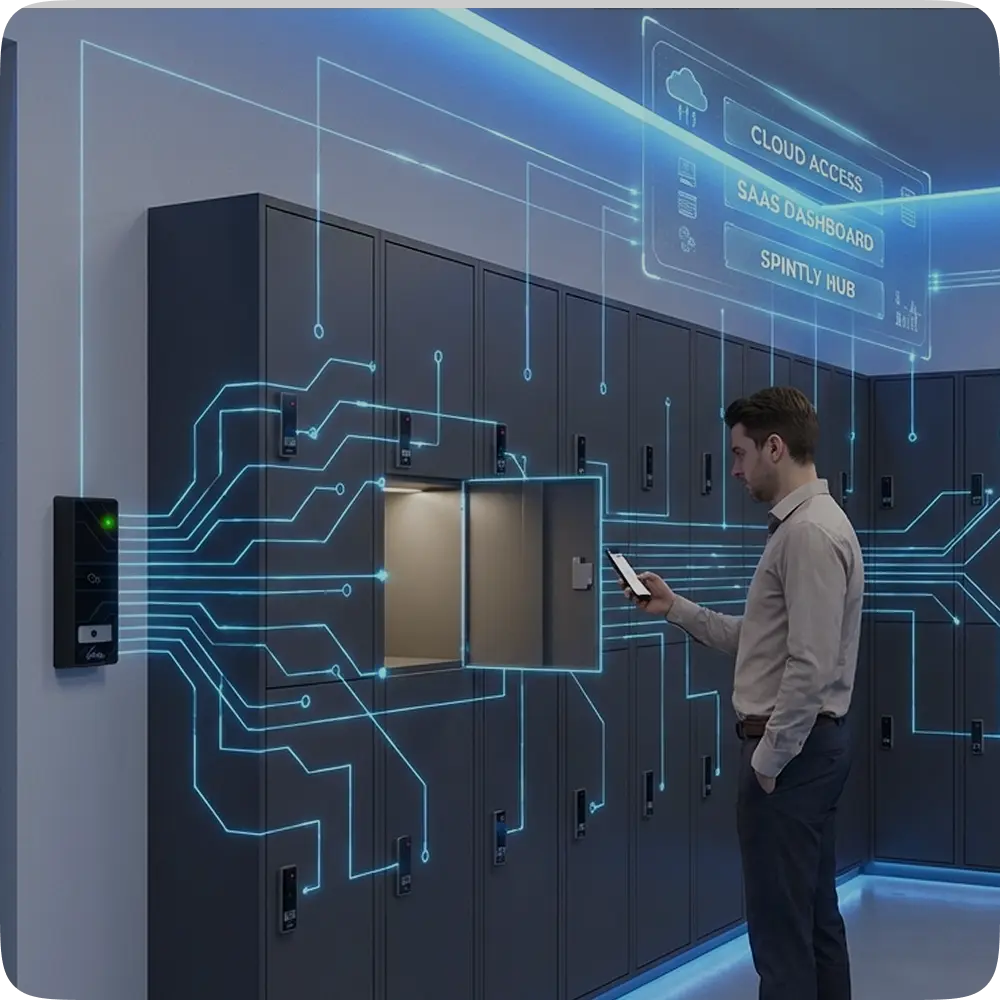
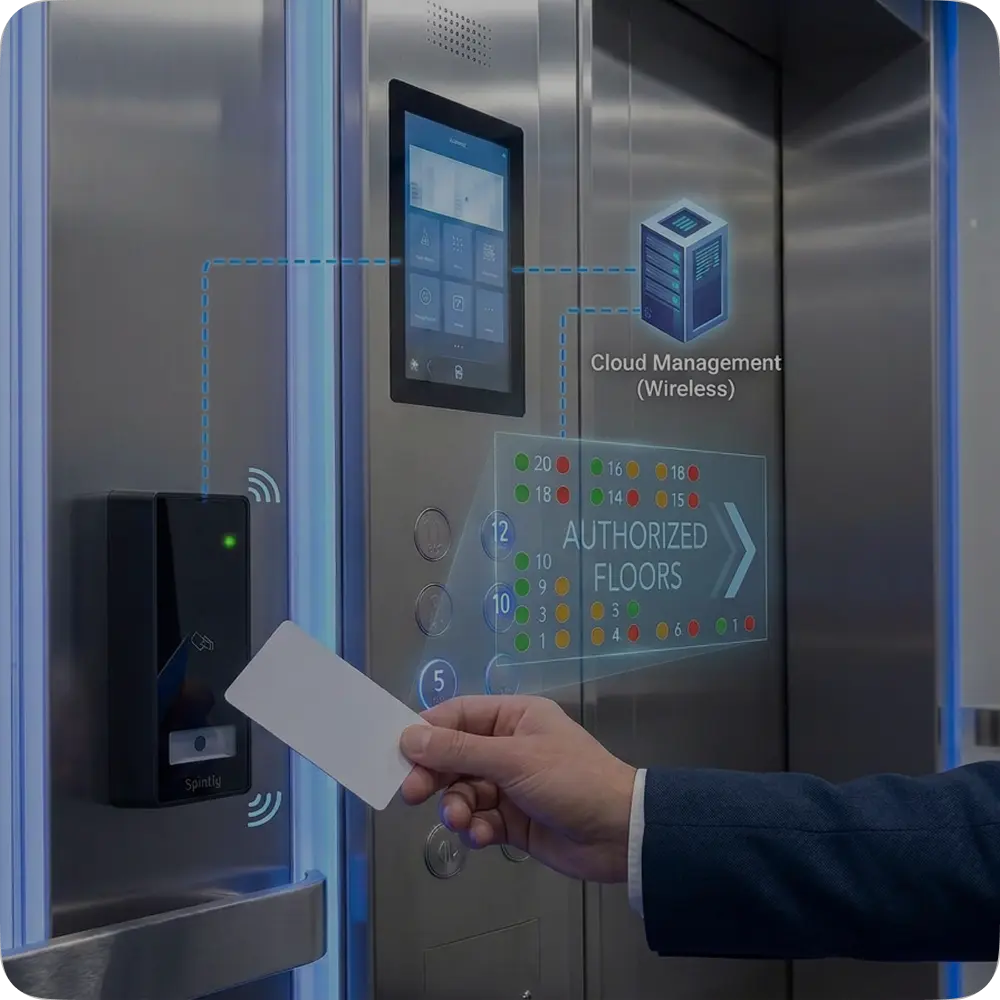
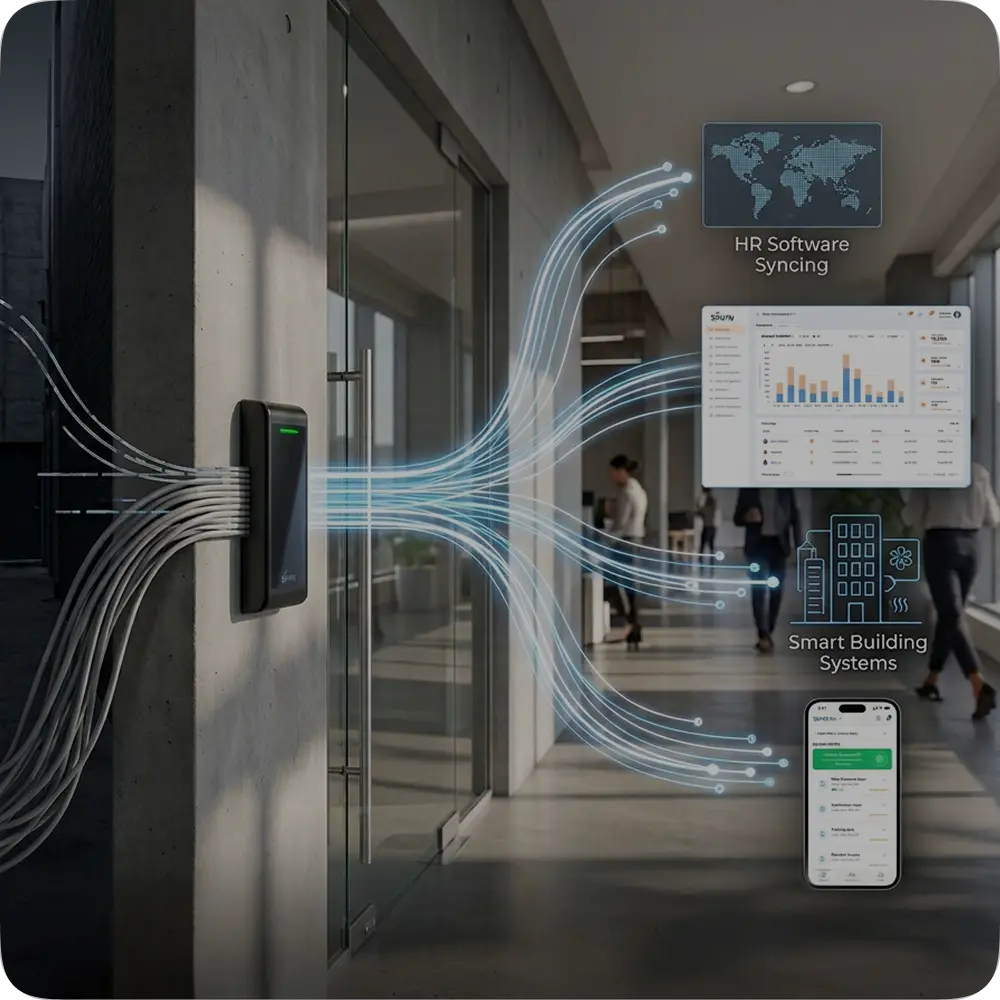
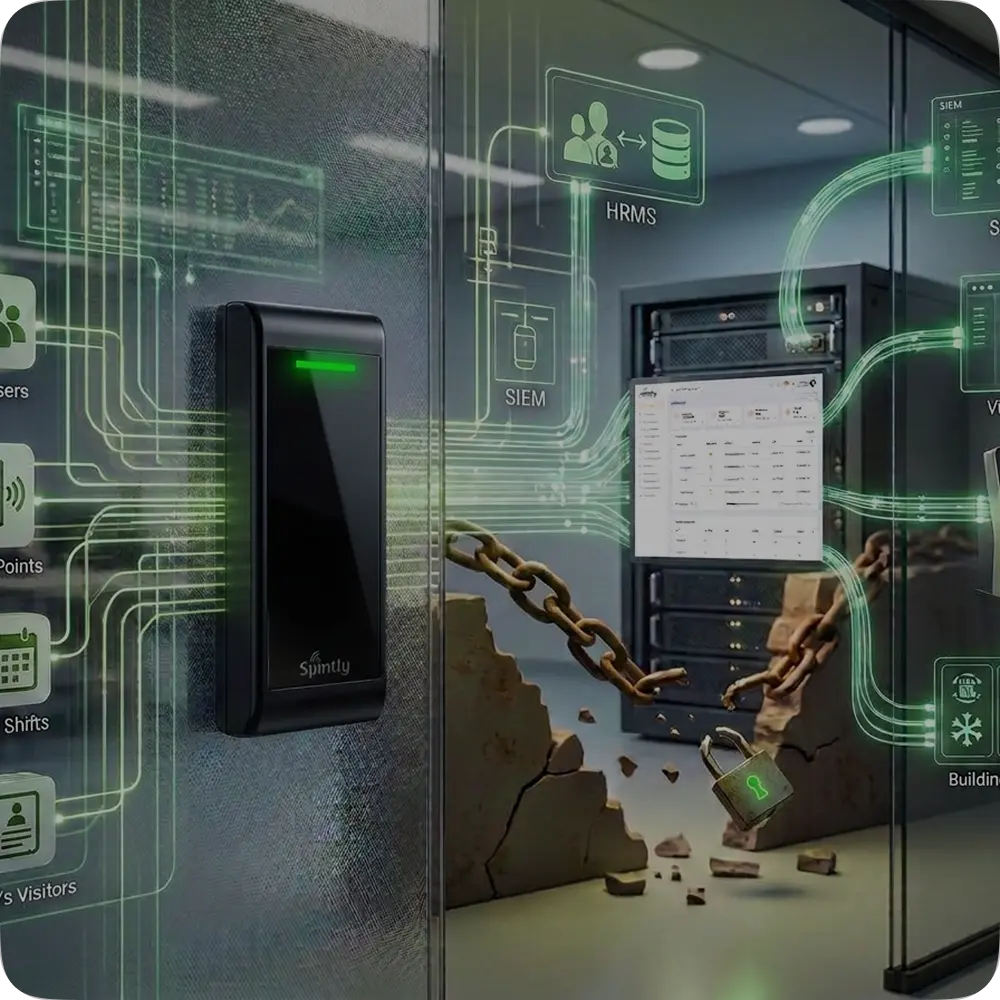
Spintly’s credential management platform is made up of four core components. Each component has a clearly defined responsibility, and together they form the complete system.
- Access Control System (ACS)
The Access Control System remains the system of authority.
It continues to:
- Manage users and identities
- Define access policies and permissions
- Decide which doors a user can access
- Communicate directly with controllers
Scypher does not override or replace the ACS. Instead, it works alongside it. Whenever a credential is required, the ACS initiates the request and remains responsible for permission assignment.
- Spintly Credential Server
The Spintly Credential Server is the cloud-based component of the platform.
Its role is to manage the credential lifecycle, which includes:
- Receiving credential requests from the ACS
- Generating secure digital credentials
- Maintaining credential state (active, suspended, revoked)
- Acting as the central source of truth for credential validity
What the Credential Server deliberately does not do:
- It does not define access permissions
- It does not communicate with door locks
- It does not participate in door-opening decisions
Think of it as the system that creates and manages credentials, not the system that enforces access.
- Spintly Mobile SDK
The Spintly Mobile SDK is how credentials reach users’ phones.
Instead of requiring users to install a separate Spintly app:
- Enterprises or integrators use their own mobile app
- The Spintly SDK is embedded inside that app
The SDK handles:
- Securely fetching credentials from the Credential Server
- Storing credentials on the device
- Supporting multiple access modes such as NFC tap, BLE-based access, QR-based access, and tap/click based intent flows
- Communicating with the reader during authentication
From a user’s perspective, access feels like a native feature of the app they already use. From a system perspective, the SDK acts as a secure carrier for digital credentials.
- Spintly Reader and Existing Controllers
At the physical access point, Scypher integrates into the existing infrastructure.
- The Spintly Reader is installed at the door
- In most enterprise environments, it runs in reader mode
- It connects to the existing controller using standard wired interfaces
The reader’s responsibility is straightforward:
- Read the credential presented by the phone (NFC, BLE, or QR)
- Transmit the credential ID to the controller
The controller:
- Stores credentials locally
- Validates permissions
- Makes the final access decision
- Unlocks the door if access is allowed
In some deployments especially new buildings, the reader can also act as a controller. However, Scypher does not assume this model and works seamlessly with existing controllers.