

How to Choose a Biometric Attendance Machine: A Buyer’s Checklist
A biometric attendance machine records who arrived, when, and who left, without registers, proxy punches or end-of-month guesswork. Choosing one is less about the gadget and more about how it fits your doors, your people and your payroll. This checklist walks through the questions to ask before you buy, whether you run a 30-person office or a multi-site enterprise.
If you want the background first, read Choosing the Right Attendance Machine for Small to Large Enterprises and How to Choose the Right Attendance Punching Machine. This post is the practical shortlist.
1. Fingerprint, Face or Multi-Credential?
The biometric you choose decides how fast people get through and how hygienic the check-in is.
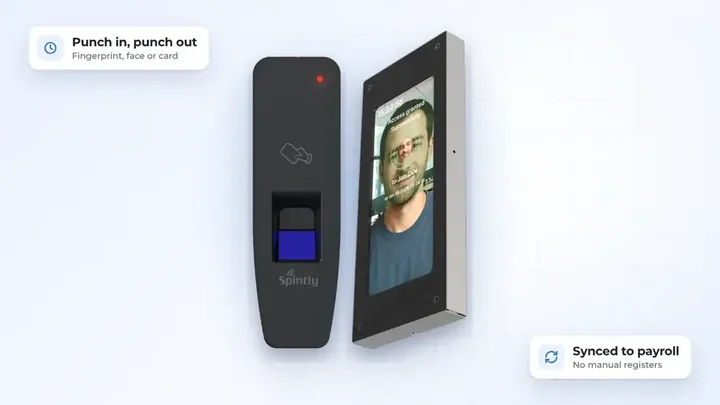
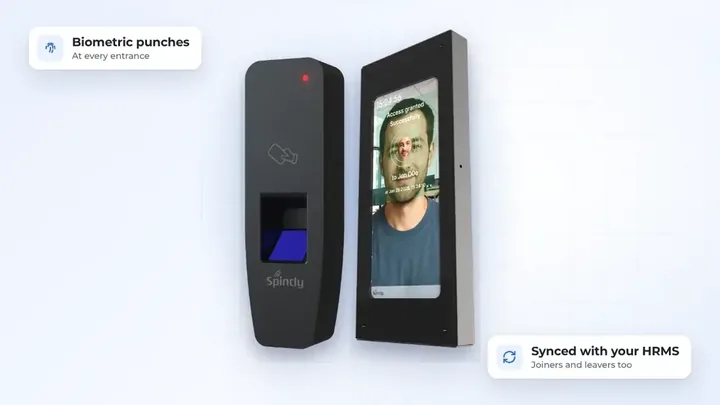
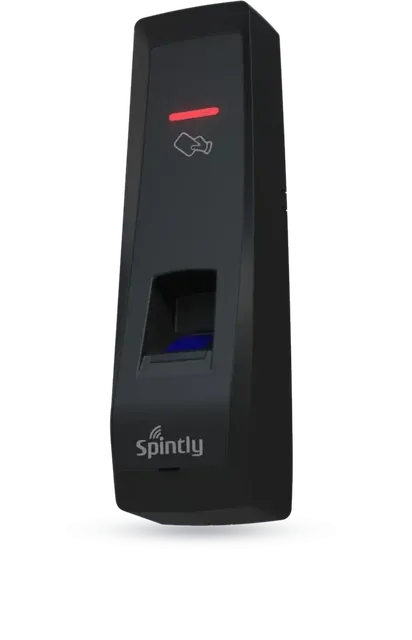
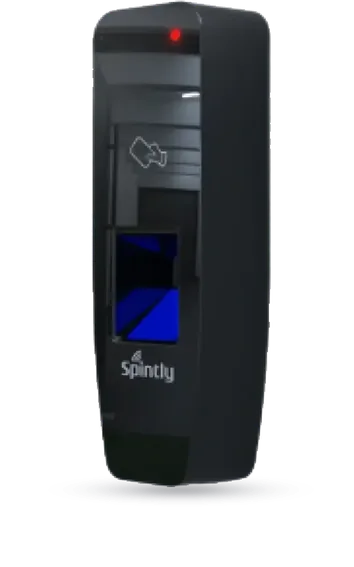
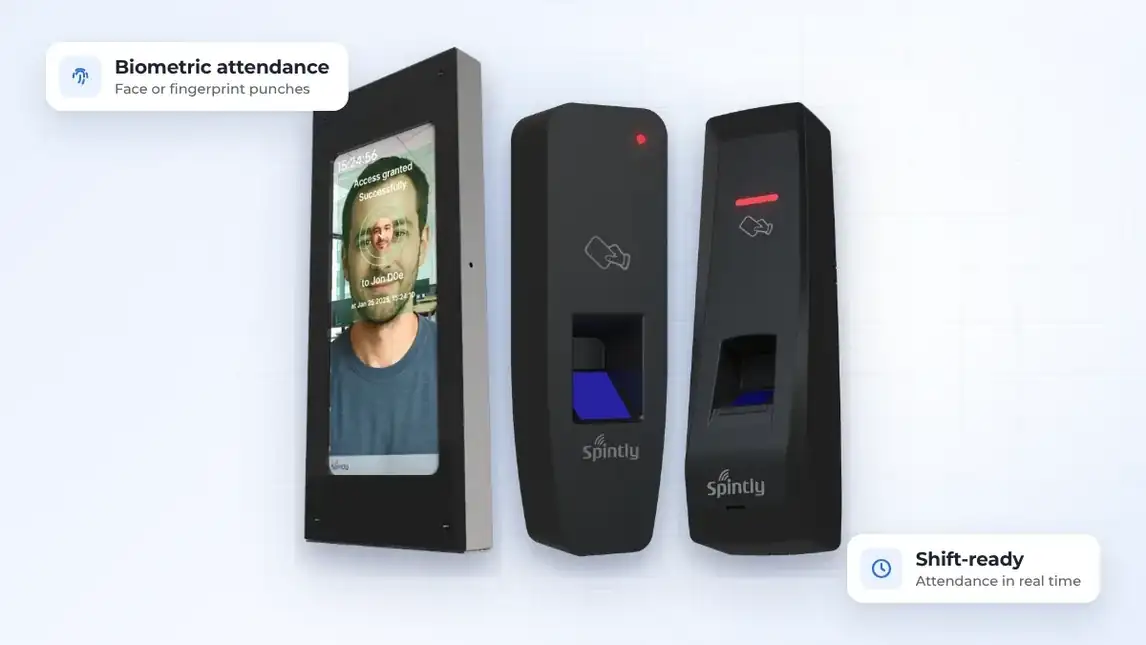
- Fingerprint is the familiar, cost-effective choice for offices and factories. Look at identification speed and template capacity: Spintly HALO identifies a fingerprint in under 330 ms and stores up to 25,000 templates.
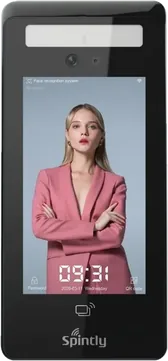
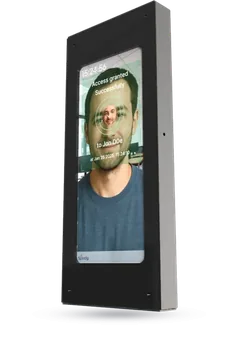
- Face recognition is touchless and quick at shift change. Insist on liveness detection so a photo cannot fool it. Visio 5 verifies a face in under a second with 99.99% accuracy, and Visio 5 Pro adds IP65 protection for outdoor gates.
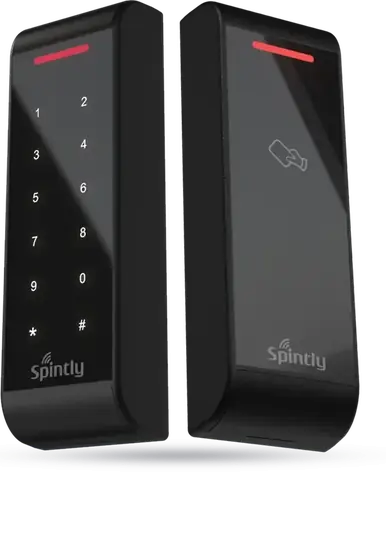
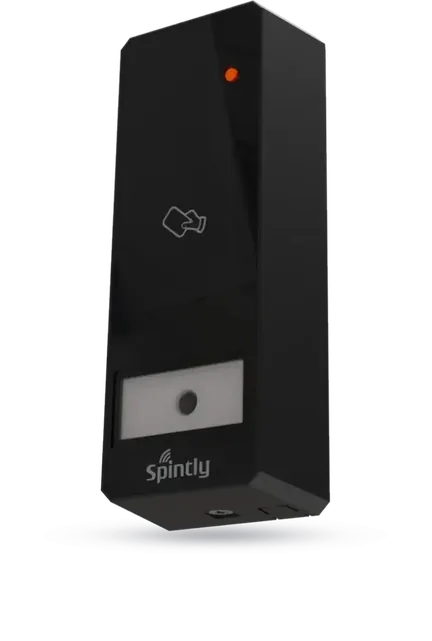
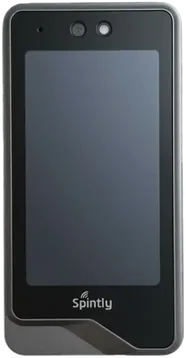
- Multi-credential readers accept a fingerprint, a card and a smartphone on the same device, so contractors and visitors are not left out. The Spintly 3-in-1 does all three.
2. Attendance Only, or Attendance and Access Control?
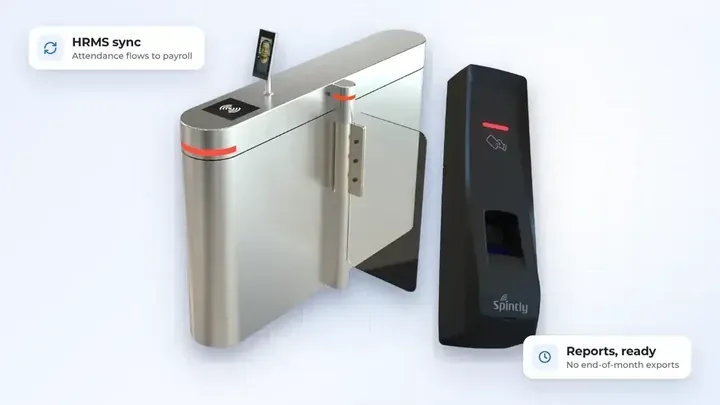
A standalone punching machine records time. A biometric reader on the door records time and decides who may enter, so one device does two jobs and every check-in is tied to a real door event. If you are installing readers anyway, choose a machine that feeds time and attendance directly.
3. Cloud or On-Premise Software?
On-premise attendance software lives on one PC: reports need someone at that desk, and multiple sites mean multiple databases. Cloud-based attendance keeps every site in one dashboard, lets HR pull reports from anywhere and sends firmware updates over the air. Ask whether the vendor charges for servers, licences or upgrades, and who maintains them.
4. Payroll and HRMS Integration
Attendance data is only useful once it reaches payroll. Check for ready integrations with the HRMS you already use, an API for anything custom, and exports your payroll team can open without retyping. Shifts, overtime, leave and late-mark rules should be configured in the software, not calculated by hand.
5. Installation and Wiring
Traditional biometric machines need a cable run to each device and a controller in a server room. Wireless readers on a BLE mesh install in hours, which matters when you add a floor, open a new branch or rent an office you cannot drill through. Ask how long installation takes per door and what happens when the network is down: the device should keep working offline and sync later.
6. Capacity, Speed and Durability
- Users and templates: plan for at least twice your current headcount.
- Speed: at a 9 am rush, a second per person decides whether a queue forms.
- Environment: outdoor gates, dust and factory floors need an IP-rated device.
- Tamper alerts: the machine should report if someone tries to remove or interfere with it.
7. Privacy and Compliance
Biometric data is personal data. Ask how templates are stored and encrypted, who can access them, and how an employee’s data is deleted when they leave. A good vendor gives you consent workflows and role-based admin rights, so only the right people see attendance records.
8. Total Cost, Not Just the Machine Price
The cheapest machine can be the most expensive system. Add up cabling and installation, software licences, servers, support visits and the HR hours spent fixing records. Cloud-managed wireless devices usually cost less to run over three to five years, even when the device itself is not the cheapest on the list.
Quick Checklist
- Right biometric for your site: fingerprint, face with liveness, or multi-credential
- Works as an access control reader as well as an attendance machine
- Cloud dashboard for every site, with remote updates
- HRMS and payroll integration, plus an API
- Wireless installation and offline operation
- Enough capacity, speed and IP rating for your doors
- Clear data protection and deletion policy
- Total cost over three to five years
Conclusion
The best biometric attendance machine is the one your employees use without thinking and your HR team trusts at month end. Shortlist devices on the checklist above, then ask for a demo on your own doors. Spintly’s biometric readers and face recognition terminals record attendance and control access on one wireless, cloud-managed platform: explore the range or talk to an expert below.